

A sales cadence builder is the tool that turns a follow-up plan into scheduled calls, texts, emails and voicemails that run on their own. For an insurance agent, the plan matters more than the tool. A good cadence reaches a new lead in minutes, spaces later touches over about two weeks, stops the moment the lead replies or opts out, and then moves the lead to a slower nurture track. CallBack is an AI-powered CRM built for insurance agents, with automated follow-up over SMS, email and voicemail and pipelines made for insurance sales. This guide covers how to design the cadence, a template to start from, the automation rules and the compliance limits.
TL;DR
- A cadence is a fixed order of touches, each with a channel, a day and one job, that ends at a reply, a booked appointment or a planned stop.
- For new insurance leads, a 14-day, 9-touch sequence is a workable starting template, followed by a monthly or quarterly nurture track.
- Triggers, consent fields, branching and exits are what make a cadence safe to automate. A STOP reply must remove the contact from every active sequence.
- Medicare, TCPA and CAN-SPAM rules limit which channels a cadence can use and for whom.
- Track response time, contact rate, appointments booked and opt-outs, then change one variable at a time.
Table of Contents
- What a sales cadence builder does
- How to design a cadence in six steps
- A 14-day, 9-touch template for new insurance leads
- Tailor the cadence to the product and the lead source
- Cadence automation: triggers, branches and exits
- Rules that limit what a cadence can send
- Metrics that show the cadence is working
- Put the cadence to work in CallBack
- Our view on cadences
- FAQ
- Sources
What a sales cadence builder does
A cadence is a planned series of contact attempts. Each attempt has a channel (call, text, email, voicemail), a timing and a purpose. A builder is the software screen where those steps are laid out and where rules decide who enters, who skips a step and who leaves.
Without a builder, follow-up depends on memory. Agents call a new lead once, mean to try again, and the lead goes cold. With a builder, the CRM creates the next task or sends the next message on schedule. That matters in insurance because most leads are shopping several agents at once, and the first agent to reach them has the advantage.
A builder should do five things:
- Start a sequence automatically when a lead is created.
- Mix channels in one sequence.
- Pause or branch when the lead replies.
- Stop on booked appointment, sale, opt-out or do-not-contact.
- Record every touch on the contact record.
CallBack covers these through its workflow automation, pipeline management and automated follow-up by SMS, email and voicemail. Its guide to sales automation workflows for insurance agents shows how those pieces connect.
How to design a cadence in six steps

1. Pick one segment and one trigger
Do not build one sequence for everyone. A final expense lead who requested a quote an hour ago needs a different sequence from a Medicare prospect who attended a webinar. Choose a single segment (for example, purchased mortgage protection leads) and a single trigger (lead created, form submitted, webinar attended).
2. Name one goal and every exit
The goal is usually a booked appointment or a live conversation. List every way the lead leaves the sequence: appointment booked, policy sold, any reply, STOP, do-not-contact. Each exit needs a human handover, meaning a task or alert that tells an agent to take over.
3. Draw the shape before writing copy
Sketch the number of steps, the day of each, the channel and the spacing. Early steps sit close together and gaps widen later. Length depends on deal size, how reachable the person is and how strong the trigger is. A fresh quote request justifies more touches in the first days than a cold list does.
4. Give each step one job
Step one confirms the request. Step two offers a time to talk. Step three adds a useful fact. Step four asks a direct question. A step that tries to do all of these gets ignored.
5. Write copy last, shortest first
Text messages should be a sentence or two, reference the exact request and name a real person. Emails can carry one idea. Voicemails should be short enough to finish before the beep cuts them off.
6. Test by hand before automating
Run the sequence manually on a small group, such as twenty leads, and read the replies. Fix confusing wording and bad timing before the system sends it at volume.
A 14-day, 9-touch template for new insurance leads
This is a starting template for leads who asked for a quote or were purchased. It follows a widely used pattern of fast first contact and a two-week spread. CallBack publishes its own version in a 14-day, 9-touch insurance sequence with a TCPA checklist.
| Touch | Timing | Channel | Job |
|---|---|---|---|
| 1 | Within 5 minutes | Call | Reach the lead while the request is fresh |
| 2 | Within 5 minutes, if no answer | Text | Name the agent and the request, offer a time |
| 3 | About 1 hour later | Call | Second attempt |
| 4 | End of day 1 | Summarize what was requested and how to book | |
| 5 | Day 2 | Call plus short voicemail | Leave a clear reason to call back |
| 6 | Day 3 | Text | Ask one simple question |
| 7 | Day 5 | Call | Third live attempt |
| 8 | Day 8 | Send one useful fact for their product | |
| 9 | Days 12 to 14 | Call plus text | Final attempt, then close the sequence |
After touch 9, leads who never responded move to a long-term nurture list: a monthly email and a quarterly check-in. Nurture is a separate sequence with its own goal, which is staying known until the person is ready. For choosing intervals and handing prospects from a first cadence to ongoing nurture, this piece on lead nurturing strategies is a useful companion.
Do not contact every day. Daily messages from one agent, on top of calls from several others, push prospects to ignore all of them. Spacing and variety do more than volume.
Tailor the cadence to the product and the lead source
One template does not fit every line of business. Use CRM fields to decide which branch a contact enters.
- Line of business. Final expense, mortgage protection, IUL, annuity, Medicare and P&C prospects ask different questions. Store the product on the contact and choose copy and objection emails from it.
- Lead source. A fresh inbound quote request deserves the full 14-day sequence with immediate calls. An older purchased list may warrant a shorter, lower-priority run. Webinar attendees can skip the first-contact steps and start with a follow-up tied to the session.
- Eligibility and renewal dates. Medicare enrollment periods, policy anniversaries and renewal dates are natural triggers. Tag contacts by enrollment season and schedule cross-sell touches around those dates.
- Lifecycle stage. A prospect who already has a quote should get messages about the decision, not an introduction.
CallBack’s pipelines are built for insurance sales, so these stages and fields reflect how agents work rather than a generic sales funnel. Its collection of CRM workflow examples for insurance shows common setups.
Cadence automation: triggers, branches and exits
Automation is where a cadence either saves time or creates risk. Build these rules in order.
- Trigger the moment the lead exists. Use a new-lead event or a form submission, not a batch that runs hourly. Speed is the point.
- Gate every text on a consent field. Record consent at capture, including the wording the lead agreed to and the time. If the field is empty, treat it as no consent and skip the text step.
- Send an instant text and email. Reference the exact request and name a human.
- Create a first-call task. The assigned agent gets a task to dial right away.
- Branch on behavior. A reply pauses the sequence and alerts the agent. No reply lets the next touch fire.
- Wire the exits. Booked appointment, policy sold, STOP reply and do-not-contact each remove the person from every active sequence on every channel, not only the one where the request came in.
- Schedule the follow-on touches. Spread them across the two weeks.
- Review exceptions. Look weekly at contacts who bounced, opted out or never matched a branch.
Two hard stops apply to any cadence: stop at the first reply of any kind, and stop at the planned end. Sequences that keep running after a person has answered feel like spam.
Deliverability affects whether the messages arrive at all. CallBack’s texting setup uses unique message hashing, iMessage deliverability and carrier-approved verbiage. Its email automation guide covers three email workflows for insurance agents.
Rules that limit what a cadence can send
Automation multiplies mistakes. A system that texts hundreds of leads an hour can break consent rules hundreds of times an hour. Build the following into the sequence. For specific situations, a TCPA attorney or compliance officer should review the setup before it runs at volume.
Email. The FTC’s CAN-SPAM rule, effective January 1, 2004, bars false or misleading header and subject information. It requires a working opt-out, bars sending commercial email more than 10 business days after an opt-out, and requires a clear advertisement identification, an opt-out notice and a valid physical postal address. CallBack’s CAN-SPAM guide for insurance agents covers how to automate opt-outs within that window.
Texts and automated calls. The Telephone Consumer Protection Act (TCPA) requires prior express written consent for marketing texts and robocalls. Consent for one quote request does not automatically cover an unrelated newsletter or a different product’s drip campaign. Store the consent language on the contact record at capture. The FCC has also been changing its revocation rules, so a person who says stop should be removed from all marketing messages, not just one sequence. The agency’s rules have shifted in recent years, so check the FCC’s current text when you set up opt-out handling. CallBack’s guide to building a TCPA-compliant texting audit trail lays out a record-keeping routine.
Medicare. CMS marketing rules for plans and their agents and brokers prohibit unsolicited direct contact, including telephonic or electronic solicitation such as texts and electronic voicemail. Contact after a person gives permission must be tied to that event. Medicare agents should build cadences that begin only after a documented request or permission. See CallBack’s walkthrough of CRM steps to prove CMS Medicare marketing compliance.

Metrics that show the cadence is working
Review these numbers monthly, by lead source and by line of business.
- Speed to first contact. Minutes from lead creation to first call or text. This is the number agents control most directly.
- Contact rate. Share of leads you reached live or who replied.
- Appointments booked per 100 leads. The metric that connects the cadence to revenue.
- Touch at which people respond. If most replies come at touch 3, front-load more effort there. If almost none come after touch 7, shorten the sequence.
- Opt-out and complaint rate. A rise means the messaging or the frequency is off.
Change one variable at a time: a subject line, a day, a channel. Changing three at once tells you nothing. Published speed-to-lead studies agree on the direction (faster response wins more conversations), but the exact multipliers come from older studies, so use your own response and appointment data as the benchmark. CallBack’s lead generation workflow tutorial shows how to connect lead capture to these follow-up stages.
Put the cadence to work in CallBack
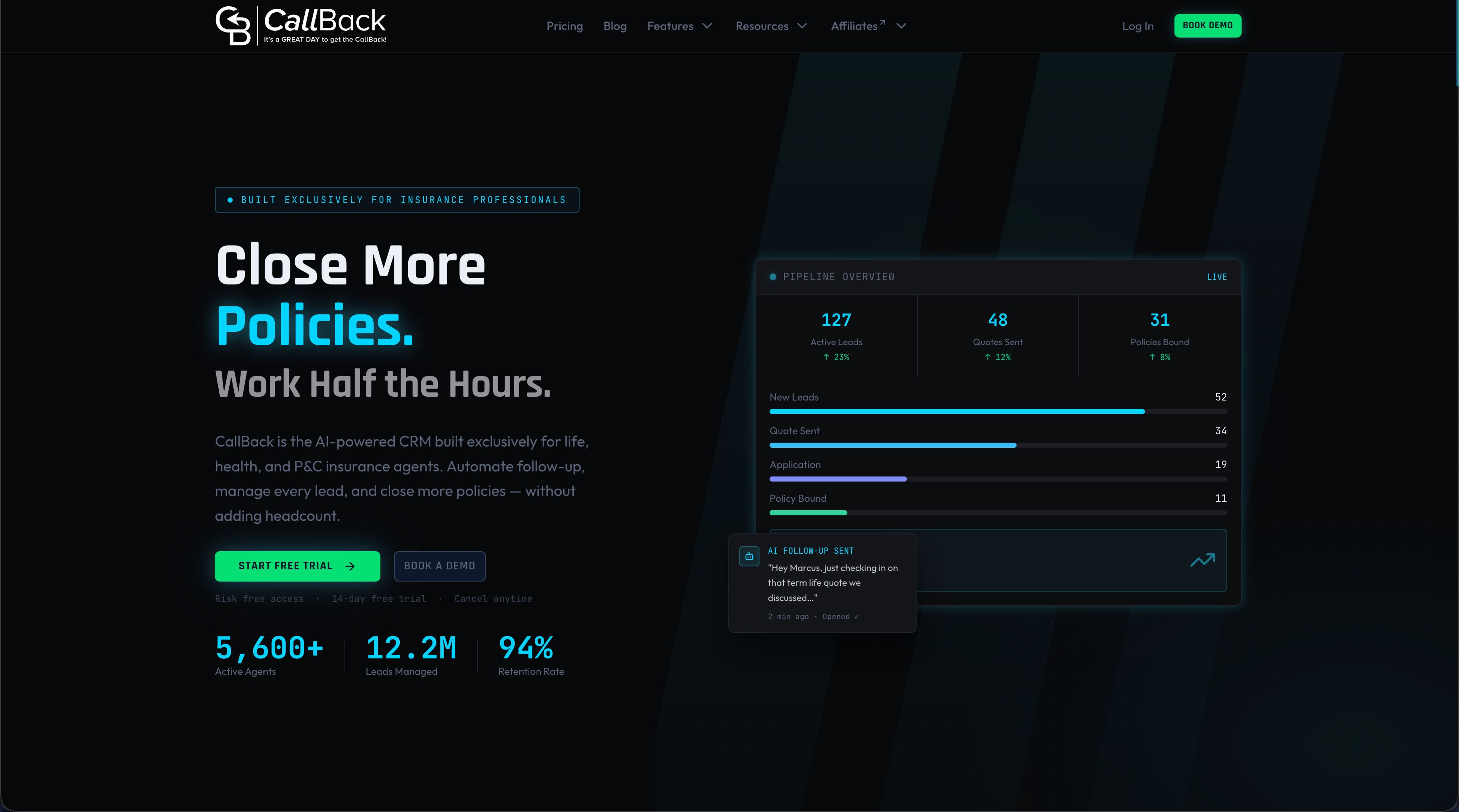
CallBack combines CRM, pipelines, SMS, email and voicemail follow-up, workflow automation, AI assistants and reporting in one platform for insurance agents, agencies and IMOs. The Professional plan is $97 per month. Enterprise plans are $297 per month for 10 full CRM accounts, $397 per month for 25 and $497 per month for 60. An Unlimited AI Employee Bundle is $127 per month, and phone numbers cost $2.30 per month each. SMS, email and AI usage are billed at wholesale rates, listed on the fees page. Agents can start on the Professional plan, and agencies with several producers can look at the Enterprise plans.
Our view on cadences
Most agents do not lose leads because their pitch is weak. They lose them because the second, third and fourth touch never happen. A cadence fixes that, but only if it is built for insurance: the right pipeline stages, the right product branches and a hard stop when someone says no.
We built CallBack for insurance sales workflows, so follow-up by text, email and voicemail sits next to the pipeline and the contact record. That reduces manual work, speeds up follow-up and keeps outreach in one place instead of spread across several tools.
Our advice is to start small. Build the 14-day sequence for one lead source, test it by hand, then automate it. Add the nurture track after that. Agents who do this in order end up with a system they trust.
Kyle
FAQ
What is the difference between a cadence and a drip campaign?
A drip campaign sends a preset series of messages, usually email, on a timer. A cadence mixes channels, including calls and voicemail, and creates tasks for the agent. In insurance, the first two weeks are usually a cadence and the long-term follow-up is a drip.
How many touches should an insurance cadence have?
For new inbound leads, 7 to 9 touches over about 14 days is a common design. After that, move non-responders to a monthly or quarterly nurture track instead of continuing daily contact. Adjust by lead source and by how many of your own leads respond at each step.
Can a cadence text Medicare prospects?
CMS rules restrict unsolicited electronic and telephonic contact with potential enrollees. Medicare agents should start a cadence only after a documented request or permission, and keep contact tied to that event. Confirm your setup with your compliance contact.
What should happen when a lead replies?
The sequence should pause on every channel and alert the assigned agent at once. A reply of STOP or a do-not-contact flag should remove the person from all active sequences.