

Encryption at rest scrambles stored data so that anyone who gets the disk, backup or device without the key sees only unreadable characters. For an insurance agency, the stored data is client names, dates of birth, health details, policy numbers, call recordings and signed contracts. The practical question is not only whether encryption at rest exists, but where it is applied, who holds the keys and what it does not stop. A CRM hosted on Google Cloud starts with encryption at rest applied by the cloud provider by default. Your own laptops, phones and exports are the parts you still have to check.
TL;DR
- Encryption at rest protects data stored on disks, databases, backups and devices. It does not protect data while it travels over a network, and it does not stop a person who logs in with a valid password.
- AES-256 is the most common standard for bulk storage encryption. The key matters as much as the algorithm.
- Cloud providers encrypt customer content at rest by default. Laptops, phones and downloaded lead lists need their own encryption turned on.
- Insurance regulators expect licensees to protect nonpublic client information, and encrypted data is treated differently when a breach is assessed.
- Check four places: the CRM, company devices, backups and exported files.
Table of Contents
- What encryption at rest means
- What threat it actually stops
- What it does not cover
- Methods and the role of AES-256
- Keys: who holds them
- Why it matters for insurance agencies
- How to check whether your data is encrypted at rest
- A short policy for a small agency
- Perspective
- Keeping client data in one secure system
- FAQ
- Sources
What encryption at rest means
Data exists in three states: in transit (moving across a network), in use (open in memory on a screen) and at rest (sitting in storage). Encryption at rest covers the third state. AWS defines data at rest as stationary data in storage or written to disk, including block storage, object storage, database repositories, network-attached storage and storage area networks.
For an agency this includes:
- The CRM database that holds contacts, notes, pipeline stages and conversation history.
- Laptops and phones that sync email, text messages and files.
- Backups, whether on an external drive or in cloud storage.
- Spreadsheets of leads, exported reports and scanned applications.
- Signed contracts and e-signature records.
The data is encrypted when written to storage and decrypted when an authorized user or system reads it. Both steps use a key. Without the key, the stored data is useless to whoever holds the disk.
What threat it actually stops
The core threat is physical or storage-level access. Microsoft describes it this way: if an attacker obtains a drive but not the keys, they must defeat the encryption to read the data, which is far more complex and resource-consuming than reading unencrypted data. The standard example is a hard drive removed during maintenance and read on another computer.
For most agents, the realistic version of this threat is simpler:
- A laptop is stolen from a car or left at an airport.
- A phone is lost at a kitchen-table appointment.
- An old computer is sold or recycled without being wiped.
- A backup drive goes missing.
NIST’s guide to storage encryption defines full-disk encryption as protecting all information on a computer that is not booted. It also notes that once the operating system is loaded, the operating system is responsible for protecting unencrypted information. In plain terms: encryption at rest protects a powered-off, locked device. Once you are signed in, the data is readable to you and to anything running as you.
What it does not cover
Encryption at rest is one layer, not a full defense. OWASP’s guidance says the first design step is the threat model: who you are protecting the data against. It adds that the right encryption layer depends on that answer, and that hardware-level encryption defeats physical theft but gives no protection against remote server compromise.
That means it works alongside other controls:
| Threat | Encryption at rest helps? | What also applies |
|---|---|---|
| Stolen or lost laptop | Yes, if full-disk encryption was on | Strong login, remote wipe |
| Stolen backup drive | Yes | Key kept separate from the drive |
| Phishing that captures a password | No | Multi-factor authentication |
| Staff member exports a lead list to personal email | No | Role-based access, export limits |
| Data moving between app and browser | No, this is encryption in transit | HTTPS |
NIST also points out a gap that matters for file-based tools: file-level encryption software cannot protect the confidentiality of filenames and other file metadata, which can itself reveal useful information. A file named after a client still reveals the client if only the contents are encrypted.
Methods and the role of AES-256
Storage encryption is usually symmetric: one key encrypts data as it is written and the same key decrypts it when it is read. The SNIA storage security whitepaper states that the dominant block cipher is AES, and that most persistent bulk encryption uses AES-256. OWASP recommends AES with at least a 128-bit key, ideally 256 bits, in a secure mode.
The layer where encryption happens varies:
- Full-disk encryption, such as BitLocker on Windows, protects an entire drive.
- Database encryption, often called transparent data encryption, protects the database files on the server.
- Application-level or field-level encryption protects specific values, such as a Social Security number field, inside the application.
The SNIA paper explains that the point where data turns from plaintext to ciphertext decides what is protected. If an administrator can read data after it has been decrypted for use, disk encryption alone will not stop that. This is why access controls and audit logs matter next to encryption.
Does BitLocker count?
Yes. BitLocker is full-disk encryption for Windows, and the Department of Defense’s Windows 10 security guide requires it on all disks so information is protected even when the operating system is not running. Macs have a comparable built-in feature, FileVault.
Is Google Drive or Google Cloud encrypted at rest?
Google states that it encrypts customer content at rest by default. Storage-level data keys use AES-256, with exceptions for some older Persistent Disks and legacy hard drives that use AES-128, as described in Google’s default encryption documentation. The same page covers key management and Google’s cryptographic library.
Keys: who holds them
Encryption is only as strong as the control of its keys. Cloud platforms generally offer three arrangements. The AWS documentation for Aurora databases describes them clearly: an AWS-owned key that the customer cannot view or manage, an AWS-managed key visible in the account, and a customer-managed key that the customer creates, owns and can audit.
For a small or mid-size agency, provider-managed keys are the normal arrangement. Microsoft’s cloud security benchmark advises customer-managed keys when regulatory compliance, data-sovereignty mandates or contractual obligations require direct control of key custody. Larger agencies and IMOs with carrier contract requirements should read their carrier agreements to see whether such a requirement applies.
For your own devices, key handling is more personal:
- Store the BitLocker recovery key or FileVault recovery key somewhere other than the device.
- Keep a record of who can recover keys when a staff member leaves.
- Plan rotation before you need it. OWASP notes that key-rotation processes must exist before they are needed and that old keys should be kept for a time after retirement in case old backups need to be decrypted.
Why it matters for insurance agencies
Insurance data is sensitive by nature. A final expense file may hold a beneficiary, a bank account and health answers. A Medicare file holds a Medicare number and prescriptions. A mortgage protection file holds a property address and loan details.
State insurance regulators have set expectations for licensees. The NAIC Insurance Data Security Model Law, the template many states have adopted in their own versions, calls for protecting nonpublic information, including encrypting nonpublic information in transit over external networks and stored on laptops or other portable devices. It also provides that the unauthorized acquisition of encrypted information is not treated as a cybersecurity event if the encryption, process or key is not also acquired or used without authorization. Requirements differ by state and by licensee size, so confirm the version your state adopted with your state department of insurance.
Our own guidance on CRM data privacy and compliance for insurance agencies goes further into the compliance side.
The broader security picture applies to any business that stores customer data online. A general read on cybersecurity for online businesses shows how encrypted backups and cloud storage fit into everyday operations.

How to check whether your data is encrypted at rest
Run this check once a quarter and whenever you add a device or tool.
1. Your CRM and cloud tools
Ask where the data is hosted and what the hosting provider does by default. Look for the provider’s published documentation on encryption at rest, as above. Confirm who controls the keys and whether your plan offers any key options. Also confirm that every user has their own login, since encryption does not limit what a signed-in user can see.
2. Laptops and desktops
On Windows, Microsoft’s BitLocker guide lists several ways to see status: the BitLocker control panel, the manage-bde command-line tool and the Get-BitLockerVolume PowerShell command. The last one reports encryption method, volume status and encryption percentage. A healthy drive shows as fully encrypted with protection on. On a Mac, open System Settings and check that FileVault is on.
One detail from the same guide: encrypting only used disk space suits drives that never held data. For a computer that already holds client files, or once held unencrypted sensitive data, full-disk encryption is recommended, because deleted files appear as free space that used-space-only encryption does not cover.
3. Phones and tablets
Modern iPhones and Android phones encrypt storage when a passcode is set. The condition is the passcode. A phone with no lock screen leaves the data readable to whoever picks it up. Require a passcode on every phone that holds client texts or CRM access.
4. Backups and exports
Backups are the most overlooked place. NIST’s July 2026 draft of its storage infrastructure guidance lists weak or absent encryption at rest, loss of custody of removable media and media theft among root causes of data-protection failures, and calls for backup plans that specify encryption plus key retention and rotation. For an agency, that means encrypted external drives, encrypted cloud backup and a rule against leaving lead spreadsheets in downloads folders.
OWASP adds a useful principle: the best way to protect sensitive information is often not to store it at all. Delete old exports and avoid collecting data you do not need.
A short policy for a small agency
- Turn on full-disk encryption on every company computer.
- Require passcodes and automatic lock on every phone.
- Keep client data in the CRM rather than in personal email or spreadsheets.
- Use multi-factor authentication on the CRM, email and carrier portals.
- Store recovery keys separately and record who can access them.
- Remove access the day a licensed agent or assistant leaves.
- Review the list every quarter.
Perspective
Agents ask us about encryption at rest because carriers, state regulators and clients now ask them. The honest answer has two parts. First, the platform where your client records live should sit on infrastructure with encryption at rest built in. CallBack is hosted on Google Cloud, and Google encrypts customer content at rest by default.
Second, the weak points in most agencies are not in the data center. They are a laptop without disk encryption, a lead list sent to a personal email, or a former assistant who still has a login. Keeping client conversations, contracts and pipeline in one system reduces the number of places where copies of client data sit.
We built CallBack for insurance workflows so that follow-up, contracts and reporting live in one place. Fewer scattered files means fewer things to encrypt, track and delete. For the controls an agency should own on its side, see our article on Google Cloud CRM security for insurance agencies.
Kyle
Keeping client data in one secure system
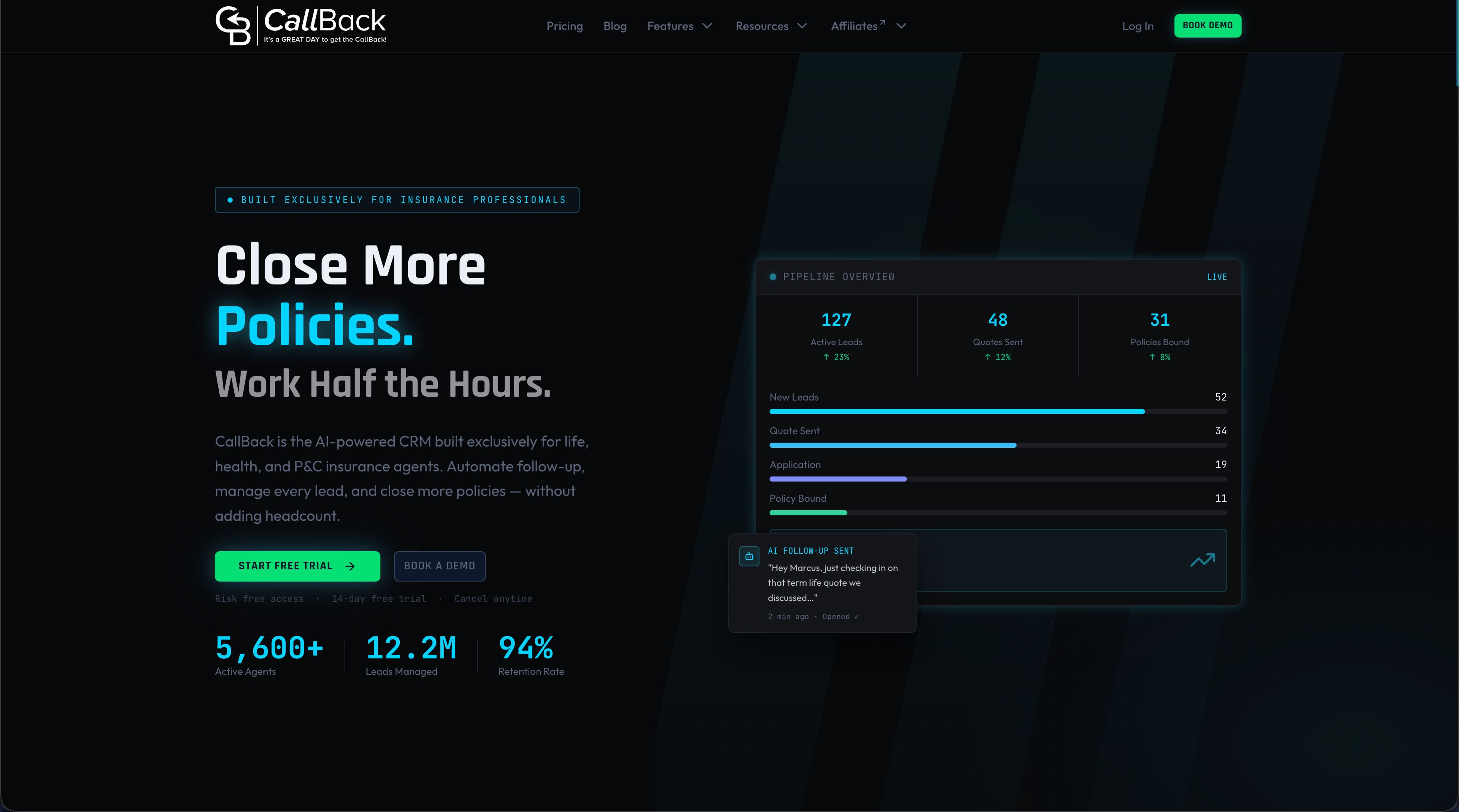
CallBack is an AI-powered CRM and sales automation platform for insurance agents, agencies and IMOs. It brings pipeline management, SMS, email and voicemail follow-up, e-signature contracts and reporting into one account, hosted on Google Cloud. The Professional plan is $97 per month, and Enterprise plans start at $297 per month for 10 full CRM accounts. SMS, email and AI usage are billed separately at wholesale rates, as listed on the fees page. Agents can start on the Professional plan.
For more on how cloud hosting protects CRM records, read the role of cloud security in CRM.
FAQ
What is the best encryption for data at rest?
AES-256 in a secure mode is the common choice for bulk storage. SNIA notes that XTS-AES-256 and GCM-AES-256 are the most commonly used modes. Most agencies do not pick the algorithm themselves. They confirm that the platform and devices use a standard, widely reviewed method and that full-disk encryption is switched on.
Is data at rest encryption the same as encryption in transit?
No. Encryption at rest protects stored data on disks, databases and backups. Encryption in transit protects data moving between devices, such as a browser and a server. A complete setup uses both, and neither replaces strong logins and access limits.
Does encryption at rest stop a hacker who steals a password?
No. When a valid user signs in, the system decrypts data for that user. That is why multi-factor authentication, unique logins per person and role-based access sit next to encryption in any sound security setup.
Does BitLocker count as encryption at rest?
Yes. BitLocker encrypts the full drive of a Windows computer, so the data is unreadable when the device is off or the drive is removed. On a Mac, FileVault does the same job.
Sources
- Encryption best practices and features for AWS services
- Azure data encryption at rest
- NIST SP 800-111, Guide to Storage Encryption Technologies for End User Devices
- OWASP Cryptographic Storage Cheat Sheet
- SNIA, Storage Security: Encryption and Key Management
- DoD Windows 10 STIG finding V-220702
- Google Cloud default encryption at rest
- Encrypting Amazon Aurora resources
- Microsoft cloud security benchmark v2, Data Protection
- NAIC Insurance Data Security Model Law
- NIST SP 800-209r1 initial public draft
- BitLocker operations guide, Microsoft Learn
- Cybersecurity for online businesses