

TL;DR:
- Specialized CRMs improve compliance, policy management, and renewal tracking for health agents.
- Rapid response automation significantly boosts lead conversion rates, with five-minute responses being optimal.
- CRMs enhance long-term retention and referrals through automated reminders, engagement, and tracking.
If you’re a solo health insurance agent or running a small agency, you’ve probably heard that CRM platforms are built for big enterprises with large sales teams. That’s a myth worth dropping immediately. CRM automates follow-ups, reminders, and lead tracking, which means even a one-person operation can compete at a much higher level. The speed advantage alone is staggering: agents who respond to leads within five minutes are nine times more likely to convert them. This guide walks you through exactly how to use CRM tools to generate better leads, close more enrollments, and keep clients coming back year after year.
Table of Contents
- Why health insurance agents need a specialized CRM
- Automating lead generation and response with CRM
- Streamlining sales, enrollment, and compliance with automation
- Maximizing renewals, referrals, and ongoing engagement
- Why most health agents undervalue CRM and what actually makes the difference
- Discover the CRM features designed for health agents
- Frequently asked questions
Key Takeaways
| Point | Details |
|---|---|
| Specialized CRM is essential | Insurance-specific CRMs offer automation, compliance, and policy-tracking tools that generic systems cannot match. |
| Automation maximizes lead conversion | Fast, automated responses and multi-channel touchpoints can boost health agent conversion rates by up to 9 times. |
| Compliance is streamlined | A CRM automates HIPAA, SOA, and other compliance requirements, reducing risks and improving audit readiness. |
| Renewals and referrals grow | Automated reminders and tracking help agents boost client retention and win more high-value referrals. |
Why health insurance agents need a specialized CRM
Generic CRM platforms were built for general sales teams, not for agents navigating ACA open enrollment windows, Medicare Advantage plans, or HIPAA documentation requirements. When you try to force a generic tool into a health insurance workflow, you end up building workarounds that eat time and create compliance gaps. That’s a real risk, not just an inconvenience.
Specialized insurance CRMs outperform generic ones because they include features tied directly to the policy lifecycle, compliance requirements, and commission structures that health agents deal with daily. Think about what a generic CRM cannot do out of the box: it won’t flag when a client’s plan is approaching renewal, it won’t generate a Scope of Appointment (SOA) reminder, and it won’t track commissions tied to specific carriers.
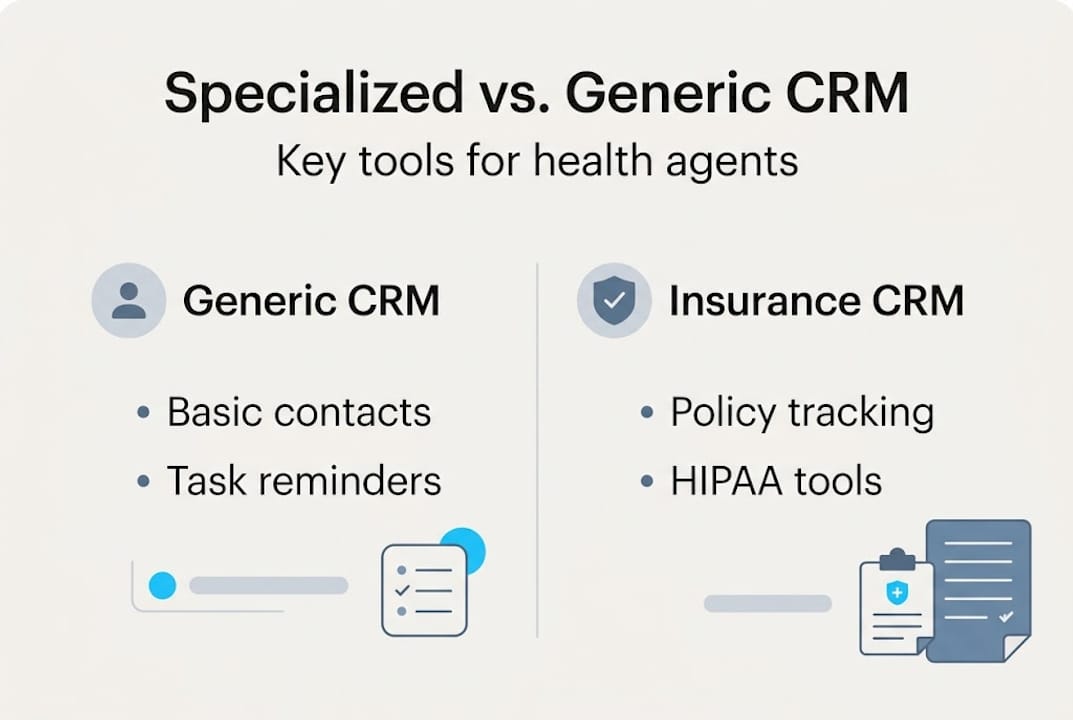
Here’s a quick comparison to make this concrete:
| Feature | Generic CRM | Insurance-specific CRM |
|---|---|---|
| Policy renewal tracking | No | Yes |
| HIPAA compliance tools | No | Yes |
| ACA/Medicare quoting integration | No | Yes |
| SOA documentation reminders | No | Yes |
| Commission management | No | Yes |
| Multi-carrier pipeline view | Limited | Yes |
The difference isn’t cosmetic. When your CRM understands the AEP (Annual Enrollment Period) calendar, it can automatically queue up client outreach weeks before the window opens. When it tracks SOA documentation, you’re protected during audits. These aren’t nice-to-have features; they’re operational necessities for any health agent serious about scaling.
Pro Tip: Before choosing a CRM, map out your most time-consuming compliance tasks. If the platform can’t automate at least three of them, it’s probably not built for health insurance work.
Beyond compliance, specialized CRMs connect quoting tools directly to your pipeline. You can generate ACA or Medicare plan comparisons inside the same system where you track client conversations, which cuts the back-and-forth between platforms and speeds up the enrollment process significantly.
Automating lead generation and response with CRM
With the right CRM, agents unlock powerful automation that transforms how leads enter and move through your pipeline. The old model of manually logging web form submissions or chasing down phone inquiries is simply too slow in 2026.

Modern CRMs automate lead generation by capturing prospects from multiple channels simultaneously: website forms, inbound calls, SMS opt-ins, social media ads, and referral programs. Every new contact lands in your pipeline automatically, tagged by source, so you always know where your best leads are coming from.
Lead scoring is where automation gets genuinely powerful. Instead of treating every inquiry equally, your CRM assigns a score based on behavior: Did they visit your Medicare page twice? Did they open three emails? Did they click a quote request link? Higher scores bubble up to the top of your follow-up queue, so you spend your limited time on the prospects most likely to convert.
Here’s the data that should change how you think about response time:
| Response time | Conversion likelihood |
|---|---|
| Within 5 minutes | 9x higher |
| Within 1 hour | 60% drop vs. 5-min response |
| After 24 hours | Near-zero conversion |
Contacting leads within 5 minutes increases conversions nine times compared to slower responses. A CRM with automated SMS or email triggers fires the moment a lead submits a form, so you make contact instantly even if you’re in another appointment.
Here are the four key automation steps for lead generation:
- Capture: Web forms, call tracking, and SMS keywords feed leads directly into your CRM without manual entry.
- Score: Behavioral triggers assign priority scores so high-value leads rise to the top.
- Respond: Automated texts and emails reach the prospect within seconds of their inquiry.
- Nurture: Drip sequences keep leads engaged across lead generation tips and touchpoints until they’re ready to enroll.
Pro Tip: Set up a lead generation workflow that triggers a personalized SMS within 90 seconds of a new inquiry. Personalization (using the lead’s first name and the plan type they asked about) dramatically improves open and response rates.
Remember, 80% of leads require five or more follow-up touches before converting. Without automation, most agents give up after two. A CRM handles touches three through ten automatically, which is where most of your revenue actually hides.
Streamlining sales, enrollment, and compliance with automation
Efficient lead management means little without seamless sales, enrollment, and compliance. This is where CRMs close the loop for health agents by connecting every step from first contact to signed enrollment.
CRMs streamline sales through quoting and enrollment integration, pipeline management, compliance tools, and commission tracking. Instead of juggling five different tabs to quote a Medicare Supplement plan, generate a proposal, and send it for signature, a specialized CRM handles all of it inside one workflow.
Key benefits for health agents in the sales and enrollment phase:
- Built-in quoting: Generate ACA or Medicare plan comparisons directly inside your CRM and attach them to client records.
- Automated deadline reminders: AEP runs from October 15 to December 7 each year. OEP covers January 1 to March 31. Missing these windows means lost revenue. CRM automation queues client outreach weeks in advance.
- HIPAA compliance tracking: Sensitive health data requires secure handling. Insurance-specific CRMs store and transmit client information in HIPAA-compliant environments.
- SOA documentation: Automated reminders ensure Scope of Appointment forms are completed before Medicare consultations, protecting you from regulatory violations.
- Pipeline visibility: Managers and solo agents alike can see exactly where every prospect sits in the enrollment process, which prevents leads from falling through the cracks.
“The agents who consistently hit their enrollment targets aren’t working harder. They’re working inside systems that handle the repetitive steps automatically, so every client interaction is focused and productive.”
Commission tracking is another underrated benefit. When your CRM logs which carrier, plan, and enrollment date is tied to each client, reconciling your commissions becomes a straightforward monthly task instead of a frustrating audit.
Maximizing renewals, referrals, and ongoing engagement
Beyond sales, long-term agency success relies on loyal clients and referrals. Acquiring a new client costs significantly more than retaining an existing one, which makes your renewal and referral strategy your highest-ROI activity.
CRM centralizes client data, automates renewal reminders, and improves referral conversion rates between 35% and 50%. That’s not a marginal improvement; that’s a fundamental shift in how your business grows.
For renewals, here’s what automation handles for you:
- Sends renewal reminder emails 90, 60, and 30 days before a policy expires
- Flags clients whose plans have changed in coverage or pricing so you can proactively reach out
- Logs every client interaction so you walk into renewal conversations fully prepared
- Identifies at-risk clients based on engagement signals (no opens, no responses) so you can intervene before a lapse
For referrals, a CRM tracks which clients have sent you business, automates thank-you messages, and prompts satisfied clients to refer friends and family at the right moment in the relationship. These aren’t cold asks; they’re timely, personalized requests that feel natural.
Engagement between enrollment periods is where many agents lose clients silently. Regular SMS and email touchpoints, like a quick note about a plan change or a wellness tip, keep you top of mind without requiring manual effort. Check out these insurance agent tips for building engagement sequences that feel personal at scale.
The KPIs every health agent should track inside their CRM:
- Speed-to-lead: How fast does your team respond to new inquiries? Under five minutes is the target.
- Renewal rate: What percentage of clients renew with you year over year? Industry average hovers around 80%; top agents push above 90%.
- Referral conversion rate: Of the referrals you receive, how many become clients? A CRM helps you track and improve this number systematically.
- Email and SMS engagement: Open rates and click-through rates tell you which messages resonate and which need reworking.
Why most health agents undervalue CRM and what actually makes the difference
Here’s something we see repeatedly: agents buy a CRM, import their contacts, and then use it as a glorified address book. They wonder why their results don’t change. The software isn’t the strategy. The process you build inside it is.
The agents who see dramatic results aren’t necessarily using more features. They’re using fewer features consistently. They’ve mapped their exact workflow into the CRM, from the first lead touch to the renewal reminder, and they’ve automated every step that doesn’t require a human judgment call.
Manual tracking and generic systems don’t just slow you down; they become liabilities when you face a compliance audit or try to hand off clients to a new team member. A well-configured CRM is institutional memory. It captures everything so your business doesn’t depend entirely on what’s in your head.
Understanding lead generation importance is step one, but the real ROI comes from integrating CRM data into your daily decision-making. Which lead source is converting best this quarter? Which clients haven’t engaged in six months? Which referral partners are sending you the most business? These answers live in your CRM if you’ve set it up correctly. Most agents never ask the questions.
Discover the CRM features designed for health agents
If the strategies in this article resonate with you, the next step is finding a platform that actually delivers them without requiring you to stitch together five different tools.
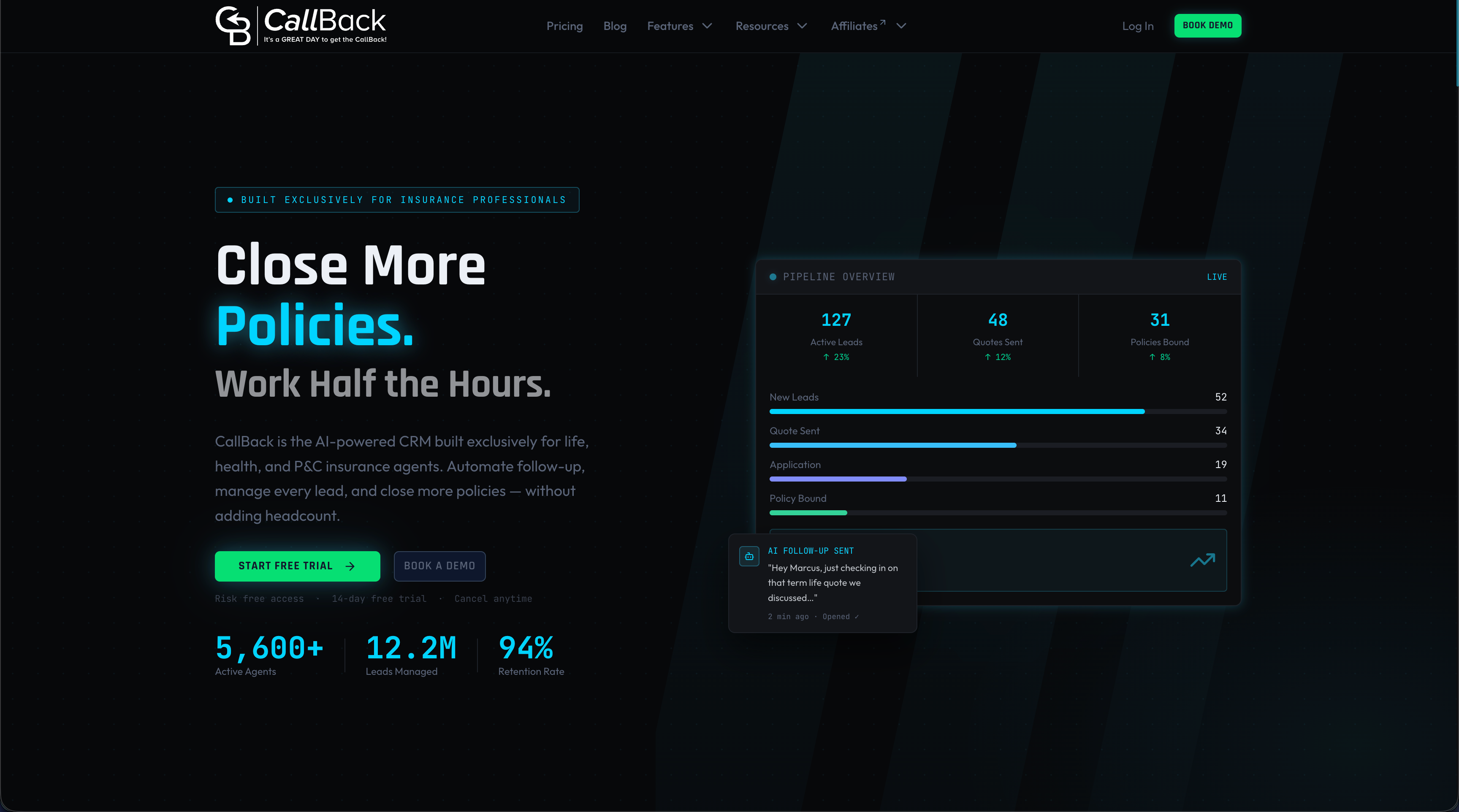
CallBack CRM is built specifically for insurance agents and agencies, combining CRM automation features with email automation tools, SMS marketing, AI-powered lead scoring, and compliance-ready workflows in one platform. You get pipeline visibility, multi-channel lead capture, renewal automation, and referral tracking without the manual overhead. Whether you’re a solo agent looking to scale or an agency manager trying to standardize your team’s process, CallBack CRM gives you the infrastructure to grow without adding headcount. Book a demo and see exactly how these features map to your current workflow.
Frequently asked questions
How does a CRM improve client retention for health agents?
A CRM automates renewal reminders and follow-ups, which reduces policy lapses and keeps clients engaged between enrollment periods without requiring manual outreach from the agent.
Why should health agents choose a specialized CRM over a generic one?
Specialized CRMs include compliance features like HIPAA tracking, SOA documentation, and policy lifecycle management that generic platforms simply don’t offer out of the box.
What compliance benefits does CRM provide for health agents?
CRM systems automate HIPAA and SOA documentation reminders and store sensitive client data securely, reducing the risk of regulatory violations during audits.
How quickly should agents respond to leads using CRM for best results?
Agents who respond within 5 minutes are nine times more likely to convert a lead, making automated instant-response triggers one of the highest-impact CRM features available.
Which KPIs should health agents track in their CRM?
Focus on speed-to-lead, renewal rate, referral conversion, and email or SMS engagement metrics to identify where your pipeline is strong and where it needs attention.