

Every insurance agent knows how easy it is to lose valuable time tracking down policy details or missing key renewal dates, especially when meeting clients outside the office. Staying responsive and organized is more challenging than ever as client expectations rise in competitive markets. A mobile CRM transforms your smartphone into a command center, offering instant access to contacts, policy information, and automated reminders, helping you deliver smarter service and build lasting relationships wherever your day takes you.
Table of Contents
- What Is Mobile CRM for Insurance Agents
- Mobile CRM Key Features and Capabilities
- AI Automation and Workflow Improvements
- Real-World Applications for Insurance Agents
- Operational Risks, Costs, and Legal Concerns
Key Takeaways
| Point | Details |
|---|---|
| Mobile CRM Enhances Efficiency | Mobile CRM allows insurance agents to manage client interactions and follow-ups in real-time, significantly reducing administrative tasks. |
| Improved Client Relationships | With mobile access to client histories and automated reminders, agents can respond quickly and maintain stronger connections with clients. |
| AI Automation Streamlines Processes | AI features in mobile CRM automate repetitive tasks, enabling agents to focus more on personalized client engagement and sales opportunities. |
| Compliance and Security Are Crucial | It’s essential to choose a mobile CRM vendor that ensures data security and compliance with industry regulations to protect client information. |
What Is Mobile CRM for Insurance Agents
A mobile CRM is a customer relationship management system built for insurance professionals who work outside the office. It gives you instant access to client information, policy details, and task reminders directly on your smartphone or tablet.
Unlike traditional CRM systems locked to a desktop, mobile CRM transforms your phone into a complete sales and service command center. You manage renewals, track communications, and follow up with prospects without returning to the office.
How Mobile CRM Works for Insurance Sales
Mobile CRM software empowers insurance agents with real-time access to sales pipelines, contact histories, and activity logs from anywhere. Your entire client book lives in your pocket.
Here’s what happens when you use mobile CRM effectively:
- Access client policy details instantly during client calls or meetings
- Log activities and notes while conversations are fresh
- Receive renewal reminders before deadlines slip
- View appointment schedules and next-step tasks on the go
- Retrieve documents and proposals without email hunting
Key Capabilities That Matter to Your Agency
Policy and compliance management keeps every client’s coverage history organized and accessible. No more digging through file folders or email threads.
Automated renewal reminders ensure you never miss a policy anniversary. The system alerts you before your client renews elsewhere.
Secure document storage means contracts, applications, and amendment paperwork stay protected and retrievable from any device. Client data stays encrypted and compliant.
Offline functionality works when you’re in coverage gaps or client locations with poor connectivity. Changes sync automatically when you reconnect.
Integration with email and calendar connects your communications to client records automatically. Every email to a client becomes part of their profile.
Here’s how core mobile CRM features benefit insurance agencies:
| Core Feature | How It Works on Mobile | Business Benefit |
|---|---|---|
| Contact synchronization | Instantly updates all devices | Reduces duplicate data entry |
| Real-time activity logs | Immediate call/email tracking | Improves client follow-up speed |
| Automated reminders | Sends push notifications | Prevents missed renewals |
| Offline access | Data entry without connectivity | Maintains productivity anywhere |
| Email/calendar integration | Links messages to profiles | Centralizes all client info |
A dedicated mobile CRM designed for insurance lets you build stronger client relationships by following up consistently and quickly from anywhere, turning dead time between appointments into productive selling time.
Why This Matters for Your Bottom Line
You spend time between client meetings traveling, waiting, and in transition. Mobile CRM eliminates wasted hours by letting you prospect, follow up, and service clients during those gaps.
Agents using mobile CRM report faster response times, higher renewal rates, and more time selling instead of administering. You stay responsive when clients call, text, or email—because you have their full history in seconds.
Pro tip: Start by syncing your top 50 clients to mobile first, then gradually add your full book once you’re comfortable logging activities and pulling up information on your device.
Mobile CRM Key Features and Capabilities
Modern mobile CRM systems pack powerful tools designed specifically for insurance agents working in the field. These aren’t watered-down versions of desktop software—they’re built from the ground up for your workflow.
Core Features That Drive Sales
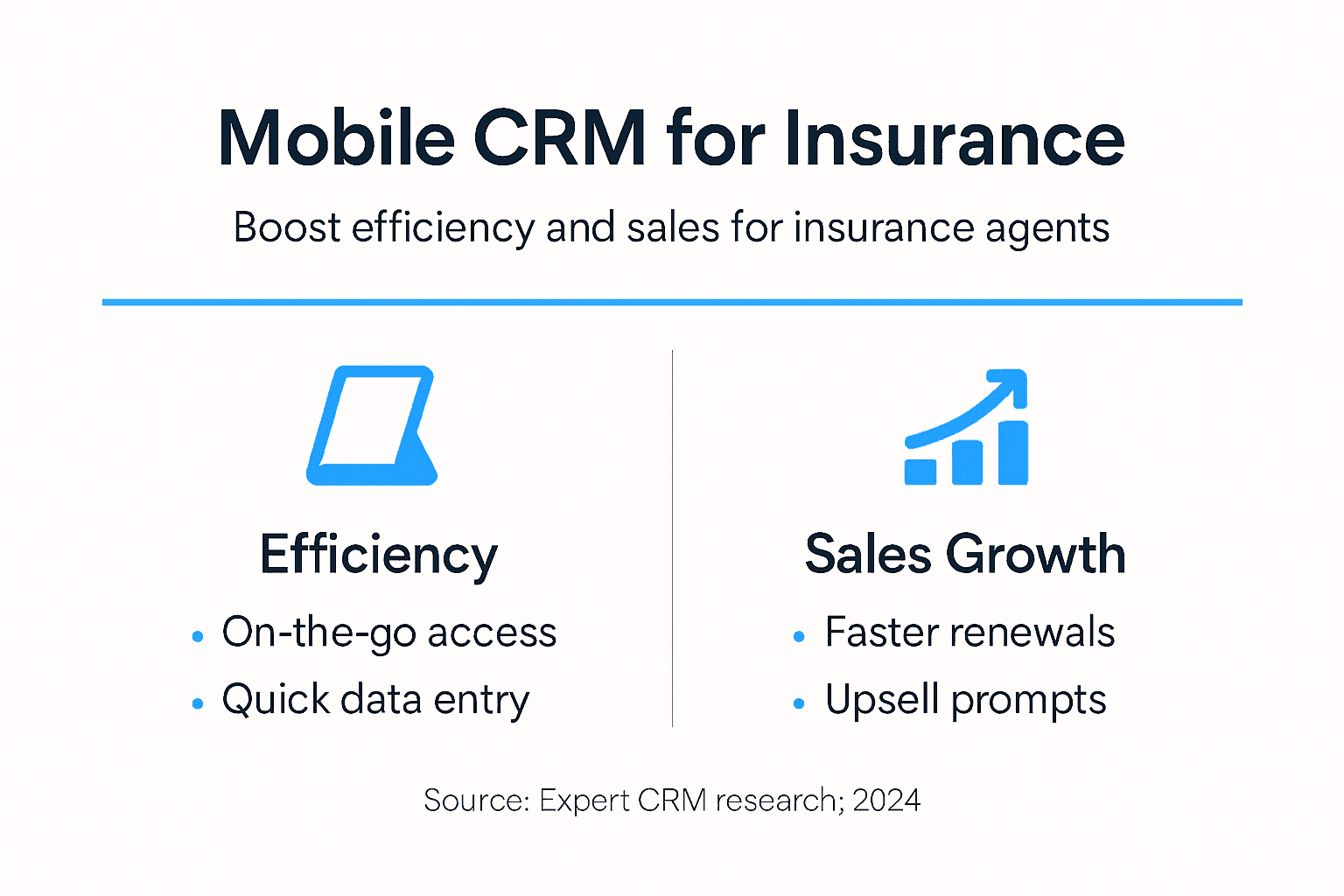
Key features of mobile CRM include seamless contact and policy management, real-time activity tracking, and task reminders that keep you accountable. Every interaction gets logged automatically, creating a complete client history.
Here’s what you get with a solid mobile CRM:
- Contact and policy management that syncs across all your devices instantly
- Real-time activity tracking so every call, email, and meeting gets recorded
- Automated task reminders that flag renewals before they slip away
- Offline access that lets you work even without cell coverage
- Email and calendar integration that pulls communications into client records automatically
Automation and Intelligence
Workflow automation eliminates repetitive manual work that drains your day. The system handles follow-up sequencing, renewal alerts, and document requests without you lifting a finger.
AI-driven insights analyze your client data to identify upselling opportunities and at-risk renewals. You see patterns in client behavior that would take hours to spot manually.
Voice-to-text input means you can log activities while driving or walking between appointments. No typing required—just talk, and the system transcribes and files it.
Mobile dashboards give you immediate visibility into your pipeline, upcoming tasks, and performance metrics at a glance.
Data Security and Collaboration
Secure file storage keeps contracts, applications, and sensitive client information protected with encryption. You access what you need without exposing what you don’t.

Multi-device synchronization ensures changes made on your phone instantly appear on your tablet and desktop. Your data stays consistent everywhere.
Real-time collaboration lets team members see what you’re working on and step in when needed. An agent can hand off a lead to a colleague with full context preserved.
The right mobile CRM features eliminate administrative friction, letting you spend more time selling and less time hunting for information or managing paperwork.
Customization for Your Agency
Mobile CRM capabilities often include customizable workflows tailored to how your agency actually works. You don’t force your process into the software—you shape the software to match your process.
Policy lifecycle tracking, commission management, and claims tracking can all be customized to your specific needs and commission structures.
Pro tip: Start by automating your highest-frequency task—like renewal reminders or follow-up sequences—then gradually expand automation to other workflows as your team gets comfortable.
AI Automation and Workflow Improvements
AI transforms mobile CRM from a storage system into an active sales partner. Instead of managing tasks manually, the system anticipates what you need and handles routine work automatically.
What AI Actually Does for Your Workflow
AI automation in mobile CRM eliminates manual tasks that consume hours each week. Follow-ups, lead scoring, data entry, and customer segmentation happen without you typing a single keystroke.
Here’s where AI saves you real time:
- Automatic lead scoring identifies high-value prospects so you focus on real opportunities
- Follow-up sequencing triggers at optimal times without you setting reminders
- Data entry automation pulls information from emails and documents into client records
- Customer segmentation groups clients by behavior, risk level, and renewal timing
- Compliance checks flag risky practices before they become problems
Predictive Intelligence and Personalization
Predictive analytics identify sales opportunities before clients think about them. The system spots clients ready to upgrade coverage or add policies based on life events and behavioral patterns.
Real-time recommendations appear while you’re on calls with clients. You see exactly what coverage gaps exist and which products fit their situation.
AI-driven insights reduce errors while speeding up your sales cycle. You operate faster without sacrificing accuracy or compliance.
Document Analysis and Risk Assessment
Large Language Models enhance workflows by automating document analysis and risk assessment in ways that were previously manual. Complex policy documents get reviewed instantly for completeness and compliance issues.
Customer communications become more personalized without taking extra time. AI drafts renewal notices, policy summaries, and follow-up messages that feel personal, not templated.
Operational Efficiency Gains
The cumulative effect changes how you work. Tasks that once took hours get completed in minutes. Errors decrease because AI handles data consistently.
Your team focuses on what humans do best: building relationships, explaining complex coverage, and closing deals. Routine work disappears.
AI automation speeds up your sales cycle while improving accuracy, letting you handle more clients without hiring additional staff or burning out your current team.
Implementation That Actually Works
Start with your biggest pain point. Is it lead scoring? Follow-ups? Data entry? Automate that first, measure results, then expand.
Team adoption happens faster when people see immediate benefits. Pick one workflow where AI eliminates obvious waste.
Pro tip: Begin with lead scoring and follow-up automation—these generate quick wins that get your team excited about AI, making broader adoption much easier.
Real-World Applications for Insurance Agents
Mobile CRM isn’t theoretical—it’s changing how successful agents work every single day. Real-world applications show exactly where the technology delivers measurable value in your actual workflow.
Managing Renewals and Claims on the Go
Insurance agents use mobile CRM to manage policy renewals, track claims status, and automate customer communication from anywhere. You receive alerts for policy expirations before clients know their renewal date is approaching.
Here’s what this looks like in practice:
- Policy expiration alerts trigger days before renewals, giving you time to contact clients first
- Claims tracking shows status updates in real-time so you answer client questions instantly
- Client interaction logging captures every call, email, and meeting during your workday
- Carrier information access puts commission rates and product details at your fingertips
- Mobile document scanning turns paper forms into digital records without returning to the office
Client Communication That Stays Personal
You’re meeting with clients in their homes, at coffee shops, or in their offices. Mobile CRM puts their complete history in your hands during those conversations.
You see previous claims, coverage gaps, and life changes that signal upselling opportunities. You respond immediately instead of saying “I’ll check and get back to you.”
Automated follow-ups trigger after meetings without you remembering to send them. Clients feel personally cared for even though the system handles routine outreach.
Risk Profiling and Compliance Tracking
Complex client data becomes manageable through mobile CRM capabilities. You execute personalized follow-ups efficiently while maintaining compliance documentation automatically.
Mobile platforms support compliance tracking that flags risky recommendations before they happen. Portfolio management and risk profiling become faster without sacrificing accuracy.
Report generation happens automatically, saving hours of administrative work each week.
Building Trust Through Quick Response
Clients notice when you respond fast. Mobile CRM makes that possible by eliminating the lag between client contact and your action.
A client texts about a claim. You pull up their file instantly and provide status in minutes instead of hours. That responsiveness builds loyalty.
Real-world mobile CRM success comes from staying responsive and knowledgeable during client interactions, turning field time into relationship-building time instead of information-gathering time.
From Theory to Daily Practice
These aren’t features buried in settings—they’re part of your daily rhythm. You scan a document while sitting in a client’s office. You log a meeting note immediately after walking out. You see renewal alerts and act before clients leave for competitors.
The cumulative effect transforms how productive you are and how clients perceive your service.
Pro tip: Start by scanning and storing all client documents in mobile CRM this month—this single practice eliminates constant email hunting and saves hours weekly.
Operational Risks, Costs, and Legal Concerns
Mobile CRM delivers real value, but adoption requires understanding the legitimate challenges. Costs, security risks, and compliance obligations demand careful planning before implementation.
Financial Investment Requirements
Mobile CRM isn’t free. You need to budget for initial setup, ongoing subscriptions, user training, and potential system integrations with existing tools your agency already uses.
Typical cost categories include:
- Software licensing for each user accessing the mobile platform
- Initial implementation including data migration and system configuration
- Ongoing training as new team members join or features update
- Integration expenses connecting mobile CRM to your existing systems
- Cybersecurity measures protecting client data from unauthorized access
- Regular audits ensuring compliance and identifying vulnerabilities
Small agencies should expect thousands of dollars annually. Larger operations with multiple users see costs scale accordingly. The investment pays back through efficiency gains, but you must budget accordingly.
Data Security and Privacy Vulnerabilities
Operational risks in mobile CRM include data security vulnerabilities, particularly with cloud-based systems storing sensitive client information. Your client data lives on servers you don’t physically control.
Breaches expose personally identifiable information, policy details, and financial data. The reputational damage alone can destroy client trust you spent years building.
Cloud-based storage requires encryption, secure authentication, and regular security testing. You need vendors who take security seriously, not those offering cheap solutions with corner-cut protections.
Regulatory Compliance Obligations
Legal and regulatory challenges for mobile CRM in insurance revolve around secure data management and compliance with industry standards. Insurance operates under strict regulations designed to protect consumers.
Depending on your location and clients, you face requirements like:
- GDPR compliance if serving European clients (including data deletion rights)
- CCPA requirements for California residents (disclosure and opt-out rights)
- State insurance regulations governing client data handling and retention
- Audit trail requirements documenting every access to client information
- Consent management proving clients agreed to data collection methods
Non-compliance means fines, legal liability, and client lawsuits. Your mobile CRM vendor must provide compliance tools and documentation proving adherence.
Operational Risks and Business Continuity
System downtime means you can’t access client information when you need it most. Data loss from failed backups or cyberattacks forces you to recreate years of client records.
Unauthorized access happens through weak passwords, unsecured devices, or employee negligence. You need governance policies, training programs, and access controls limiting who sees what.
Below is a summary of major operational risks and suggested mitigation strategies for mobile CRM adoption:
| Risk Type | Example Scenario | Mitigation Strategy |
|---|---|---|
| Data breach | Unauthorized cloud access | Encrypted storage, strict access controls |
| System downtime | App/server outage during business hours | Choose vendors with high uptime SLAs |
| Compliance violation | Failure to meet GDPR/CCPA | Regular policy audits, vendor documentation |
| Employee error | Device loss or weak password | Mobile device management tools |
| Integration failure | Data sync breaks with current tools | System integration testing and support |
Managing mobile CRM risks requires balancing efficiency gains against security costs, choosing vendors with strong compliance records, and implementing strict internal policies around data access and device security.
Vendor Accountability and Support
Your data security depends partly on vendor competence. Verify vendors maintain robust cybersecurity, undergo regular audits, and carry cyber liability insurance.
Ask about their incident response procedures. If they get breached, do they notify you immediately? Do they provide credit monitoring for affected clients?
Pro tip: Before selecting a mobile CRM vendor, request their SOC 2 compliance certification and audit reports—these documents prove they meet security standards and handle sensitive data appropriately.
Unlock the Full Potential of Mobile CRM for Insurance Agents
The article highlights key challenges insurance agents face such as managing client data on the go, staying on top of renewals, and automating routine workflows. These pain points often lead to wasted time, missed sales opportunities, and compliance risks. If you want to transform your mobile CRM experience by integrating AI-powered automation, secure document handling, and seamless communication tools then CallBack CRM offers the all-in-one solution you need. With instant access via mobile app, you can stay productive anywhere while never missing a client follow-up or renewal reminder.
Experience how advanced features like AI-driven lead scoring, automated follow-up sequences, and real-time activity logging eliminate tedious manual tasks so you can focus on building trust and closing more policies. CallBack CRM also supports secure data storage powered by Google Cloud and integrates with your existing tools for a smooth transition.
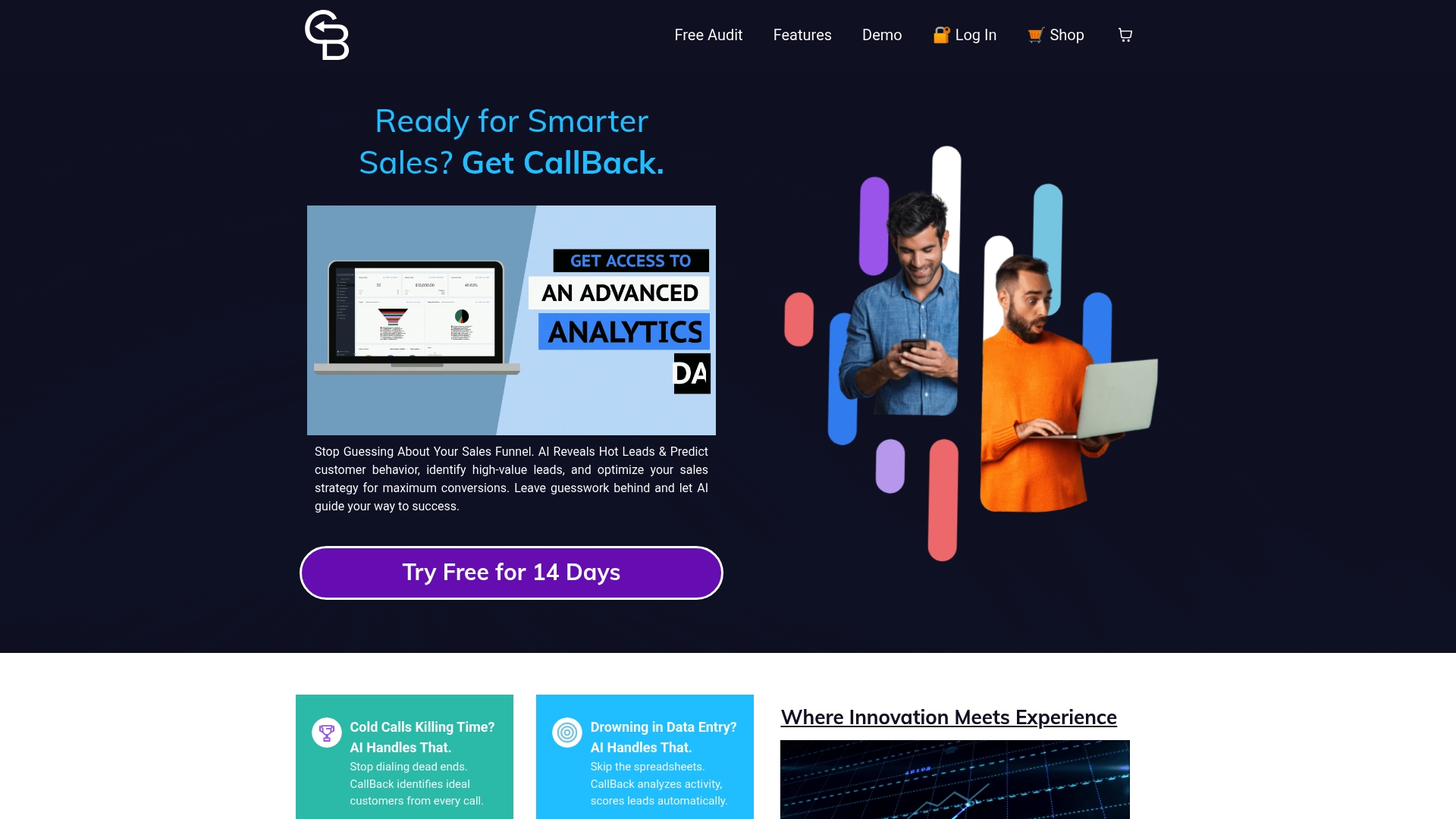
Ready to replace outdated sales methods with intelligent automation tailored for insurance professionals Explore everything CallBack CRM offers today and start turning every moment outside the office into a sales opportunity. Visit https://callbackcrm.com and take the first step toward modernizing your insurance sales now.
Frequently Asked Questions
What is mobile CRM and how does it benefit insurance agents?
Mobile CRM is a customer relationship management system designed for insurance agents to access client information, policy details, and task reminders from mobile devices. It enables agents to manage renewals, track communications, and follow up with prospects without needing to return to the office, ultimately improving response times and client service.
How does mobile CRM improve client follow-up for insurance agents?
Mobile CRM provides automated task reminders and real-time access to client histories, which helps agents follow up on leads and renewals quickly. This responsiveness enhances client relationships and increases the likelihood of retaining clients and closing sales.
Can mobile CRM be used offline, and how does that benefit insurance agents?
Yes, mobile CRM includes offline functionality that allows agents to access and log client information even without an internet connection. This is beneficial for agents working in areas with poor connectivity, ensuring they can remain productive anywhere.
What security measures should be considered when using a mobile CRM?
When using a mobile CRM, it’s crucial to ensure that client data is protected through encryption, secure authentication, and regular security audits. Choosing reputable vendors who prioritize data security and compliance is essential to safeguard sensitive client information.