

TL;DR:
- Effective CRM integration in insurance agencies involves creating live workflows that unify data across systems, rather than just connecting platforms. Proper planning, data governance, and process standardization are essential to prevent errors, duplicate records, and misaligned workflows that hinder results. When executed correctly, integrated CRM systems enhance client retention, streamline operations, and enable AI-driven automation that transforms agent roles and agency growth.
Most insurance agencies assume that connecting their tools counts as integration. It does not. 70% of companies fail to effectively integrate their CRM with revenue technology, not because of technical problems, but because they treat integration as a one-time setup rather than a living workflow. The role of CRM integration goes far deeper than syncing contacts between platforms. For insurance professionals managing client renewals, policy changes, and lead pipelines simultaneously, a poorly integrated CRM creates invisible revenue leaks. This guide breaks down what real CRM integration looks like, why it matters for agencies specifically, and how AI is reshaping what is possible.
Table of Contents
- Key Takeaways
- The role of CRM integration in insurance workflows
- Benefits that actually move agency revenue
- AI, automation, and agentic workflows
- Common challenges and how to solve them
- Practical steps to execute your integration
- My take on where CRM integration actually breaks down
- How Callbackcrm powers insurance agency integration
- FAQ
Key Takeaways
| Point | Details |
|---|---|
| Integration is not just connectivity | Real CRM integration creates a single source of truth and automates workflows, not just data transfers. |
| Governance drives success | Most CRM integration failures come from weak data governance, not technical incompatibility. |
| AI amplifies what already works | AI capabilities yield strong returns only when built on quality data and sound underlying processes. |
| Phased AI rollout reduces risk | Start AI integration in monitoring mode before enabling autonomous execution to build trust and accuracy. |
| KPIs reveal integration health | Tracking lead response time and pipeline accuracy post-integration shows whether the system is actually working. |
The role of CRM integration in insurance workflows
Understanding what agency CRM integration actually means requires looking past the vendor brochures. At its core, CRM integration connects your customer relationship management platform with other business systems so that data flows automatically, accurately, and in real time between them.
In an insurance agency context, the systems typically involved include:
- Policy management platforms that hold coverage details and renewal dates
- Billing and payment processors that track premium payments and outstanding balances
- Email and SMS marketing tools used for client outreach and campaign tracking
- Lead generation sources such as web forms, ad platforms, and referral networks
- E-signature and proposal tools that close the loop on the sales cycle
The technology powering these connections falls into three main categories. Direct API integrations offer precise control but require ongoing developer maintenance. Middleware and iPaaS (Integration Platform as a Service) solutions sit between systems and manage data routing, transformation, and error handling. Middleware is preferred for scalability and compliance over point-to-point connectors, which matters significantly in insurance’s regulated environment.
One distinction that separates effective integrations from broken ones is the direction and timing of data flow. Batch updates, where data syncs every few hours or once a day, create gaps that cost you real business. A lead who fills out a form at 9 AM should not wait until the afternoon batch sync to appear in your CRM.
Real-time sync vs. batch updates
| Feature | Real-time sync | Batch updates |
|---|---|---|
| Lead response speed | Immediate automated follow-up | Delayed by hours |
| Data accuracy | Always current | Stale between runs |
| Client experience | Personalized and timely | Generic and delayed |
| System load | Continuous, low impact | Periodic, high impact |
| Best for | Active pipelines and lead nurturing | Historical reporting only |
The most common pitfalls agencies run into are duplicate records created when two systems write the same client contact without a deduplication rule, data silos where one platform holds information the other never receives, and inconsistent field mapping that turns “State” in one system into “Province” in another. These are process failures, not technology failures.
Benefits that actually move agency revenue
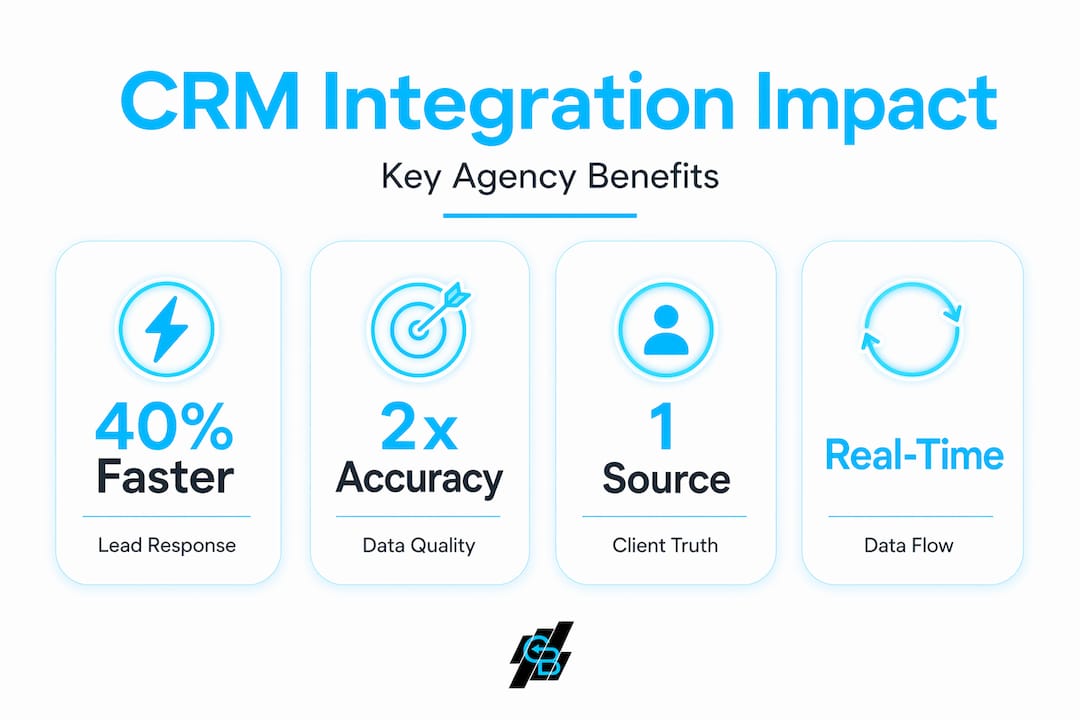
The business case for CRM integration is not abstract. Agencies using AI-powered CRM setups report 28% higher client retention and a 40% reduction in manual workload. Those numbers matter because insurance agencies operate on thin margins and high competition for renewal business.
Here is what well-executed integration actually delivers in practice:
- A single source of truth. Every team member sees the same client record regardless of which system they work in. No more “the billing system shows one address, the CRM shows another” situations.
- Eliminated redundant data entry. When a client updates their contact information through your online portal, that change propagates automatically. Agents stop copying data between tabs.
- Faster, smarter client communications. Real-time data syncing allows immediate automated actions, which is critical for speed-to-lead follow-up. An agent who calls within five minutes of a form submission is exponentially more likely to convert than one who calls the next morning.
- Clearer pipeline visibility. When sales tools, policy systems, and billing data all feed into one CRM, forecasting becomes grounded in actual numbers rather than spreadsheet guesswork.
Pro Tip: Before celebrating a new integration going live, run a 30-day data quality audit. Check for duplicates, blank required fields, and mismatched records between systems. What you find will tell you more about your integration health than any vendor dashboard.
Why CRM data matters becomes obvious the moment an agent walks into a renewal conversation with complete context. They can see the client’s claim history, last interaction notes, current premium, and upcoming renewal date without opening four separate tabs. That kind of preparation builds the trust that keeps clients from shopping competitors.

The role of CRM analytics shines here as well. When integrated data flows cleanly into your CRM, reporting shifts from reactive (“what happened last month?”) to predictive (“which clients are most likely to lapse in the next 90 days?”). Why advanced CRM analytics matter is straightforward: you cannot act on data you cannot see, and you cannot see data that is trapped in disconnected systems.
AI, automation, and agentic workflows
The current frontier for insurance agencies is not just integration. It is what happens inside the CRM once the data flows properly. Agentic AI workflows enable autonomous multi-step sales actions inside the CRM, shifting agent roles from data entry toward relationship management and strategic engagement.
Think about what that means in practice. Instead of manually following up on every quote, an AI workflow monitors quote status, sends personalized follow-up sequences based on the prospect’s behavior, scores their likelihood to convert, and flags the highest-priority leads for human attention. The role of behavioral analytics in CRM becomes the engine that drives those decisions, using past patterns to predict future actions.
Here is how a phased AI integration rollout should look for most insurance agencies:
- Shadow mode. The AI monitors your workflows and makes recommendations without taking action. You review its suggestions and measure accuracy against what your team actually does.
- Assist mode. The AI drafts emails, suggests follow-up timing, and pre-populates notes. Agents approve before anything sends. This builds trust in the model’s judgment.
- Supervised automation. The AI executes defined actions autonomously within guardrails. For example, it sends a renewal reminder 60 days out, then escalates to a human if the client does not respond within 7 days.
- Autonomous execution. High-confidence, low-risk tasks run without agent involvement. Lead intake, data enrichment, and initial nurture sequences operate independently.
Pro Tip: Never skip the shadow mode phase, even if your team is confident in the AI tool. You will discover edge cases in your data and workflow that would otherwise create expensive errors at scale once automation is live.
AI capabilities yield high returns only when built on quality data and sound processes. This is sometimes called the “Amplifier Effect.” If your manual processes are broken, automation does not fix them. It makes them fail faster and at higher volume. The cleanup has to come first.
The shift that well-integrated AI creates is significant. AI integration in CRM moves sales roles from data entry to high-level client management. Agents who used to spend two hours a day logging call notes and updating policy records can redirect that time to cross-selling conversations and referral development. You can read more about how AI-powered agency growth plays out in practice across different agency sizes.
Common challenges and how to solve them
Most agencies underestimate the process work required before any integration goes live. Most CRM integration failures stem from poor execution around data governance, not technical incompatibility. That is a critical distinction because it means the solution is not a better API. It is better planning.
The common challenges worth preparing for include:
- Field mapping errors. Two systems rarely organize data identically. A dedicated mapping document that defines exactly how each field translates between platforms is not optional. It is the foundation of a clean integration.
- Misaligned processes. Integrating systems without first standardizing the workflows those systems support creates automated chaos. Define how a lead moves through your pipeline before you connect anything.
- Resistance to new workflows. Agents who built habits around the old system will work around new ones unless they understand the benefit to them personally. Training needs to answer “what’s in it for me” before it covers “here’s how it works.”
- Compliance and data security. Insurance agencies handle sensitive personal and financial data. Any integration must account for data encryption in transit, role-based access controls, and audit trails that satisfy regulatory requirements.
“Integration projects that succeed treat process alignment as the first deliverable, not the afterthought. The technology follows the workflow design, not the other way around.”
Why secure CRM matters is not a philosophical question for insurance agencies. It is a regulatory one. A breach involving client policy data or health information can trigger state insurance department investigations, HIPAA scrutiny, and client trust damage that no marketing campaign repairs.
With the right middleware partners, integration projects complete in weeks rather than months. Choosing a partner with insurance domain expertise, not just general CRM experience, shortens that timeline further because they recognize your compliance requirements from the start.
Practical steps to execute your integration
The agencies that get CRM integration right follow a sequence, not a sprint. Here is a practical framework for getting started or improving what you already have:
- Audit your current systems. List every platform your team touches daily. Identify where data is created, where it needs to go, and where duplication currently happens.
- Define your integration priorities. Not every connection needs to be built at once. Start with the highest-impact link, typically between your lead source and CRM, then your CRM and policy management system.
- Clean your data before you connect. Garbage data in means garbage data everywhere. A pre-integration cleanup of duplicate records and missing fields saves weeks of post-launch troubleshooting.
- Select tools with insurance-specific expertise. General iPaaS platforms work, but platforms built with insurance workflows in mind reduce configuration time and compliance risk. Reviewing CRM strategies for insurance agents before committing to a platform is time well spent.
- Track the right KPIs after launch. Lead response time, pipeline conversion rate, and data accuracy scores tell you whether the integration is working. If those numbers are not moving, the integration is not delivering.
Pro Tip: Set a 90-day integration review calendar event the day you launch. It is easy to set and forget new integrations. A structured review forces you to catch data drift, new edge cases, and workflow bottlenecks before they become expensive habits.
My take on where CRM integration actually breaks down
I’ve seen agencies spend significant budget on CRM platforms and integration tools, then wonder why nothing changed. In my experience, the answer is almost always the same. They integrated systems. They did not integrate workflows.
The technology connected correctly. Data moved between platforms. But no one redesigned how agents actually worked. The CRM became a place where data landed, not a place where decisions got made. That is the difference between a system of record and a system of action. Most agencies are stuck in the first category while believing they have achieved the second.
What I have learned deploying these setups specifically in insurance environments is that the agencies who get real results from integration treat their CRM as the operational core of the business, not a database that marketing owns and sales ignores. CRM now serves as a proactive partner that reduces cognitive load on sales teams. But only when the data feeding it is accurate and the workflows connected to it are designed intentionally.
The uncomfortable truth about AI in this context is that it rewards agencies who already run clean operations and punishes those who hope AI will fix their mess. The future of CRM integration in insurance is AI-driven client experience at scale. However, that future belongs to the agencies who do the unglamorous governance work first.
— Kyle
How Callbackcrm powers insurance agency integration
If what you have read here describes where your agency needs to go, Callbackcrm was built precisely for this transition. The platform connects CRM management, email and SMS marketing, AI-powered lead scoring, automation workflows, and proposal tools inside a single system designed for insurance professionals.
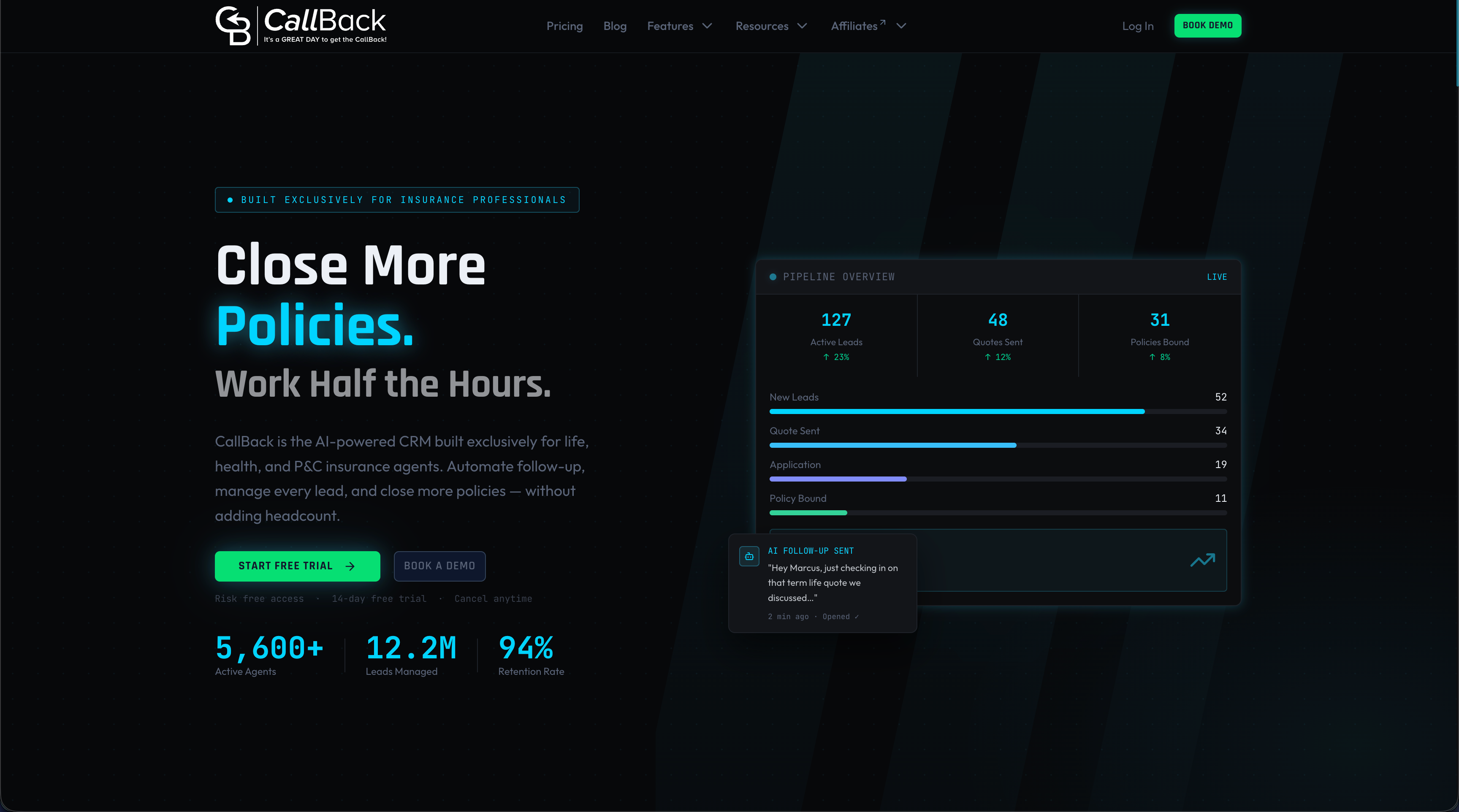
You do not need five platforms and a developer on retainer to get there. Callbackcrm’s full feature suite covers everything from AI assistants and behavioral tracking to SMS client engagement and automated follow-up sequences. Agencies using Callbackcrm replace the disconnected tool stack with one platform that does the integration work for you, built on Google Cloud infrastructure that meets the security standards insurance data requires. Book a demo and see what a purpose-built integration looks like in your workflow.
FAQ
What is agency CRM integration?
Agency CRM integration connects your CRM platform with other business systems like policy management, billing, and marketing tools so that data flows automatically between them. The goal is a single source of truth for every client record.
Why do most CRM integrations fail?
Most failures come from poor data governance and misaligned workflows, not technical problems. 70% of CRM integrations fail because companies focus on connecting systems without first standardizing the processes those systems support.
What is the role of integrations in CRM for insurance agencies?
The role of integrations in CRM is to automate data movement, eliminate manual entry, and give agents complete client context in one place. For insurance agencies, this includes connecting lead sources, policy systems, and client communication tools into one working pipeline.
How does AI improve CRM integration outcomes?
AI built on clean integrated data can score leads, predict churn, and automate follow-up sequences. Agencies report 40% reduction in manual tasks and significant client retention gains when AI workflows operate on accurate, integrated CRM data.
How long does a CRM integration project take?
With experienced middleware partners, integration projects complete in weeks, not months. The timeline depends heavily on the complexity of your existing systems and the quality of your data before the project begins.