

Insurance agencies that still rely on spreadsheets, sticky notes, or outdated on-premise software are leaving serious money on the table. Cloud CRMs convert leads 2X faster and improve retention by 40 to 50% in insurance brokerages, yet many agencies haven’t made the switch. This guide breaks down exactly what cloud CRM is, why it matters for your agency right now, and how AI-powered features can transform the way you manage leads, renewals, and client relationships. If you’ve been wondering whether the upgrade is worth it, the answer is almost certainly yes.
Table of Contents
- What is cloud CRM and how does it work?
- 5 game-changing benefits of cloud CRM for insurance agencies
- Cloud CRM vs. on-premise: Which fits the modern agency?
- How AI-driven cloud CRM supercharges lead management
- Making the move: What to consider when selecting a cloud CRM
- Next steps: Unlock your agency’s potential with an AI-powered cloud CRM
- Frequently asked questions
Key Takeaways
| Point | Details |
|---|---|
| Boost conversion rates | Cloud CRMs can double lead conversion for insurance agencies by using AI-driven workflows. |
| Retention and renewals | Automated reminders and customer journeys cut missed renewals by up to 80%. |
| Compliance made easy | Built-in compliance keeps your agency aligned with changing insurance regulations. |
| Time and cost savings | Eliminate manual tasks and server costs by switching to a cloud CRM. |
| Seamless adoption | Cloud CRMs offer straightforward migrations and user training for smooth rollout. |
What is cloud CRM and how does it work?
A cloud CRM (Customer Relationship Management system) is software hosted on remote servers and accessed through a web browser or mobile app. Unlike on-premise solutions that require physical servers in your office, a cloud CRM lives online. You log in from anywhere, whether that’s your desk, a client’s kitchen table, or an airport lounge.
For insurance agents, this means your entire book of business travels with you. Every client profile, policy detail, renewal date, and communication history is available in real time. No more digging through filing cabinets or waiting until you’re back at the office to follow up on a hot lead.
Here’s a quick look at how cloud CRM compares to on-premise for core insurance functions:
| Feature | Cloud CRM | On-premise CRM |
|---|---|---|
| Access | Anywhere, any device | Office only |
| Updates | Automatic | Manual, often delayed |
| Compliance tools | Built-in, regularly updated | Requires IT intervention |
| Setup cost | Low (subscription) | High (hardware + IT) |
| Disaster recovery | Automated backups | Manual, inconsistent |
| AI capabilities | Continuously improving | Limited or absent |
Built-in compliance and disaster recovery in cloud CRMs meet insurance regulations better than on-premise for most agencies. That’s a big deal when you’re dealing with sensitive policyholder data and state-level regulatory requirements.
Key features you’ll use every day as an insurance agent include:
- Client profiles with full policy and communication history
- Lead tracking from first contact through policy issuance
- Automated reminders for renewals, follow-ups, and check-ins
- Analytics dashboards showing pipeline health and conversion rates
- Mobile access so you can work from anywhere
Pairing your CRM with CRM and marketing integration tools amplifies every one of these features. And if you’re on the road often, the mobile CRM benefits for insurance agents are worth exploring in detail.
5 game-changing benefits of cloud CRM for insurance agencies
Now that you understand what cloud CRM is, let’s talk about what it actually does for your bottom line.
-
Double your lead conversion rate. AI-driven insights surface your hottest prospects automatically. Instead of guessing who to call next, your CRM tells you. Pair that with a well-built sales automation workflow and your team closes more deals with less effort.
-
Slash missed renewals by up to 80%. Automated reminders trigger weeks before a policy expires. Your clients get a personalized outreach, and you get the renewal without lifting a finger.
-
Boost cross-sell rates by 40%. When you can see a client’s full profile, spotting the gap between their auto policy and a missing umbrella policy becomes obvious. Agencies report a 40% cross-sell increase after adopting cloud CRM, alongside 95% client retention and 50% faster sales cycles.
-
Achieve compliance without the headache. Regulatory requirements in insurance are strict. Cloud CRMs update automatically to reflect new rules, so you’re not scrambling every time a state changes its requirements.
-
Enable remote work and flexible operations. Your agents can work from home, from the field, or from a coffee shop. Productivity doesn’t drop because the tools travel with them.
“Insurance brokerages using cloud CRM saw 28% revenue growth and 50% faster sales cycles.” That’s not a marginal improvement. That’s a structural advantage over competitors still using legacy systems.
Pro Tip: Don’t just track leads. Use your CRM’s lead funnel optimization tools to identify exactly where prospects drop off. Fixing one leaky stage in your funnel can add thousands in monthly revenue.
Cloud CRM vs. on-premise: Which fits the modern agency?
Some agency owners hesitate because they’ve invested in on-premise infrastructure. That’s understandable. But the comparison rarely favors legacy systems once you look at the full picture.

| Factor | Cloud CRM | On-premise CRM |
|---|---|---|
| Scalability | Add users instantly | Requires hardware upgrades |
| AI features | Continuous vendor updates | Rare, expensive to implement |
| Upfront cost | Minimal (monthly fee) | High (servers, licenses, IT) |
| Maintenance | Vendor handles it | Your IT team handles it |
| Regulatory updates | Automatic | Manual patches |
| Remote access | Full | Limited or VPN-dependent |
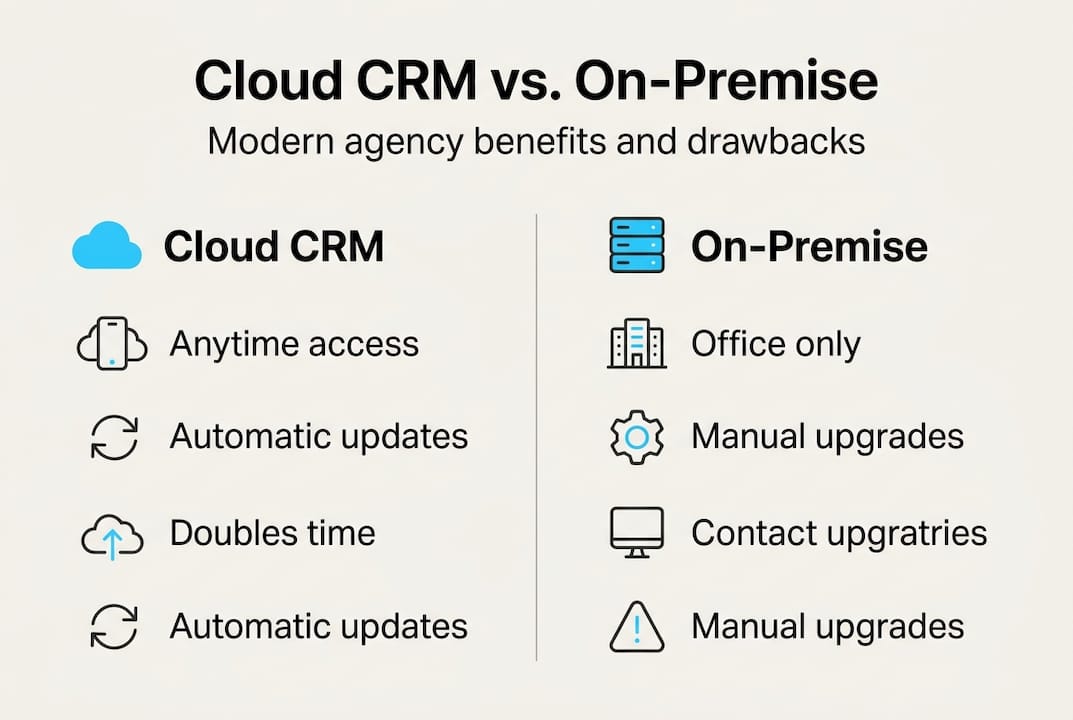
Vendor-managed updates ensure the latest AI features in cloud CRMs, while on-premise solutions often lag behind. For a growing agency, that lag compounds over time. You’re not just behind today. You fall further behind every quarter.
On-premise solutions can make sense for very large carriers with dedicated IT departments and highly specific customization needs. But for the vast majority of independent agencies and IMOs, cloud CRM is the smarter, more cost-effective path.
Building a solid lead generation workflow becomes far easier when your CRM scales with your team and updates automatically. You focus on selling. The platform handles the infrastructure.
How AI-driven cloud CRM supercharges lead management
This is where things get genuinely exciting. AI doesn’t just organize your data. It tells you what to do with it.
AI-driven cloud CRMs enable predictive lead scoring, automated renewals, and personalized interactions at a scale no human team can match manually. Here’s what that looks like in practice:
- Predictive lead scoring ranks every prospect by their likelihood to convert, so your agents spend time on leads that are actually ready to buy.
- Automated follow-up sequences send personalized emails or texts at the right moment, triggered by client behavior rather than a calendar reminder.
- Renewal alerts fire automatically 60, 30, and 7 days before a policy expires, with a personalized message already drafted.
- Cross-sell triggers flag clients who recently had a life event (new home, new baby, new car) and prompt your agent to reach out.
- Engagement tracking shows you which clients haven’t heard from you in 90 days, before they start shopping competitors.
Imagine a client whose auto policy renews in 45 days. Without AI, that renewal depends on someone remembering to check a spreadsheet. With AI, the CRM sends a personalized text, logs the response, and alerts your agent only if the client seems at risk of leaving. That’s the difference between reactive and proactive retention.
Pro Tip: When you first set up automated lead generation, start with your renewal sequences before building out new prospect campaigns. Protecting existing revenue is faster and cheaper than acquiring new clients.
Avoid the common pitfall of over-automating too fast. Build one workflow, test it for 30 days, then expand. Agencies that try to automate everything at once often end up with messy data and confused clients. Use lead generation workflow tips to build a clean, scalable process from the start.
Making the move: What to consider when selecting a cloud CRM
Choosing the right cloud CRM is a decision that will shape your agency’s operations for years. Here’s how to approach it without getting overwhelmed.
-
Evaluate AI capabilities first. Not all CRMs are equal. Look for predictive lead scoring, automated workflows, and AI-assisted communication tools built specifically for insurance.
-
Check compliance certifications. Your CRM should meet SOC 2, HIPAA (if applicable), and relevant state data privacy standards. Ask vendors directly and get it in writing.
-
Assess insurance-specific integrations. Does it connect with your quoting tools, carrier portals, and marketing platforms? A CRM that doesn’t integrate with your existing stack creates more work, not less.
-
Plan your data migration carefully. Moving years of client data is the most common stumbling block. Work with your vendor to map fields, clean duplicates, and validate records before going live.
-
Choose a phased rollout over a big-bang launch. Start with one team or one workflow. Train thoroughly. Expand once adoption is solid. Agencies that try to flip the switch overnight often see resistance and errors that undermine confidence in the new system.
Cloud CRM adoption leads to significant operational improvements for insurance agencies, but only when the transition is managed well. The technology is only as good as the team using it.
Pro Tip: Before signing any contract, review the CRM feature checklist to make sure the platform covers your must-haves. It’s much harder to switch vendors after your data is already migrated.
Next steps: Unlock your agency’s potential with an AI-powered cloud CRM
Everything covered in this article points to one clear conclusion: the agencies winning in 2026 are the ones that have replaced guesswork with automation and spreadsheets with intelligent, connected systems. If you’re ready to make that shift, CallBack CRM was built specifically for insurance agents, agencies, and IMOs who want to grow without burning out their teams.
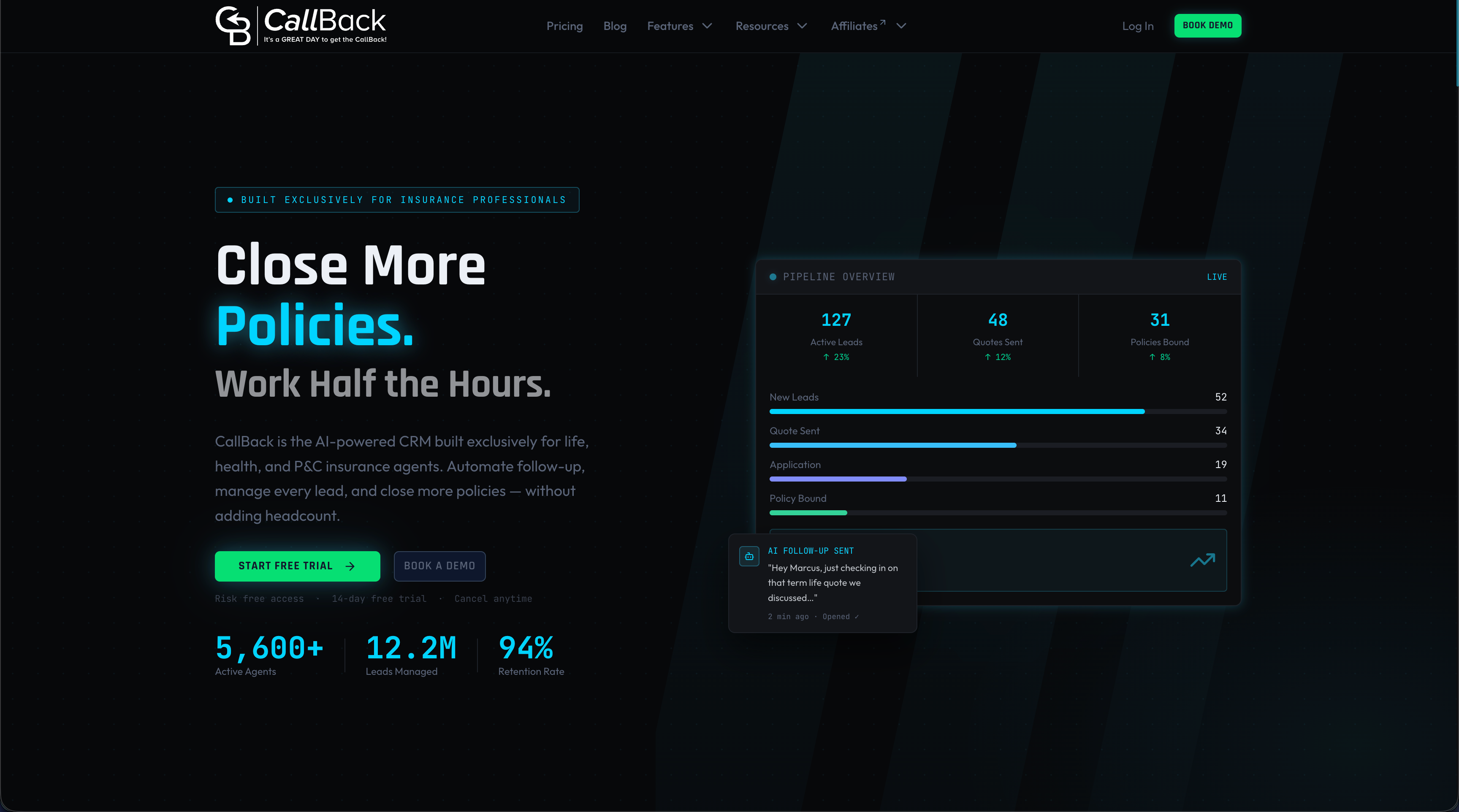
Explore the full suite of CRM features designed around the insurance sales cycle, from lead capture to renewal management. If automation is your priority, the CRM automation tools page walks you through exactly how workflows are built and deployed. And if SMS outreach is part of your strategy, use the SMS segment calculator to plan your messaging costs before you scale. CallBack CRM gives you the infrastructure to convert more leads, retain more clients, and run a leaner, smarter agency.
Frequently asked questions
How does cloud CRM help insurance agents with compliance?
Cloud CRM systems include built-in compliance features and receive automatic regulatory updates, so your agency stays current with industry standards without requiring manual IT intervention.
Will switching to cloud CRM disrupt my current workflow?
Most platforms offer guided data migrations and structured training programs, making a phased transition possible with minimal disruption. Operational improvements typically appear within the first few months after adoption.
Is it safe to store customer data in a cloud CRM?
Yes. Leading cloud CRMs use advanced encryption and automated backups, and built-in disaster recovery makes them more resilient than most on-premise setups that rely on manual backup processes.
Can cloud CRM really boost my sales and retention metrics?
The data is clear: agencies using cloud CRM report 2X faster lead conversion and client retention rates as high as 95%, which represents a meaningful competitive edge in any market.