

Deliverability is whether a message reaches the inbox or phone of the person who should read it. For insurance agents, the best practices come down to six habits: authenticate every sending domain, keep the list clean, warm up new domains slowly, make unsubscribing easy, send relevant content, and watch the numbers that mailbox providers publish. Text messages follow the same logic, with carrier rules in place of inbox rules.
TL;DR
- Set up SPF, DKIM and DMARC on every sending domain before the first campaign.
- Remove invalid addresses, send only to people who opted in, and keep complaints and bounces low.
- Warm up new domains and numbers gradually. Keep volume steady after that.
- Add a working one-click unsubscribe and honor opt-outs quickly.
- For SMS, send carrier-approved wording and vary message content so bulk sends do not look identical.
Table of Contents
- What deliverability means
- Authenticate every sending domain
- Know the Gmail and Yahoo bulk sender rules
- Keep the list clean
- Warm up and keep a steady cadence
- Write content that earns the inbox
- Make unsubscribing easy and follow CAN-SPAM
- SMS deliverability and unique hashed messages
- Metrics to monitor
- Troubleshooting mail that lands in spam
- Perspective
- Run follow-up from one platform
- FAQ
- Sources
What deliverability means
Delivery and deliverability are different measures. Delivery rate is the share of sent emails that were accepted and not bounced. Litmus describes delivery rate as the first step in an email’s journey. Deliverability is what happens next: the receiving provider decides whether the message goes to the inbox, another folder or spam.
A message can leave the outbox without an error and still be filtered or rejected. Tech Savvy Insurance makes the same point for agents: a successful send says nothing about inbox placement.
This matters in insurance because much of the work is time-sensitive. Renewal notices, quote follow-ups, appointment reminders and enrollment-period campaigns lose value when they sit in a spam folder. A lead who never sees the follow-up never replies.
Three things drive placement:
- Identity. Can the provider confirm the message came from the domain it claims?
- Reputation. How have recipients treated past mail from this domain and IP?
- Content and behavior. Does the message and the sending pattern look like what real recipients want?
The sections below follow that order.
Authenticate every sending domain
Authentication is the base layer. Three DNS records do the work:
- SPF lists the mail servers allowed to send for a domain. Tech Savvy Insurance defines it as a DNS record that names the servers authorized to send mail claiming to be from the domain.
- DKIM adds a cryptographic signature to each message, so the receiver can check that the content was not changed in transit.
- DMARC tells receivers what to do when SPF and DKIM checks fail, and sends reports back to the domain owner.
The same guide advises confirming that all three pass after setup, using a testing tool such as mail-tester.com, and then watching domain reputation in Google Postmaster Tools.
A practical order of work:
- List every tool that sends mail for the domain: the CRM, the quoting system, the agency management system, the website forms.
- Add each one to the SPF record. Keep to a single SPF record per domain.
- Turn on DKIM signing in each tool and publish the keys in DNS.
- Publish a DMARC record starting at a monitoring policy, read the reports, then tighten the policy once all legitimate senders pass.
- Send a test to a testing address and a few personal inboxes at different providers.
CallBack has a longer walkthrough for agencies in its guide to enforcing SPF, DKIM and DMARC for insurance renewals.
Use a separate sending domain or subdomain for cold or prospecting outreach. That keeps a reputation problem from reaching the domain that carries policyholder mail such as renewals and service messages.
Know the Gmail and Yahoo bulk sender rules
Gmail and Yahoo set requirements for senders that send in volume. According to PowerMTA Providers’ guide, bulk senders of 5,000 or more messages a day to Gmail or Yahoo have had three requirements since February 2024:
- SPF, DKIM and DMARC authentication, with a DMARC policy of at least p=none.
- One-click unsubscribe under RFC 8058, using List-Unsubscribe and List-Unsubscribe-Post headers.
- A spam complaint rate under 0.3%, ideally under 0.1%.
Most individual agents send far fewer than 5,000 messages a day. The rules still describe what mailbox providers consider good behavior, and an agency or IMO that sends on behalf of many agents can reach the threshold. Treat the three requirements as the standard for every sender, whatever the volume.
One detail affects tool choice. Google accepts only the RFC 8058 header method for one-click unsubscribe, and a mailto link alone does not meet it, as MailCleanup reports from Google’s FAQ. Confirm that the sending platform adds the proper headers, not just a footer link.
Keep the list clean
List quality is the cause behind most deliverability problems. Every bounce, complaint and spam-trap hit tells providers something about how the addresses were collected.
Good habits:
- Collect addresses with clear permission. Use web forms, quote requests, event sign-ups and client records where the person expected to hear from the agency.
- Verify before sending. Check new and old addresses for typos, dead mailboxes and role accounts.
- Remove hard bounces immediately. Do not retry an address that does not exist.
- Retire inactive contacts. A contact who has not opened or clicked in a long stretch drags down engagement. Send a re-permission message, then suppress those who do not respond.
- Never buy lists. Purchased lists often contain spam traps and people who never asked for mail.
Spam traps deserve attention. As one monitoring guide from Mailflow Authority describes, a practitioner saw spam-trap counts rise two weeks before Outlook reputation fell and spam-folder placement began. A trap address cannot have opted in, so a hit points to a problem with how the list was built or maintained, not with the copy of the message.
Growing the list the right way prevents most of this. Agents who need a steady supply of opted-in contacts can look at ways to grow an email list that rely on real sign-ups instead of purchased data.
Not every address belongs in every campaign. Segment by product line and stage: final expense leads, Medicare prospects, mortgage protection clients and annuity prospects should hear different things. Smaller, relevant sends get more engagement, and engagement helps reputation.
Warm up and keep a steady cadence
A new domain or number has no history. Providers treat sudden high volume from an unknown sender with suspicion. Start small, send to the most engaged contacts first, and increase volume step by step.
For cold outreach to insurance prospects, Apex B2B Growth suggests warming accounts over two to three weeks and limiting each sending account to 30 to 40 emails a day. These are one practitioner’s guidelines and not provider rules, so use them as a conservative starting point.
New domains also get less leeway than they once did. According to MailCleanup’s summary of Google’s FAQ, enforcement on new domains moves on an accelerated timetable. Plan the warm-up before a campaign deadline, not during it.
After warm-up, keep volume predictable. A domain that sends 200 emails a week and then 20,000 in a day looks like a compromised account. Agencies with seasonal peaks, such as Medicare annual enrollment, should build up volume in the weeks before the peak.

CallBack’s email drip campaign guide for agents covers pacing a sequence so each contact gets a reasonable number of messages.
Write content that earns the inbox
Content matters less than authentication and reputation, but it still counts. Filters and recipients both react to it.
- Use honest subject lines. The subject should match the message. Avoid false urgency and claims such as guaranteed approval.
- Identify the sender. Use the agent’s or agency’s real name in the From field, and a reply-to address that works.
- Include a physical mailing address and the agent’s license details where state rules require them.
- Balance text and images. An email made of one large image and a link looks like spam.
- Keep links clean. Use the agency’s own domain where possible, and avoid link shorteners.
- Make messages relevant. A Medicare supplement reminder sent to a person who asked about term life reads as noise.
For wording ideas, see CallBack’s insurance email subject line guide, and for structure and testing, the email marketing optimization steps.
Make unsubscribing easy and follow CAN-SPAM
Every commercial email sent from the United States falls under the CAN-SPAM Act. In practice that means a truthful sender line and subject, a valid postal address, a clear way to opt out, and prompt handling of opt-out requests. Penalties apply per violating email, so a large send with a defect can become costly. The Federal Trade Commission is the authority to check for the current rules and penalty amounts.
The opt-out also serves deliverability. A visible, working unsubscribe link gives unhappy recipients an option other than the spam button. Spam complaints damage reputation much faster than unsubscribes do.
Steps to put in place:
- Add an unsubscribe link in the footer of every marketing email.
- Add the List-Unsubscribe and List-Unsubscribe-Post headers for one-click unsubscribe.
- Apply opt-outs automatically across all lists in the CRM, not one list at a time.
- Keep a suppression list so an unsubscribed address never gets re-imported.
- Keep transactional and service messages, such as policy documents, separate from marketing sends.
CallBack covers the automation side in its CAN-SPAM guide for insurance agents.
SMS deliverability and unique hashed messages
Text messages face a different filter: mobile carriers. Carriers screen bulk and business texting for spam patterns, and blocked messages often fail without the sender seeing an obvious error.
Three practices help:
- Get consent first. Text only people who agreed to receive messages, and record how and when they agreed.
- Use carrier-approved wording. Messages that follow carrier guidelines are less likely to be filtered. Avoid terms that carriers flag, and identify the agent or agency in the message.
- Avoid identical bulk messages. Sending the same text to thousands of numbers at once is a pattern filters look for.
This is where unique message hashing comes in. A hash is a short fingerprint of a message’s content. When each outgoing message carries a unique value, the messages are not byte-for-byte copies of each other, which helps a bulk send avoid looking like a single repeated blast. CallBack states that it applies unique message hashing, sends carrier-approved verbiage, and supports iMessage deliverability. These are the platform’s own methods, built to support delivery. They do not replace consent or relevant content.
Message length affects cost and delivery too. Long texts split into several segments. CallBack’s SMS segment calculator shows how many segments a message uses, and the SMS marketing features page describes the texting tools.
Metrics to monitor
Watch the numbers before problems show up as lost leads. Volanea’s metrics guide recommends tracking delivery and inbox-placement rates, bounces and deferrals, spam complaints, authentication pass rates and provider-specific errors, with results split by recipient provider.
The thresholds below come from Mailflow Authority’s monitoring guide. They are one practitioner’s operating levels, so use them as internal alert lines.
| Metric | Warning | Critical |
|---|---|---|
| Spam complaint rate | 0.10% | 0.30% |
| Hard bounce rate | 1.5% | 3% |
| DMARC failure rate | 1% | 3% |
| Inbox placement | Below 92% | Below 80% |
Two points on reading the data:
- Google says bulk senders should keep the spam rate shown in Postmaster Tools below 0.3%, as Volanea notes. Aim for well under that.
- Yahoo’s Sender Hub Insights, launched October 23, 2025, calculates complaint rate from mail delivered to the inbox, not total sent. According to EmailVerify, that makes the figures look different from those in a sending platform’s report.
Check the numbers weekly during warm-up and campaign peaks, and monthly otherwise.
Troubleshooting mail that lands in spam
Work through causes from the bottom of the stack upward.
- Check authentication. Confirm SPF, DKIM and DMARC pass for the exact sending address. A new tool added to the workflow without DNS changes is a common cause.
- Check which providers are affected. If only one provider filters the mail, look at that provider’s tools first.
- Read bounce and deferral codes. 4xx codes are temporary deferrals, often tied to volume or reputation. 5xx codes are failures that need a fix before retrying.
- Review the list. Look at recent imports, old contacts and the bounce rate.
- Review complaints. A rising complaint rate means recipients do not want the mail, so reduce frequency and tighten segments.
- Reduce volume and send only to engaged contacts for a few days while the cause is fixed.
- Run a seed test across several providers to see where messages land.
Fix one thing at a time and keep notes, so the effect of each change is clear. Agencies that want written targets can use the approach in CallBack’s article on email deliverability SLAs for insurance agencies. The email marketing checklist for agents gives a compact pre-send review.
Perspective
Deliverability is a workflow problem more than a technical one. Most agents do not lose inbox placement because of one bad DNS record. They lose it because the list, the follow-up timing and the opt-out handling live in different tools that do not talk to each other.
We built CallBack for insurance sales, so the pieces sit together: pipelines, automated follow-up by SMS, email and voicemail, and opt-out handling in one place. That reduces the manual steps where mistakes happen, such as a contact who unsubscribed in one tool and still gets mail from another.
For texting, we use unique message hashing, carrier-approved verbiage and iMessage deliverability, because bulk texting that looks identical or ignores carrier rules gets filtered. Our aim is for follow-up to go out fast, to the right people, in a form carriers and mailbox providers accept.
Good practice still comes first. Permission, relevance and a clean list matter more than any platform feature, and we design the product to make them easier to keep.
Kyle
Run follow-up from one platform
CallBack is an AI-powered CRM and sales automation platform for insurance agents, agencies and IMOs. It combines email and SMS marketing, automated follow-up, pipeline management, workflow automation and reporting. The Professional plan costs $97 per month, and Enterprise plans start at $297 per month for 10 full CRM accounts. SMS, email and AI usage are billed separately at wholesale rates, with details on the fees page.
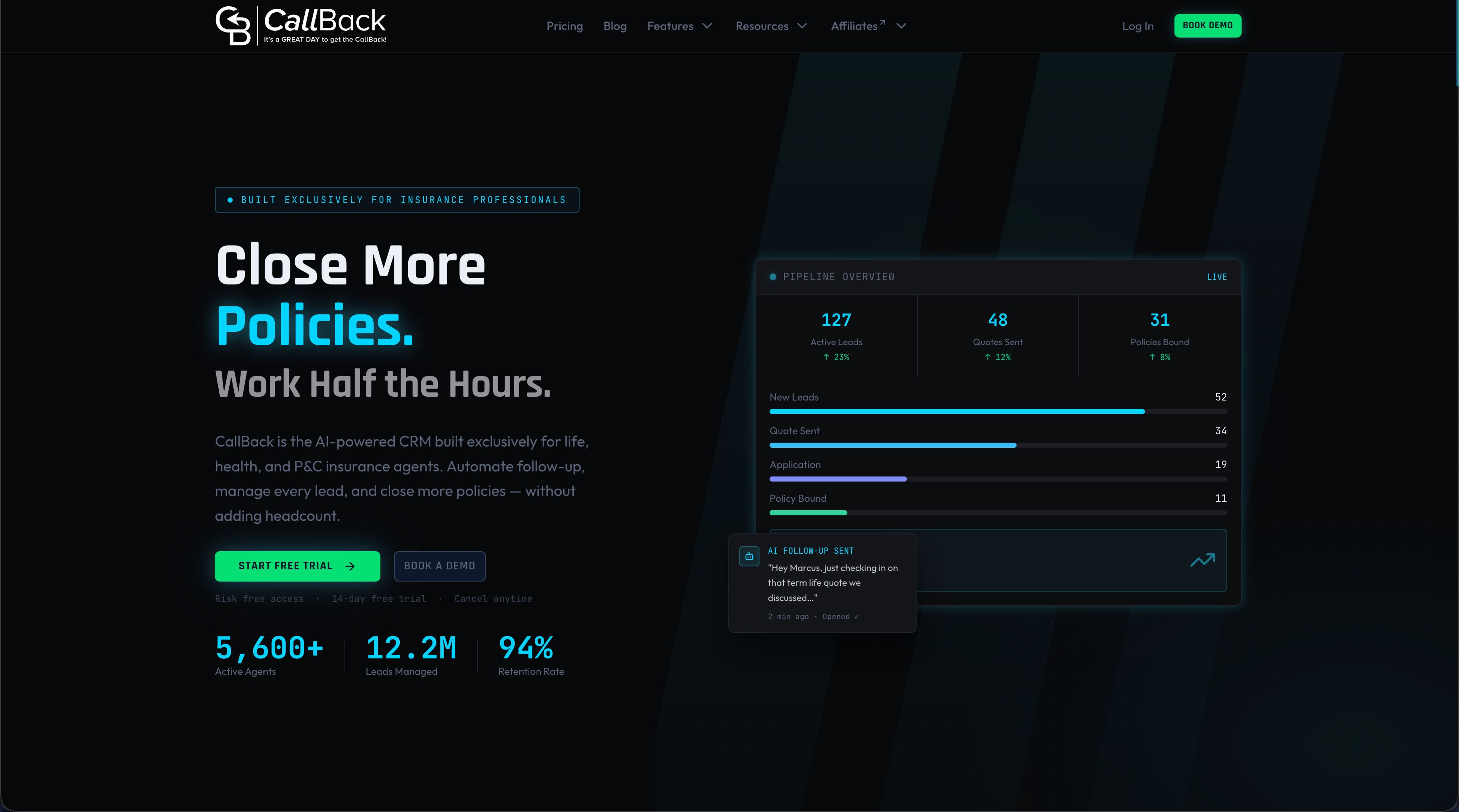
Agents who want to see the email tools can start with the email marketing automation features or sign up for the Professional plan. Agencies and IMOs with several producers can compare the Enterprise plans. The IMO marketing automation article explains how larger organizations structure follow-up.
FAQ
What is a good email deliverability rate for insurance agents?
No single number applies to every sender, but the aim is a very low bounce rate and very few spam complaints. Common operating targets are a hard bounce rate under 3% and a complaint rate under 0.1%, with Google’s ceiling for bulk senders at 0.3%. Track inbox placement by provider, since results differ between Gmail, Yahoo and Outlook.
Do small agencies need SPF, DKIM and DMARC?
Yes. The bulk sender rules formally apply at 5,000 or more messages a day, but authentication is the basic proof that mail really comes from the agency’s domain. It also protects the domain from being spoofed in fake renewal or payment emails sent to clients.
What are unique hashed messages?
A hash is a fingerprint generated from a message. Giving each outgoing message a unique value means bulk sends are not exact copies, which helps avoid repeated-content filtering. CallBack applies unique message hashing to its messaging, alongside carrier-approved verbiage. It works best together with consent and relevant content.
How long does it take to warm up a new sending domain?
Guidance from practitioners is usually two to three weeks of gradually increasing volume, starting with the most engaged contacts. Google also says enforcement for new domains moves faster than before, so start the warm-up well before a campaign deadline.
Does unsubscribing hurt deliverability?
No. A working unsubscribe protects it. Recipients who cannot find the link use the spam button instead, and complaints do far more damage than opt-outs. Add the one-click unsubscribe headers and process opt-outs across all lists quickly.
Sources
- Litmus: Email delivery vs. email deliverability
- Tech Savvy Insurance: Email Deliverability for Insurance Agents in 2026
- PowerMTA Providers: Gmail and Yahoo sender requirements
- MailCleanup: Google and Yahoo bulk sender requirements
- Mailflow Authority: Email monitoring guide
- Apex B2B Growth: Email deliverability for insurance outreach
- Volanea: Email deliverability metrics
- EmailVerify: Postmaster tools guide
- Baby Love Growth: How to grow an email list