

An SMS drip campaign is a series of text messages sent automatically, either after a set delay or after a lead takes an action. For insurance agents, the series replaces manual follow-up on new leads. The core steps are to get written consent, send the first text right away, space the next texts over about three weeks, and stop the series when the lead replies. This guide covers each step, with sample messages, click-to-SMS links, compliance rules and metrics.
TL;DR
- A text drip is a timed or trigger-based sequence. It starts when a lead opts in and ends when the lead replies, books or opts out.
- One published insurance framework uses five texts: Day 0, Day 3, Day 7, Day 12 and Day 21.
- Marketing texts to cell phones require prior express written consent under the TCPA. Each non-compliant text can carry a penalty of $500 to $1,500.
- Click-to-SMS links open the lead’s messaging app with a pre-filled message. The lead must still press Send.
- Reply rate, opt-out rate and booked appointments show whether a drip works.
Table of Contents
- What an SMS drip campaign is and how it works
- Why text drips fit insurance follow-up
- Get consent before the first text
- A five-text sequence for insurance leads
- Write texts that get replies
- Click-to-SMS and one-click SMS links
- Triggers, timing and what to measure
- Our perspective on text drips
- Building the drip in CallBack
- Pricing for running text drips
- Common mistakes
- FAQ
- Sources
What an SMS drip campaign is and how it works
A drip campaign is a planned sequence of messages. Each message has a trigger or a delay. The trigger can be a form submission, a missed call, a quote request or a tag added to a contact. The delay can be minutes, days or weeks.
A typical text drip has four parts:
- Entry rule. The event that places a contact in the sequence, such as a new lead from a landing page.
- Messages and waits. The texts and the gaps between them.
- Exit rules. Replies, booked appointments, sales and opt-outs remove the contact from the sequence.
- Branches. Different paths for different answers, such as a lead who clicks a link versus one who does not.
The exit rules matter most. A lead who has already replied should never get the next scheduled text. Without exit rules, the sequence reads like spam and drives opt-outs.
For insurance, the entry point is usually a lead for a specific product: final expense, mortgage protection, Medicare, indexed universal life, annuities, term life or property and casualty. Each product needs its own wording, because a Medicare lead and a mortgage protection lead ask different questions.
Why text drips fit insurance follow-up
Insurance leads often come from forms filled out on a phone. The lead may have requested quotes from several agents. The agent who makes contact first has an advantage, and a text is the fastest channel to send automatically.
Texts also work for leads who do not answer unknown numbers. A short message with a name and a clear reason can get a reply when a call goes to voicemail. Drips keep the follow-up consistent across a whole book of leads, so no lead is skipped on a busy day.
For the wider process, the guide on insurance lead nurturing explains how texts, email and calls fit together. The article on why nurturing insurance leads pays off covers follow-up discipline.
Get consent before the first text
Compliance comes before copy. Text messages fall under the Telephone Consumer Protection Act (TCPA). An FCC public notice states that the prohibition on autodialed calls without prior express consent covers text messages sent to wireless numbers, and that only manually placed texts are allowed without that consent.

For marketing texts, the standard is higher. According to a TCPA compliance summary, the TCPA, codified at 47 U.S.C. § 227, requires prior express written consent before any marketing text goes to a cellular number. The same summary lists penalties of $500 to $1,500 for each non-compliant text. At drip volumes, that adds up fast.
The same source describes what a valid opt-in includes:
- Who is texting.
- What kind of messages the lead will get.
- How often messages are sent.
- That message and data rates may apply.
- How to opt out.
- An affirmative act, such as checking a box or typing a keyword. Pre-checked boxes do not count as consent.
The industry’s carrier-facing rules point the same way. The CTIA Messaging Principles and Best Practices say promotional messages should be sent only after the consumer has opted in. They list several opt-in methods, including entering a number on a website, clicking an opt-in button and sending an advertising keyword. They also call for clear and conspicuous calls-to-action that explain the purpose of the messages and how to opt out.
Is cold SMS outreach legal?
Based on the sources above, texting a purchased or scraped number with an automated marketing message without written consent is a TCPA risk. Cold texting is not a safe shortcut. Consent captured on the agent’s own form, with clear wording, is the foundation. An agent who buys leads should confirm that the consent language on each lead covers texts from the agent, and should talk to a TCPA attorney about the specifics. A 14-day sequence and checklist for purchased leads is in the insurance sales sequence guide.
Opt-outs
The FCC notice states that a recipient may revoke consent by any reasonable method, including verbally or in writing. That means a reply of “stop”, “no more texts” or “remove me” should end the sequence, not only the exact word STOP. Include opt-out language such as “Reply STOP to unsubscribe” in at least the first message. Make sure the software honors every opt-out immediately and permanently, as one insurance drip playbook advises.
A five-text sequence for insurance leads
The published insurance framework mentioned above plans five messages: an immediate Day 0 text, then texts on Day 3, Day 7, Day 12 and Day 21. The roles are value add, soft nudge, objection handling and a graceful close, according to the same playbook. The first message goes out right away so it reaches the lead before the lead commits elsewhere.
The table shows the sequence with a purpose and a sample text for each step. Replace the bracketed fields with contact data.
| Day | Purpose | Sample text |
|---|---|---|
| 0 | Introduce and confirm | Hi [First Name], this is [Agent] with [Agency]. You asked about [product] coverage. Is now a good time for a quick call? Reply STOP to opt out. |
| 3 | Add value | [First Name], most people ask how much coverage they need. A short answer: it depends on [debts, final costs, income]. Want a quote range? |
| 7 | Soft nudge | Hi [First Name], following up on your [product] request. I can check rates in about 10 minutes. Is there a day this week that works? |
| 12 | Handle objections | [First Name], some people wait because of cost or health questions. Both are common, and there are usually options. Want me to look? |
| 21 | Close politely | [First Name], I will stop reaching out after this text. If you still want a quote, reply YES any time. |
Keep every text short. Name the agent and agency in the first message. Ask one question per text. Avoid claims about prices or approval, since rates depend on the carrier and the applicant.
Adjust the timing by product
The five-step spacing is a starting point, not a rule. A Medicare lead near an enrollment deadline may need tighter spacing. A mortgage protection lead may need longer gaps. A final expense lead who asked for a callback may need a text sooner than Day 3. Build separate sequences per product and review the results after a few weeks.
A lead who replies should move out of the drip and into a conversation. Route the reply to the agent, or to an AI assistant that handles first replies and books the appointment. Rules for that handoff are covered in the guide to lead routing in an insurance CRM.
Write texts that get replies
Simple habits improve reply rates:
- Use the lead’s first name and the product they asked about. A generic text looks like a blast.
- Identify the sender. Name and agency in the first text, and a consistent sender number afterward.
- Ask a question that can be answered in one word. “Is today or tomorrow better?” is easier to answer than “When are you free?”
- Keep to one link at most. Several links raise the risk of carrier filtering.
- Stay under one screen. Long texts get skipped.
- Avoid all caps, repeated exclamation marks and urgency claims. These look like spam to both people and carrier filters.
Deliverability is part of copywriting. Carriers filter messages that look repetitive or use unapproved wording. Practices such as unique message hashing, carrier-approved verbiage and iMessage delivery where available all help texts reach the lead. CallBack builds these practices into its sending.
For a similar approach on another channel, see the insurance email sequences playbook. Pair email and text so a lead who ignores one channel still hears from the agent on the other.
Click-to-SMS and one-click SMS links
A click-to-SMS link is a link that, on a mobile device, opens the messaging app addressed to a set number. The message can be pre-filled. According to the documentation of a link tool, the usual format is sms:+number?body=text. The lead then has to press Send. Nothing is sent without that tap.
That is why these links suit insurance. An ad, a website button, an email or a printed card can carry a link that starts a text thread. A sample pre-filled message: “I want a final expense quote.” The lead’s tap and send start a conversation the lead initiated.
Tips for using them well:
- Pre-fill a short, clear message that names the product.
- Put the link on a button, not in a long paragraph.
- Test it on both iPhone and Android before launching.
- Add the link to the Day 0 text or to follow-ups, so a lead can reply with one tap.
- Treat the opt-in separately. CTIA lists sending an advertising keyword as one recognized opt-in method, but the page next to the button should still state who will text, what kind of messages and how often, and how to opt out.
Click-to-SMS links work on phones. On a desktop, the link may do nothing or open a different app, so offer a form as the fallback.
Triggers, timing and what to measure
Common triggers
- New lead from a form or landing page.
- Missed call or voicemail left.
- Quote sent but no reply.
- Appointment booked, for a reminder.
- Appointment missed, for a reschedule offer.
- Policy issued, for a thank-you and review request.
- Policy anniversary, for a check-in.
Use a stage change in the pipeline as the trigger where possible. When an agent moves a contact to “Quoted”, the quote follow-up starts. When the contact moves to “Sold”, that drip stops and the onboarding series starts. The lead generation workflow tutorial shows how to build these steps.
Timing
Send the first text immediately. After that, widen the gaps: a few days at first, then a week or more. Send during reasonable daytime hours in the lead’s time zone, not late at night. Check state rules on texting hours and frequency with a compliance attorney, since several states add rules beyond federal law.
Metrics
| Metric | What it shows | What to do if it is weak |
|---|---|---|
| Delivery rate | Whether carriers pass the texts | Review wording and sender setup |
| Reply rate | Whether the message gets attention | Shorten, personalize, ask a simpler question |
| Opt-out rate | Whether the cadence is too heavy | Space texts further apart or cut a step |
| Appointments booked | Whether replies become business | Improve the call to action |
| Policies sold per 100 leads | The final result | Compare sequences by product and lead source |
Change one thing at a time, such as the Day 0 wording, and compare results across a few hundred leads before deciding. The point is revenue per lead, not text volume.
Our perspective on text drips
Most agents do not lose leads because the lead was bad. Leads go cold because follow-up depends on memory, and memory fails on busy days. A drip fixes that. The sequence runs the same way for every lead, every time.
We built CallBack for insurance workflows, so the pipelines, sequences and follow-up steps match how agents sell final expense, mortgage protection, Medicare, IUL, annuities, term and whole life, and property and casualty. Texts, email and voicemail sit in one system next to the contact record. When a lead replies, the sequence stops and the agent sees the full history.
We also put weight on deliverability and consent. Unique message hashing, carrier-approved verbiage and iMessage delivery are part of how we send. Consent still has to be captured with clear wording on the agent’s own forms, and we recommend building the opt-in first and the drip second.
The aim is simple: replace cold calling and manual chasing with automated follow-up that starts fast, stays polite and hands off to a person at the right moment.
Kyle
Building the drip in CallBack
CallBack handles the full path: capture the lead, send the opt-in, run the sequence and book the appointment. The platform includes a CRM with insurance pipelines, SMS, email and voicemail follow-up, funnel and website builders, AI assistants and workflow automation. The steps look like this:
- Build the form or landing page with the website and funnel builder and include the consent language.
- Create a workflow triggered by the new lead.
- Add the Day 0 text, then waits and later texts.
- Add exit conditions for replies, bookings and opt-outs.
- Route replies to the agent or an AI assistant.
- Review reply, opt-out and booking numbers in reporting.
A lead nurturing example for insurance, with follow-up timing and messaging, appears in this explainer on lead nurturing strategies explained.
Pricing for running text drips
CallBack’s Professional plan is $97 per month. Enterprise plans cost $297 per month for 10 full CRM accounts, $397 per month for 25 accounts and $497 per month for 60 accounts. The Unlimited AI Employee Bundle is $127 per month. Phone numbers cost $2.30 per month per number. Texts, email and AI usage are billed separately at wholesale rates. Current rates are on the fees page.
Agents can start on the Professional plan. Agencies and IMOs with several producers can compare the Enterprise plans.
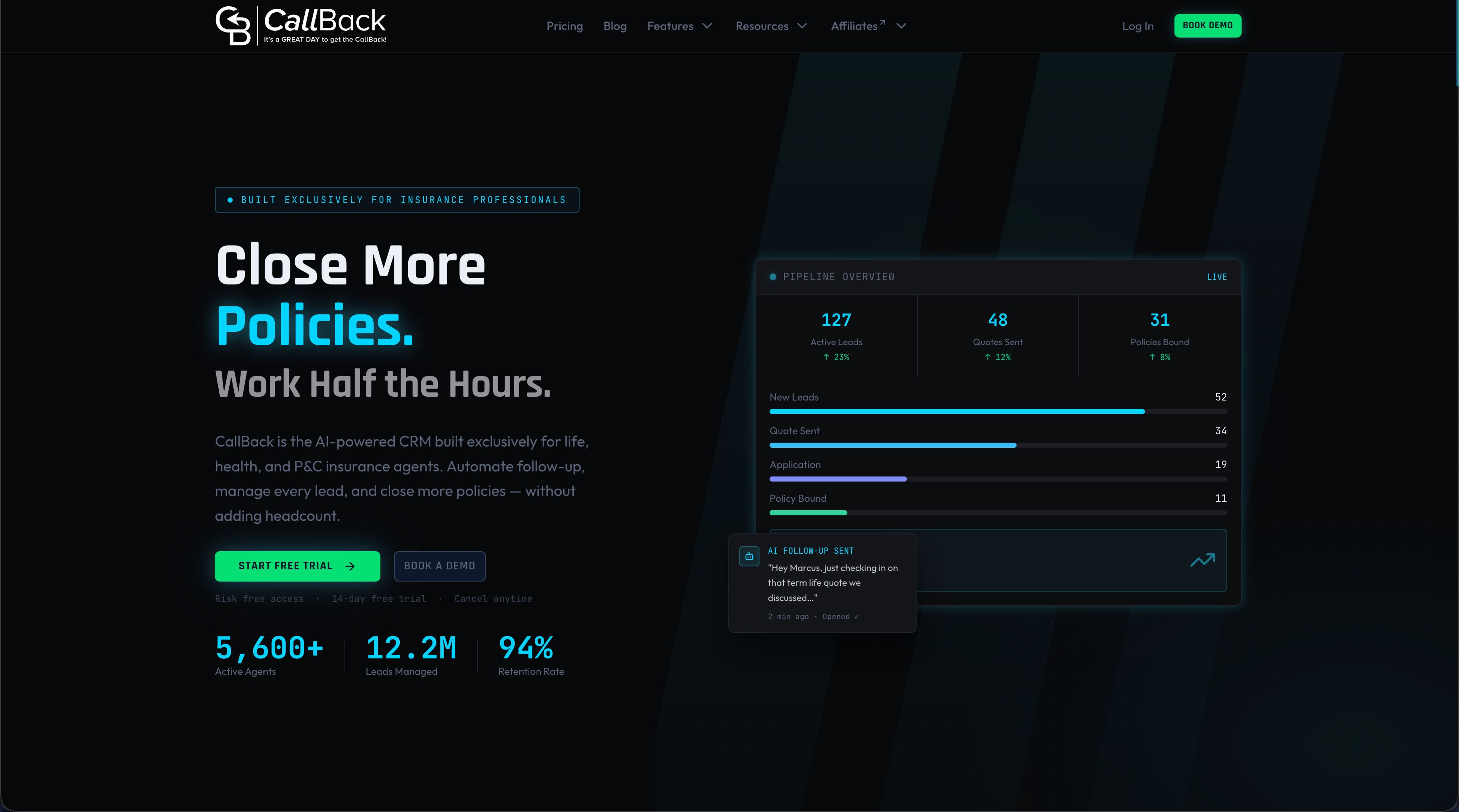
The full platform is built for insurance teams that want automated follow-up without stitching together separate tools. More information is on the CallBack site.
Common mistakes
- Texting leads without written consent. This is the largest legal risk.
- Missing exit rules. Leads who already replied keep getting messages.
- Ignoring natural-language opt-outs. Any reasonable revocation counts.
- One sequence for every product. Medicare, final expense and mortgage protection leads need different wording.
- Long, link-heavy texts. They look like spam and get filtered.
- No review. A drip that is never checked slowly gets worse.
FAQ
What is the difference between an SMS drip campaign and a text blast?
A blast sends one message to a whole list at once. A drip sends a series to each contact on a timeline set by that contact’s entry date or actions. Drips are personal and sequential, and they stop when the lead responds.
How many texts should a drip campaign include?
For insurance leads, one published framework uses five texts over 21 days. That is a reasonable starting point. Adjust the number and spacing by product and by opt-out and reply rates.
Do I need consent to send a text drip to insurance leads?
Yes. The TCPA requires prior express written consent for marketing texts to cell phones. The opt-in must state who is texting, what the messages are about, how often they are sent, that rates may apply and how to opt out. A TCPA attorney can confirm what applies to a specific lead source.
How does a click-to-SMS link work?
The link opens the lead’s messaging app with the destination number and an optional pre-filled message. The lead presses Send to start the conversation. It works on mobile devices, so a form should be available as a fallback on desktop.
Sources
- FCC public notice on TCPA and text messages (2016)
- CTIA Messaging Principles and Best Practices (May 2023)
- TCPA SMS marketing compliance rules
- SMS drip campaign for insurance agents
- Click-to-SMS link documentation
- Lead nurturing strategies explained