

Review request automation sends every eligible client a request for a review at a set point after a policy event, with no one having to remember. For an insurance agency, the setup has four parts: a trigger (such as a policy issued), a message by text or email, a link to the review page, and one reminder. The same request must go to every client, whatever the client thinks of the service. That last rule keeps the process within FTC and Google policy.
TL;DR
- Automated review requests are messages sent by a workflow after a trigger, such as a policy being issued or a claim being closed.
- Send the same request, with the same wording, to every eligible client. Selecting only happy clients is review gating and breaks Google policy and FTC rules.
- Text and email requests carry their own rules: TCPA consent for texts, CAN-SPAM identification and opt-out for email.
- Track request volume, response rate and rating trend, then adjust timing and wording.
- CallBack CRM runs review requests inside the same workflows that handle follow-up. The Professional plan is $97 per month.
Table of Contents
- What review request automation is
- Why it matters for agents and agencies
- The compliance rules to settle first
- How to set up an automated review request workflow
- Timing and channel choices at a glance
- Measuring results
- Risks and limits to plan for
- Our perspective
- Run review requests inside CallBack CRM
- FAQ
- Sources
What review request automation is
A review request is a message that asks a client to rate or review a business on a public site, most often Google. Automation replaces the manual version, where an agent remembers to ask, or does not. A workflow watches for an event in the CRM and sends the message on its own.
For insurance agencies, manual asking tends to fail for a simple reason. Agents are busy selling, and the best moment to ask passes quickly. A client who has just received a policy confirmation or a smooth answer to a billing question is most ready to respond. A week later the moment is gone.
An automated request has five parts:
- Trigger. A pipeline stage change, a tag, or a date. Examples: policy issued, application submitted, service request closed, annual review completed.
- Delay. A short wait, so the message does not land mid-conversation.
- Channel. Text, email, or both in sequence.
- Message. A short, plain request with a direct link to the review page.
- Stop rule. The workflow ends when the client responds, opts out, or finishes the sequence.
Why it matters for agents and agencies
For most agencies, the public review profile is the first thing a prospect sees after searching for the agent’s name. A steady flow of recent reviews gives that prospect something concrete to read. The link between reviews and buying decisions is covered in more detail in this piece on online reviews and sales, written around e-commerce but based on the same buyer behavior.
A second benefit is consistency. Without automation, reviews arrive in bursts after a push from the owner and then stop. A workflow keeps requests going at the same pace as new business.
The compliance rules to settle first
Review requests are marketing messages and public-facing reputation content. Three sets of rules apply: review rules, text rules and email rules.
Review gating is the main risk
Review gating means filtering who is invited to post publicly. A common version asks “How was your experience?” first. Happy clients get the Google link. Unhappy clients get a private feedback form. It looks tidy but it is a problem.
Google’s Maps user-generated content policy lists rating manipulation as prohibited content. The policy covers discouraging negative reviews and selectively soliciting positive ones.
The FTC addressed review suppression in its final rule on fake reviews and testimonials, announced in August 2024. The rule bans certain review suppression practices, along with fake and purchased reviews. The FTC’s full rule text also covers insider reviews and company-controlled sites that falsely claim independence. The agency’s civil penalties for rule violations have been reported at up to $51,744 per violation.
The FTC’s updated Endorsement Guides point the same way. Law firm analysis of the guides notes that asking only customers who gave very positive feedback to post reviews is a misleading practice.
The safe design is structural:
- Every eligible client gets the same request.
- The request uses the same channel and the same wording.
- The public link is never hidden, conditioned or removed based on how the client feels.
- A private line to the owner may be offered in addition, never in place of the public link.
Do not offer rewards for reviews
Google’s policy also lists incentives as rating manipulation. Gift cards, discounts or free services in exchange for a review should stay out of the sequence. Insurance adds a separate concern: state insurance rules on inducements and advertising differ by state. Agents should confirm any client-facing gift practice with their state department of insurance or their compliance contact.
Do not restrict what clients can say
The Consumer Review Fairness Act makes it unlawful to offer a form contract that bans or penalizes covered reviews. Client agreements and onboarding forms should not contain language that stops clients from posting honest reviews.
Text message rules
Review requests by text are commercial messages in most cases, so they follow the same rules as other agency texting. Two points from a 2026 summary of SMS marketing laws: federal rules bar telephone solicitations before 8 AM or after 9 PM in the recipient’s local time, and telemarketing texts to numbers on the National Do Not Call Registry need consent or an established business relationship.
In practice, the workflow should:
- Send only to clients who gave written consent to receive texts.
- Use quiet hours based on the client’s time zone, not the agent’s.
- Include a clear way to stop, and honor it at once.
- Keep a record of consent and of each message sent.
For the audit trail side, see the guide on TCPA compliant texting for insurance. The article on SMS versus email for agents covers how the two channels differ on opt-outs.
Email rules
Under CAN-SPAM, commercial email must identify the sender, avoid deceptive subject lines, include a real postal address and offer a working opt-out that is honored. One 2026 deliverability guide notes the FTC lists civil penalties of up to $53,088 per violating email. A review request email needs the same footer as any other marketing email. CallBack’s guide to CAN-SPAM for insurance emails walks through opt-out handling.
How to set up an automated review request workflow
The steps below suit most independent agents and small agencies. They work in any CRM that supports triggers, delays and messaging.
Step 1: Pick the trigger
Choose an event that signals a finished, positive-neutral moment. Good triggers for insurance:
- Policy issued and delivered
- Service request resolved
- Annual policy review completed
- Claim support call closed (for agencies that assist with claims)
Use one trigger per client event, not several, so a client does not get asked twice in a short time.
Step 2: Choose the timing
Wait long enough for the client to feel the result, but not so long that the event fades. A common starting point is one to three days after the trigger. For policy delivery, a few days gives the client time to read the policy. Adjust after the first month using response data.

Step 3: Write the message
Keep the request short and personal. Include the agent’s name, one sentence of thanks, and the link. Do not ask for a specific rating or specific wording, since Google’s policy treats requests for specific content as a problem.
A text example:
Hi Maria, this is James from Cole Insurance. Thank you for choosing us. If you have a minute, a review on Google helps other families find us: [link]. Reply STOP to opt out.
An email example uses the same text with a subject such as “A quick favor from James at Cole Insurance”, plus the sender identification and postal address footer.
AI writing tools can draft these messages, but each draft should be read before it goes live. CallBack has a guide on AI SMS writers for insurance agents that covers keeping an audit trail of generated copy.

Step 4: Pick the channel and the order
Text gets read quickly and suits a short link request. Email suits clients who prefer it and allows a slightly longer note. A simple sequence:
- Day 2: text with the review link.
- Day 5: email with the same link, only if the client has not clicked.
- End of sequence. No further asks.
One reminder is enough. A third message reads as pressure and raises opt-outs.
Step 5: Add a private line, not a filter
The message can add a sentence such as “If something went wrong, reply and the owner will call you.” This is allowed because the public link stays visible to everyone. The reply should route to a person, with a task created in the CRM.
Step 6: Set stop rules and exclusions
The workflow should stop when the client:
- opts out of texts or email
- clicks the review link
- replies to the message
- is marked do not contact
Exclusions should be based on compliance reasons only, such as missing consent, a pending complaint handled by a compliance officer, or a deceased policyholder. They should never be based on predicted sentiment.
Step 7: Test the flow
Run the workflow on a test contact before launch. Check the link, the opt-out text, the time-zone handling and the stop rules. Then turn it on for new events only, instead of blasting the whole book of business at once.
Timing and channel choices at a glance
| Situation | Suggested trigger | Channel | Timing |
|---|---|---|---|
| New policy delivered | Stage moved to Issued | Text, then email | 2 days, then 5 days |
| Service request closed | Task marked complete | Text | 1 day |
| Annual review finished | Appointment outcome logged | Email, then text | 1 day, then 4 days |
| Referral thank-you | Referral converted | Text | 3 days |
These are starting points, not fixed rules. Agents with older clients may find email or a call works better. Agents with younger clients may find texts perform best.
Measuring results
Three numbers tell most of the story:
- Requests sent. How many clients entered the workflow.
- Click or response rate. The share who opened the review page or replied.
- New public reviews and average rating. Compare month over month.
Watch the opt-out rate too. If texts for review requests produce more stops than other messages, the timing or wording needs work.
Improve one thing at a time. Change the delay first, then the channel order, then the wording. A month of data per change is enough for a small agency. Also respond to every review, positive or negative, in a short and professional way. Replies should never include policy or health details, since the response is public.
Risks and limits to plan for
Automation sends requests on schedule, but it needs good rules around it.
- Consent gaps. A text workflow is only as compliant as the consent records behind it. Clean the contact list before connecting it.
- Wrong trigger. If the trigger fires on an unfinished event, the client gets asked at an odd moment. Review the trigger logic after launch.
- Over-asking. Clients who deal with the agency often should be asked at most once in a set period. Add a rule that blocks a new request within, for example, 90 days.
- Privacy. The message and any reply should not include policy details, health information or account numbers.
- Platform changes. Google updates its review policies. Check the official policy page now and then. Agencies with several producers should write one shared rule for how staff may ask for reviews.
The guide to automating follow-ups covers the same logic for sales sequences, and the principles carry over.
Our perspective
Most insurance agents do not lack happy clients. They lack a system that asks at the right time. We built CallBack for insurance workflows, so a review request is one more step in the same pipeline that handles quotes, follow-up and renewals.
We keep the review request simple. One trigger, one message, one reminder, the same for every client. That is easier to run, easier to defend and easier to explain to a compliance officer.
The platform pairs messaging with deliverability practices such as unique message hashing, iMessage deliverability and carrier-approved verbiage. Those practices matter because a review request that never reaches the client is a lost review.
We also think agents should spend their time on clients, not on reminders. Automation handles the asking. The agent handles the relationship.
Kyle
Run review requests inside CallBack CRM
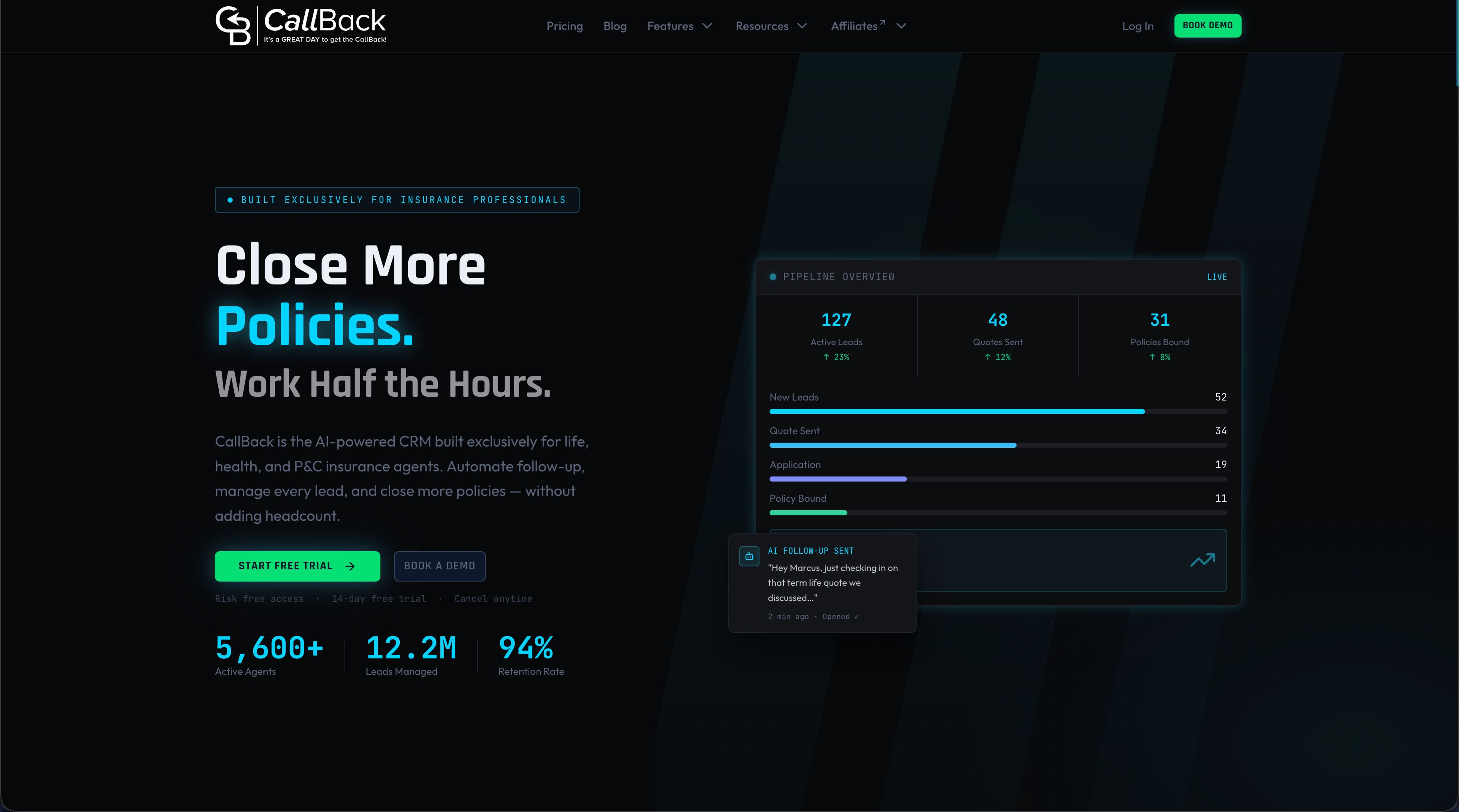
CallBack CRM is an AI-powered CRM and sales automation platform for insurance agents, agencies and IMOs. It includes pipeline management, SMS and email marketing, automation workflows and reputation management in one account. A review request can start from a pipeline stage and follow the steps above.
The Professional plan is $97 per month and can be started on the Professional signup page. Larger teams can look at the Enterprise plans: $297 per month for 10 full CRM accounts, $397 per month for 25 accounts and $497 per month for 60 accounts, listed on the Enterprise page. Usage fees for texts, email and AI are billed separately and are listed on the fees page. A phone number costs $2.30 per month. More on text tools is on the SMS features page.
FAQ
Is review gating illegal?
It can be. The FTC’s rule on consumer reviews bans certain review suppression practices, and Google’s policy bans selectively soliciting positive reviews. Send every eligible client the same request to stay clear of the problem.
Can an insurance agent text clients to ask for a review?
Yes, when the agent has the client’s consent to receive texts and follows quiet hours and opt-out rules. Keep records of consent and of each message. State rules and carrier rules may add requirements, so agencies should confirm them with a compliance contact.
How soon after a policy is issued should the request go out?
A common starting point is one to three days after the trigger. Test that window for a month, then adjust. The goal is to ask while the experience is fresh but after the client has had time to read the policy.
How many reminders are enough?
One. A first request and a single reminder by a different channel is a common pattern. Stop the sequence as soon as the client clicks, replies or opts out.
Can a review request offer a gift card?
No. Google’s policy lists incentives for reviews as prohibited. Thank clients in the message and leave the reward out.
Sources
- Google Maps User Generated Content Policy: prohibited and restricted content
- FTC announces final rule banning fake reviews and testimonials
- FTC final rule on consumer reviews and testimonials
- How to recognize fake online reviews of products and services (PIRG)
- 5 Takeaways from the FTC’s Updated Endorsement Guides
- Consumer Review Fairness Act (Public Law 114-258)
- SMS Marketing Laws: Federal, Carrier, and State Rules (2026)
- Cold outreach best practices and CAN-SPAM
- Leveraging Online Reviews to Boost E-Commerce Sales