

The Facebook Conversions API (CAPI) is a server-side connection that sends conversion events from a business’s own systems to Meta. For insurance agents, that means a quote request, a booked call or a bound policy can be reported to Facebook even when the browser never reports it. The Meta Pixel stays in place. CAPI runs next to it and fills the gaps.
This guide covers what CAPI is, how it differs from the Pixel, which events an insurance advertiser should send, how to test the setup, what U.S. privacy rules apply, and what it costs.
TL;DR
- CAPI sends events from a server, CRM or other first-party system to Meta. The Pixel sends events from the visitor’s browser. Most advertisers run both.
- Both channels must send the same event name and a shared event ID so Meta counts each conversion once.
- For insurance, send completed quotes as Lead events and bound policies as Purchase events, with the premium as the value.
- Test with the Test Events tool in Events Manager before any live campaign depends on the data.
- Health-related data needs care. Check FTC guidance and Meta policies before sending anything beyond basic contact and stage data.
Table of Contents
- What the Facebook Conversions API is
- Meta Pixel vs. Conversions API
- Which events insurance advertisers should send
- Choosing a setup method
- How to set up and test CAPI
- Privacy, consent and policy in the U.S.
- Is the Conversions API free?
- Perspective
- Start with a CRM that tracks every stage
- FAQ
- Sources
What the Facebook Conversions API is
CAPI is a server-side tool that tracks conversions through the website’s server rather than the customer’s browser. It works together with the Facebook Pixel. Meta’s own documentation describes it as a connection between an advertiser’s marketing data, such as website events, app events and business messaging events, and Meta’s ad optimization systems.
In practice, events can come from an advertiser’s server, CRM or other first-party systems. That includes website, offline and messaging events, and later-funnel events that a browser may not observe.
This matters for insurance because the sale rarely happens on the website. A prospect fills out a form, an agent calls, a quote is sent, an application is signed and the policy is bound days or weeks later. The Pixel sees the form submission at best. The CRM knows the rest.
Why server-side tracking exists
The Pixel relies on browser cookies. It is susceptible to ad blockers and privacy-focused browser restrictions. CAPI operates server to server and is not affected by client-side browser settings.
A server-side setup also gives the advertiser control over what is sent. One data platform’s documentation notes that server-side CAPI lets advertisers control which identifiers are passed to Facebook.
Meta Pixel vs. Conversions API
The two tools do different jobs.
| Meta Pixel | Conversions API | |
|---|---|---|
| Where it runs | Visitor’s browser | Server, CRM or other first-party system |
| What it captures | Page views, form submissions, clicks on the site | Website events plus offline, messaging and later-funnel events |
| Affected by ad blockers | Yes | No |
| Needs development or a connector | Low | Medium, depending on method |
| Best use | Real-time browser activity | Complete signal, lower-funnel events |
The Pixel is browser-side JavaScript that records actions such as page views and purchases and sends them to Meta for measurement, ad optimization and audience creation.
CAPI is not a stand-alone replacement for the Pixel. It supplies a complete signal, particularly for lower-funnel or offline conversions the Pixel cannot capture. The two are complementary, and the Pixel supplies browser activity while CAPI supplements it with server and first-party signals.
Deduplication
Running both creates a risk: the same conversion arrives twice. The fix is to send the same event name and a shared event ID from both the browser and the server. Meta then deduplicates the events. In a redundant setup, this shared event identifier is what keeps the count clean.

A simple rule: generate the event ID once, when the form is submitted, and pass it to both the Pixel call and the server call. For a policy sale, the quote or policy number works well as the ID.
Which events insurance advertisers should send
A Facebook lead form or website form is only the first event. The value of CAPI comes from reporting what happened next, so Meta can learn which leads become customers.
A basic event ladder
For insurance marketing, one practical approach is to send completed quotes as Lead events and bound policies as Purchase events, with annualized premium as the value and the quote or policy number as the event ID.
A typical ladder for a final expense, Medicare or mortgage protection agent:
- Lead: the form is submitted or the lead ad is completed.
- Qualified: the agent reached the prospect and confirmed fit, such as age range, state and interest.
- Quoted or appointment set: a quote was delivered or a call was booked.
- Purchase: the policy was bound, with currency and premium value.
One vendor’s lead-conversion guide describes the same shape. It calls for the Meta lead ID, event name and time, the source system, action source, a hashed email and at least one hashed phone number. It recommends further hashed identity and location fields where available. It reports the initial lead and later stages such as Qualified or Purchase, with currency and value added on Purchase rows.
Fields that improve matching
To improve match quality, send normalized and hashed customer data such as email and phone, and pass through the fbp cookie and fbc click ID. Also set action_source, a required server-side parameter that describes where the conversion happened. A web form, a phone call and a CRM stage change are different sources and should be labeled as such.
The more complete and consistent the customer data, the better the chance Meta can match the event to the person who clicked the ad.
Choosing a setup method
There are several ways to connect CAPI. Meta publishes a page that compares setup options by cost, setup difficulty and the features they enable. The main routes are:
- Partner or platform integration. Fastest for agents who already use a website builder or a CRM that offers a connector. Little or no code.
- Tag-based server-side setup. A server container forwards browser events to Meta. It needs a tag manager and hosting.
- Direct API integration. A developer posts events from the agency’s own back end. The most control, the most work.
- Automation tools. No-code tools can send CRM events to the Conversions API when a record changes. This suits agencies that want stage-based events without custom code.
- File upload. A spreadsheet of lead conversions uploaded on a schedule. Slower, but workable for small teams.
The right choice depends on where the stage data lives. If the CRM holds the pipeline, the cleanest path is the one that fires an event when an agent moves a lead from one stage to the next.
Keeping lead data in one place
CAPI is only as good as the records behind it. If leads arrive in Facebook, get copied into a spreadsheet and are then followed up from a phone, the stage history is lost. Pulling lead ads straight into a CRM keeps the lead ID, the timestamps and the outcome together. CallBack’s guide to getting Facebook lead ads into agents’ hands covers that first step, and the article on converting Facebook ads insurance leads covers speed to contact.
Once leads are moving through a pipeline, the follow-up discipline matters as much as the tracking. Good lead nurturing strategies keep prospects engaged between the first contact and the policy decision, and every stage reached becomes a signal worth sending back.
How to set up and test CAPI
The exact screens differ by method. The sequence is the same.
- Confirm the Pixel works. Check that the Pixel fires on the thank-you or confirmation step of the form.
- Choose the events. Start with Lead and Purchase. Add Qualified and others once those are stable.
- Connect the data source. Use the method chosen above. Map CRM fields to Meta’s parameters: email, phone, event name, event time, action source, event ID, value and currency.
- Hash personal data. Normalize emails and phone numbers, then hash them before sending.
- Add the shared event ID. Use the same ID in the browser and server call.
- Send a test event. In Events Manager, the Test Events tool and a test event code verify that server events are received.
- Check deduplication. Confirm that the same lead does not show up twice as separate events.
- Go live and monitor. Review match quality and event volume for the first weeks.
CAPI can recover some signals browser-based tools may miss, but it does not remove legal compliance obligations. Consent and disclosure rules still apply.
Common mistakes
- Sending events with no event ID, which leads to double counting.
- Sending only the server event and dropping the Pixel.
- Leaving out phone numbers, which are often the strongest identifier for insurance leads.
- Sending a Purchase event with no value or currency.
- Firing Purchase for every submitted application instead of only bound policies.
Privacy, consent and policy in the U.S.
Insurance leads can carry sensitive information. A final expense or Medicare prospect may share age, medications or health conditions. Agents should decide, before building the setup, which fields are needed to match and optimize, and which are not.
The FTC states that the Health Breach Notification Rule may cover non-HIPAA vendors of personal health records, related entities and third-party service providers. It requires notification after a qualifying breach. In a 2021 statement, the Commission said it intends to enforce the rule, with civil penalties potentially reaching $43,792 per violation per day at that time. The penalty amount is adjusted over time, so the current figure should be checked on the FTC site.
In the healthcare setting, one insurer’s commentary notes that OCR guidance treats a website user’s IP address as individually identifiable health information in some circumstances. Agents who work with covered entities or handle health data should ask their compliance contact or an attorney how that applies.
Practical safeguards:
- Send contact details and funnel stage. Do not send medical conditions, medications or diagnoses as event parameters.
- Keep a privacy policy link on every landing page and form.
- Avoid ad claims that promise specific savings, such as “save $X guaranteed”, or imply discrimination by age or health.
- Follow carrier, IMO and state rules on lead consent and marketing.
Is the Conversions API free?
Meta’s comparison page lists cost as one of the factors that differ by setup option, so the answer depends on the route. A direct integration has no per-event fee on the setup page itself, but it takes developer time. Connectors, tag hosting and automation tools may carry their own subscription or usage charges. Before committing, price the full path from the CRM to Meta, including any monthly tool fee.

For agents choosing a CRM to hold the pipeline, CallBack publishes its prices. Professional is $97 per month. Enterprise plans are $297 per month for 10 full CRM accounts, $397 per month for 25 and $497 per month for 60. The Unlimited AI Employee Bundle is $127 per month, and phone numbers are $2.30 per month per number. SMS, email and AI usage are billed separately at wholesale rates, and the fees page lists the categories.
Perspective
Most insurance agents we talk to treat Facebook tracking as a technical chore. We see it as a pipeline question. Meta can only learn from outcomes that someone recorded.
That is why we built CallBack around the sales workflow. Leads, calls, texts, emails, appointments and policy stages live in one CRM. When an agent moves a lead forward, the record shows it, with a timestamp. That record is the raw material for any good conversion event, whether it is sent by a connector, an automation or a developer.
Speed matters just as much. A lead that gets a text and a call within minutes is more likely to reach the Qualified and Purchase stages. Automated follow-up by SMS, email and voicemail handles the first contact, so agents spend their time on conversations. Better follow-up produces better signals.
Our advice is simple. Pick two events, Lead and Purchase. Make sure the CRM records both without gaps. Then connect them to Meta and test.
Kyle
Start with a CRM that tracks every stage
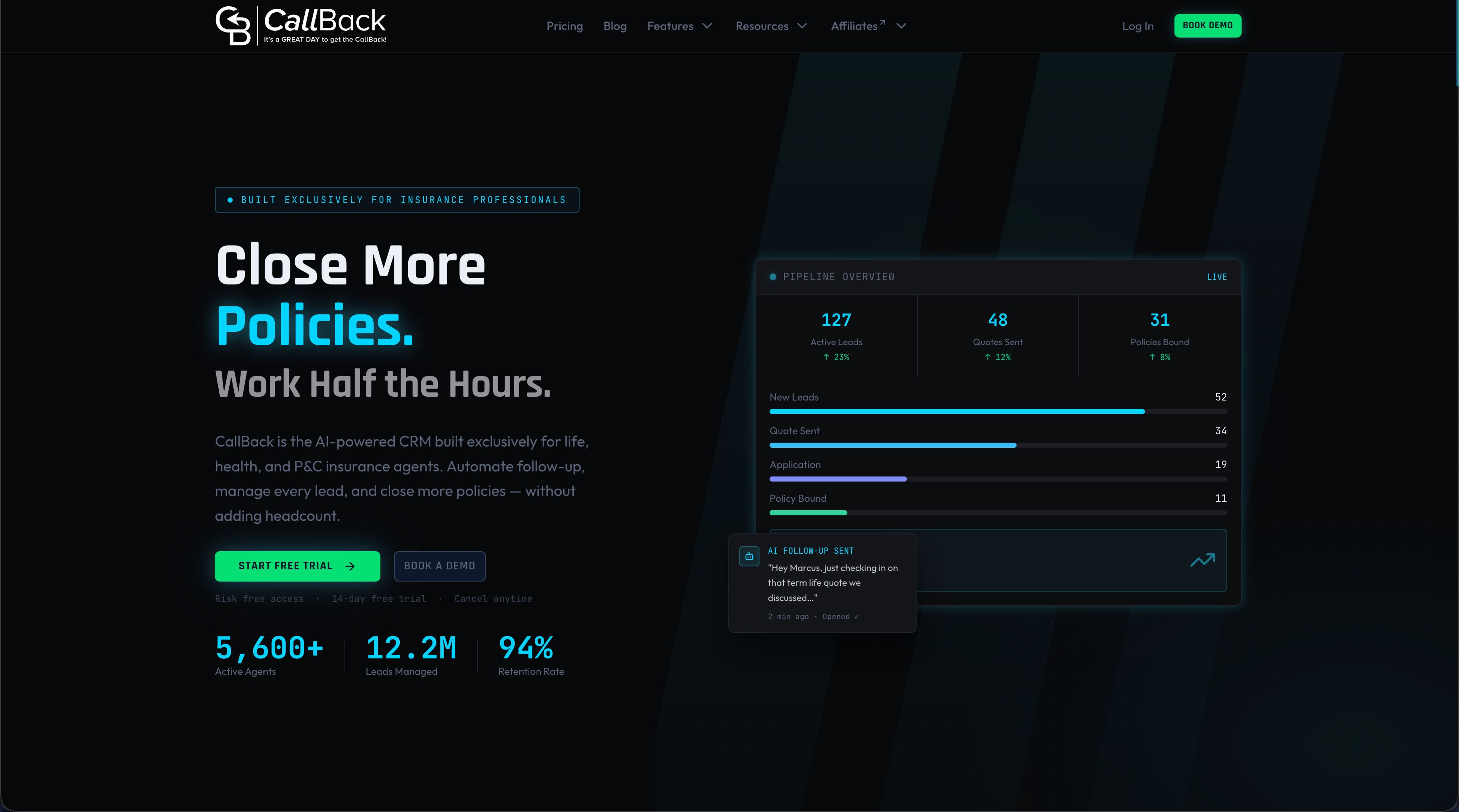
CallBack CRM is built for insurance agents, agencies and IMOs. It combines pipeline management, automated follow-up by SMS, email and voicemail, funnel and website builders, workflow automation and reporting in one platform. Agents who want clean stage data behind their Facebook campaigns can start with the Professional plan or look at the CRM features first.
Larger agencies and IMOs can compare the Enterprise plans, which cover 10, 25 or 60 full CRM accounts.
FAQ
What is the Conversions API on Facebook?
It is a server-side connection that sends conversion events from an advertiser’s server, CRM or other system straight to Meta. It does not depend on the visitor’s browser. It is used with the Meta Pixel, not instead of it.
What is the difference between the Meta Pixel and the Conversions API?
The Pixel sends events from the browser. The Conversions API sends them from a server. Used together with a shared event ID, they give Meta a more complete and deduplicated view of conversions.
Should insurance agents use the Conversions API?
Agents who run Facebook lead or website campaigns and track results in a CRM have the most to gain. CAPI can report later stages such as qualified leads and bound policies that the Pixel cannot see. Agents should first check privacy and compliance rules for the data they plan to send.
How can a Facebook lead form be tied to a CRM?
The lead should flow into the CRM with its Meta lead ID and timestamps. Each stage change can then be sent back as an event, using a connector, an automation tool, a developer integration or a file upload. The CRM record is the source of truth for what is sent.
Is the Conversions API free?
The cost depends on the setup method. Meta compares options by cost and difficulty on its help page. Connectors, hosting and automation tools can add monthly fees, and custom builds add developer time.
Sources
- Conversions API, Meta for Developers
- Compare Conversions API setup options, Meta Business Help Center
- Facebook Conversions API: Everything Marketers Need to Know, Hootsuite
- Meta Pixel vs. Meta Conversions API, Stape
- Meta Pixel and Conversions API, Edge Angel
- Meta Ads Conversion Tracking for Insurance Companies
- Facebook Conversions API Destination, Segment
- Facebook Conversions Connector Setup Guide, Tealium
- Prepare a CSV for lead conversions, Datahash
- Collecting, Using, or Sharing Consumer Health Information, FTC
- FTC statement on breaches by health apps and connected devices, 2021
- Ad-Tracking Technology and OCR Guidance, Corvus Insurance
- Facebook Ads for Insurance Agents guide
- Lead nurturing explained