

An e-signature audit trail is the time-ordered record of everything that happened to a document during signing: when it was sent, opened and signed, who the signers were, and what device and network they used. For an insurance agency, it is the evidence that a client signed an application, consent form or policy change. It is only useful if it is complete, stored with the signed document and retrievable years later.
This guide covers what the record should contain, how courts and regulators treat it, what retention rules look like in insurance, and how to connect it to a CRM.
TL;DR
- An audit trail logs each event in the signing process, with timestamps, signer identity details and technical data such as IP address.
- It supports a signature’s validity by helping show who signed, that the signer intended to sign, and that the document was not altered afterward.
- A signed PDF without its audit trail and completion certificate is weaker evidence. Store them together.
- Retention periods for insurance records vary by state and document type. Typical figures run from three to five years after the current year.
- Linking the signed file and its audit record to the client’s CRM record makes retrieval fast during a dispute, carrier request or audit.
Table of Contents
- What an e-signature audit trail describes
- What the record should capture
- Why the audit trail matters legally
- Insurance recordkeeping rules differ by state
- Consumer consent belongs in the record
- Connecting signature records to the CRM
- Preserving the audit trail
- Keep contracts and signatures with the client record
- FAQ
- Sources
What an e-signature audit trail describes
An audit trail is a digital record kept by the e-signature service. It identifies when a document was sent, opened and signed, along with the signers’ names, email addresses and unique signing identifiers. It may also include IP addresses or machine IDs that show when and where the document was opened and signed, according to Fenwick’s guide to using e-signatures in court.
It is separate from the signature image itself. The signature shows that a mark was applied. The audit trail shows the process behind the mark. In a dispute, the second part carries most of the weight.
Most platforms produce two related items:
- The event log. A chronological list of actions: sent, delivered, viewed, signed, declined, voided.
- The completion certificate. A summary page or file issued when all parties finish, often with a hash of the final document so later changes can be detected.
What the record should capture
No single list is mandated for every insurance document. Legal and industry sources describe similar elements, and those elements make a sensible baseline for an agency.
MC Law’s publication on ESIGN and UETA says a defensible attribution record should capture the signer’s identifier, timestamps for each event (viewed, opened, signed, completed), IP address, browser and device details, the sequence of documents presented, and a hash of the signed document. It adds a tamper-evident seal applied at completion and a completion certificate stored with the document (MC Law).
Lowenstein Sandler’s guidance on enforceability adds the change history. The trail should show who changed an electronic record, the original terms, the modified terms and the reason, so the record’s custodian can follow the history and investigate when something is found to be wrong (Lowenstein).
In practice, an agency can use the table below as a review checklist.
| Element | Why it matters |
|---|---|
| Signer name, email and unique identifier | Ties the signature to a named person and an inbox |
| Timestamps for sent, viewed, signed, completed | Shows the order of events and the date of assent |
| IP address and device or browser details | Gives network and device context for the signing session |
| Documents presented and their sequence | Shows what the signer actually saw |
| Document hash and tamper-evident seal | Makes later alteration detectable |
| Changes, declines, voids and reassignments | Explains any irregular history |
| Consent disclosure shown and accepted | Supports the electronic-records consent requirement for consumers |
| Completion certificate | One document summarizing the whole transaction |
The IP address deserves a note. It points to a network, such as an office, a mobile carrier or a VPN. It is not a street address and does not by itself show who was holding the device. That is why identity checks and the rest of the log matter.
Why the audit trail matters legally
Electronic signatures are accepted in U.S. courts, but the party relying on one must still show it is genuine. Federal Rule of Evidence 901(a) requires the proponent to produce evidence sufficient to support a finding that the item is what the proponent claims. Rule 901(b)(9) allows authentication by evidence describing a process or system and showing it produces an accurate result (Federal Rules of Evidence, uscourts.gov). An audit trail is the kind of system evidence that fits this framework.
Two cases reported by Fenwick show how it works:
- In Moton v. Maplebear Inc. (S.D.N.Y. 2016), the court found that a time-stamped audit trail tracking IP addresses and other identifying data, for when each signatory received, viewed and executed each agreement, was sufficient to show the signature was the signer’s own and that the signer assented.
- In Schrock v. Nomac Drilling, LLC (W.D. Pa. 2016), the court rejected an employee’s challenge to an e-signature. The audit trail showed the document was signed at a location where the employee was present at that time, and the program required the last four digits of the employee’s Social Security number.
Both are summarized in Fenwick’s 2020 article. The second case shows a useful point: the audit trail works best alongside an authentication step, not alone.
Lowenstein’s attorneys also note that a “clean” audit trail, one showing no attempt to improperly access or modify an agreement after signing, makes it harder for a party to repudiate the terms later (Lowenstein).
The insurance industry takes the same view. Materials from the NAIC’s E-Commerce Modernization Working Group record that audit logs and certificates of completion can make post-signature alteration detectable when appropriate controls are used (NAIC). A controlled electronic record can reveal later changes more clearly than a paper form altered after a wet signature.

Insurance recordkeeping rules differ by state
There is no single national retention rule for insurance signature records. Requirements depend on the state, the line of business and the carrier. A few examples show the range.
- South Dakota. Insurers must keep applications, riders, endorsements and other documents that require an insured’s signature to alter policy terms for five years. Electronic media is allowed when the record can be accurately reproduced (S.D. Admin. Rule 20:06:01:05).
- Alabama. Claim files must be accessible and retrievable for examination, generally covering the current year plus five preceding years. Electronic records must be archival, preserve signature evidence and be reproducible as legible hard copy (Ala. Admin. Code r. 482-1-124-.05).
- NAIC model regulation. The Market Conduct Record Retention and Production Model proposes current year plus three years for insurer market-conduct records and producer policy files, while noting that some states may require five. It allows electronic records that form a durable reproduction, preserve evidence of required signatures, prevent alteration after transfer, can be reproduced legibly and are maintained under written procedures (NAIC Model #910).
The NAIC itself says its state pages are a starting point for seeing how states address the model, and that its interpretation may differ from a state’s or a reader’s (NAIC state page guidance). An agency should confirm the rule with its state department of insurance and its compliance counsel for each line it writes.
New York shows how far the obligation reaches. The Department of Financial Services treats third-party cloud storage as part of an insurer’s records-control environment. It expects preservation of record content, safeguards, the ability to reconstruct records and oversight of the vendor (NYDFS Circular Letter No. 9 (2022)). Its earlier opinion on electronic records retention calls for a retention plan with alteration safeguards, a durable medium for all record information including signatures and notations, a separate backup for reconstruction, and records that are readable and accessible to the Superintendent (NYDFS OGC Opinion 10-09-15).
Carrier requirements
Carriers can add their own rules on top of state law. Farmers Mutual Hail instructs agents to obtain the policyholder’s consent, authenticate identity, make sure the document is not altered, retain the completed document and provide an audit trail or satisfactory supporting documentation on request. The carrier may reject a form or ask for supporting documentation if it believes the signature was not obtained through a digital signature process (Farmers Mutual Hail guidelines).
Other carriers and IMOs publish their own contracting and e-application rules. Agents who write with several carriers should keep a short reference of each carrier’s signature requirements and check it when carriers update their guidelines.
Consumer consent belongs in the record
When a consumer signs electronically, the record should also show that the consumer agreed to do business electronically. Under the federal ESIGN Act, the consumer must first receive a clear statement covering the right to receive paper records, the right to withdraw consent, the scope of the consent, how to withdraw it and the hardware and software needed to access records. Underwriting guidance also lists signer intent, agreement to do business electronically, a retained and reproducible record and a signature tied to the signer as the usual showing.
For an agency, the practical step is to confirm that the consent screen and the client’s acceptance appear in the log, not just the final signature. Agencies that handle Medicare, final expense or health applications should also check carrier and CMS rules for the specific form.
Connecting signature records to the CRM
An audit trail that sits in a vendor portal is hard to find when a client calls two years later. The better pattern is to attach it to the client’s record. Integration guidance for e-signature and CRM systems recommends that the signed PDF, the signing certificate and the signing metadata live together and link to the CRM record. The goal is traceability, a single source of truth and a reliable version history. It treats the certificate of completion as being as important as the signed PDF (beefed.ai integration guide).
A workable setup for an agency has these parts:
- Create the signing request from the contact or policy record, so the document is tied to the client from the start.
- Record the policy or application number on the request.
- Update the record’s status automatically when signing completes.
- Save the signed PDF and the completion certificate to the same record.
- Keep an exportable copy of the full event log.
Agencies building the wider process can also read this marketing automation checklist for ways to connect signing status with lead and customer records. CallBack’s own guides cover related ground: contract management for insurance agencies and how to prove CMS Medicare marketing compliance with CRM records.
Preserving the audit trail
The most common evidentiary failure is not a missing signature. MC Law’s Casey Scott McKay notes that companies switch e-signature vendors and keep only the PDFs, without migrating the historical records, metadata or audit trails. Her recommendation is to export and retain the audit trail and completion certificate with the executed document outside the vendor’s platform, because a signed PDF without its audit trail is much weaker evidence (MC Law).
A short retention routine covers most of the risk:
- Set the period. Use the longest of the state rule, the carrier rule and the agency’s own policy for that line of business.
- Store together. Keep the signed document, certificate, consent record and event log as one bundle.
- Keep a second copy. Store a backup outside the signing vendor, as the New York guidance expects for reconstruction.
- Plan for vendor changes. Export all historical records before ending any subscription.
- Make it retrievable. Name files with the client, policy number and signing date, and link them from the CRM.
- Review yearly. Confirm state and carrier rules have not changed.
When a regulator, carrier or opposing party asks for proof, the bundle should export as a PDF, CSV or JSON file with the signed document. A written procedure that says who pulls the record and how makes the response consistent.
Perspective
We build CallBack for insurance agents, and we see the same gap often. The signature gets collected, then the record is scattered across inboxes, drives and a vendor portal. The agent only finds out when a client says they never signed something.
Our view is that the signed document should live on the client’s CRM record, next to the notes, messages and policy details. That is why proposals and contracts are part of the platform and not a separate tool. When the signing step, the follow-up and the client history sit in one place, an agent can answer a carrier request in minutes instead of hours.
We also think agencies should treat retention as a routine, not a project. Decide the period, store the certificate with the document, and export before changing tools. Those three habits matter more than any single feature.
Kyle
Keep contracts and signatures with the client record
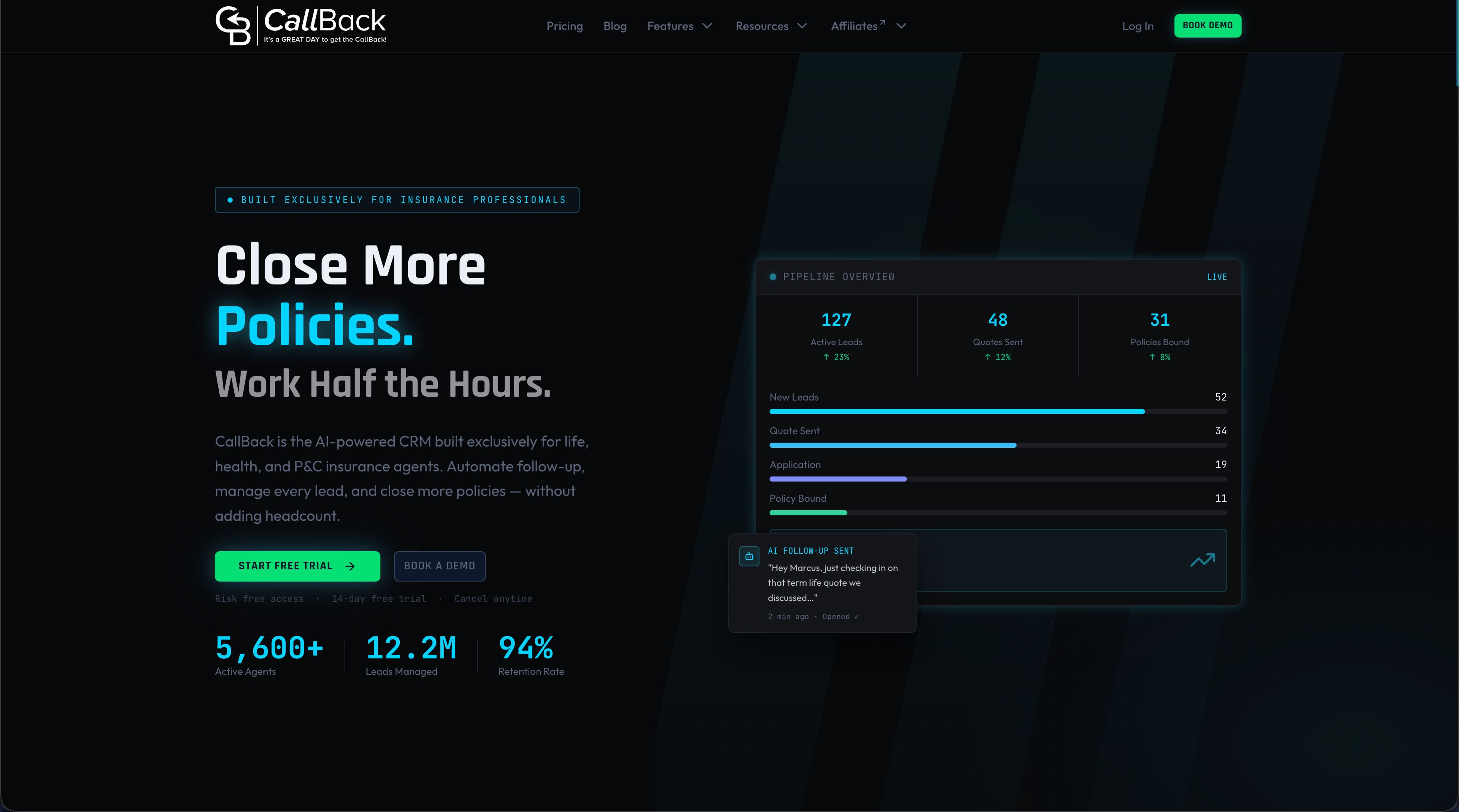
CallBack is an AI-powered CRM and sales automation platform for insurance agents, agencies and IMOs. Its contracts feature offers e-signatures inside the same platform that holds pipelines, follow-up and client history. Proposal and contract tools sit beside SMS, email and workflow automation, so a signed document can stay linked to the contact it belongs to.
The Professional plan is $97 per month. Enterprise plans are $297 per month for 10 full CRM accounts, $397 per month for 25 accounts and $497 per month for 60 accounts. SMS, email and AI usage are billed separately at wholesale rates, and the fees page lists them. Agents can start from the Professional signup page, and agencies with several producers can review the Enterprise plans.
FAQ
Does the ESIGN Act require an audit trail?
The audit trail is the usual way to show who signed and when, but it is not the only way to make a signature enforceable. Parties still need to show intent, consent to electronic records where required, and a record that can be reproduced. Courts have relied on audit trails when a signer denies signing, so most agencies treat one as standard. Agencies with a specific question should ask their compliance counsel.
How long should an agency keep an e-signature audit trail?
Keep it at least as long as the signed document. Retention depends on the state, the line of business and the carrier. The NAIC model proposes the current year plus three years, while some states, such as South Dakota for certain policy documents, require five. Use the longest applicable period and confirm it with the state department of insurance.
Does an audit trail prove who was at the keyboard?
Not by itself. It ties a signature to an email address, a device and a network, and an IP address shows a network, not a person. It is strongest alongside identity steps, such as the Social Security number digits entered in the Schrock case, and a complete log of events.
Where should the audit trail be stored?
Store it with the signed document and link both to the client’s CRM record. Keep a copy outside the signing vendor’s platform, so records survive a change of provider. Export the event log and certificate together when a carrier or regulator requests them.
Sources
- Using E-Signatures in Court: The Value of an Audit Trail (Fenwick)
- Electronic Signatures and Records Under ESIGN and UETA (MC Law)
- Electronic Signatures, Agreements and Documents: The Recipe for Enforceability (Lowenstein)
- Federal Rules of Evidence (uscourts.gov)
- NAIC E-Commerce Modernization materials
- South Dakota Administrative Rule 20:06:01:05
- Alabama Rule 482-1-124-.05
- NAIC Market Conduct Record Retention and Production Model
- NAIC state pages guidance
- NYDFS Insurance Circular Letter No. 9 (2022)
- NYDFS OGC Opinion No. 10-09-15
- Farmers Mutual Hail: Guidelines for Obtaining Digital Signatures
- Integrate E-sign with CRM and DMS: Best Practices