

TL;DR:
- Team collaboration in CRM unifies sales, marketing, and support teams around a shared, real-time customer record.
- Effective collaboration depends on organizational culture, leadership, and proper use of core features like shared timelines and automation.
Team collaboration in CRM is defined as the practice of unifying sales, marketing, and support teams around a single, shared customer record so every department works from the same real-time information. This approach eliminates information silos by consolidating customer data and interaction histories into one centralized system. The result is faster handoffs, fewer repeated conversations, and a customer experience that feels consistent regardless of which team member picks up the phone. For team leaders and employees who want to improve efficiency and communication, understanding collaborative CRM is the clearest place to start.
What is team collaboration in CRM, and how does it work?
Team collaboration in CRM, formally called collaborative CRM, is a system design where multiple departments share access to a unified customer record in real time. The industry term “collaborative CRM” distinguishes this approach from operational CRM (which focuses on automating sales and service tasks) and analytical CRM (which focuses on data analysis and reporting). Collaborative CRM sits at the intersection of both: it uses shared data to coordinate human action across teams.

The core mechanism is a centralized interaction history that consolidates emails, call logs, deal terms, and support tickets into one record. Every team member who touches that customer sees the same timeline. That shared visibility prevents the classic failure mode where a support rep asks a customer to repeat information they already gave to sales two weeks ago.
True collaborative CRM goes further than shared contacts. Cross-department coordination requires workflows, permissions, and built-in communication tools. A CRM that simply lets multiple users view the same contact list is not collaborative CRM. The distinction matters because many teams invest in a platform expecting collaboration and get only visibility.
What are the key features of collaborative CRM systems?
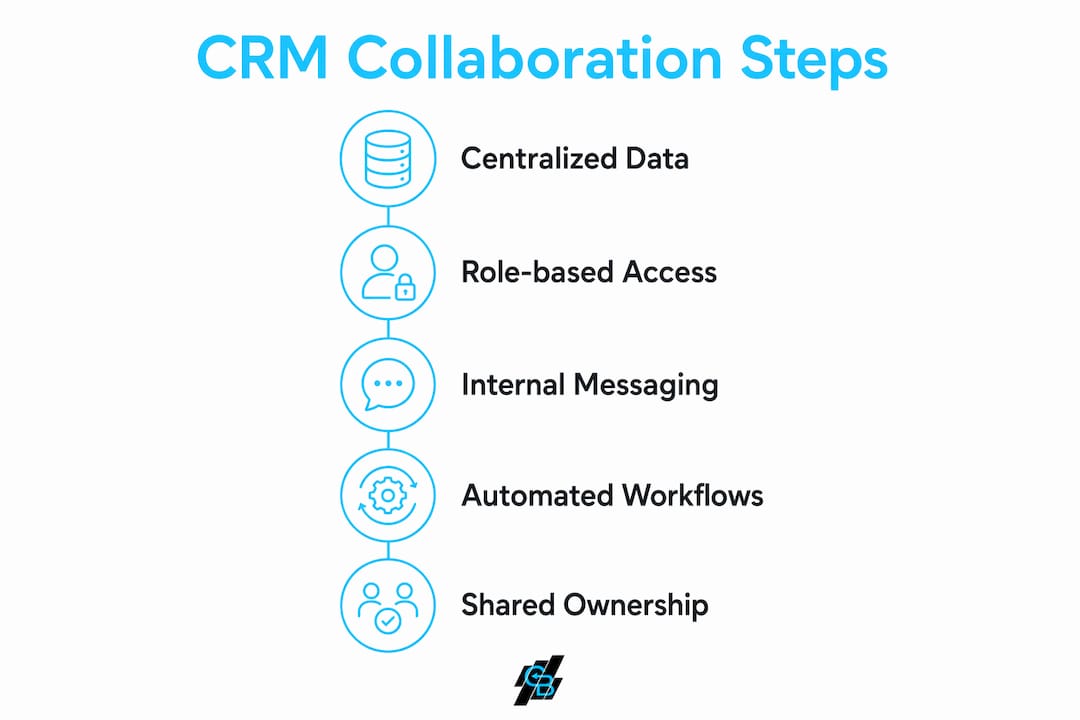
The features that make a CRM genuinely collaborative fall into four categories: shared timelines, access controls, internal communication, and automated handoffs.
- Shared customer timelines. Every interaction, from the first marketing email to the most recent support call, appears in one chronological record. Shared timelines maintain context continuity as customers move through stages, so no team member starts a conversation blind.
- Role-based permissions. Not every team member needs access to every record. Role-based access controls let administrators define who can view, edit, or delete data. Role-based permissions balance data security with accessibility, which is critical for agencies handling sensitive client information.
- Internal messaging tools. Features like @mentions and private notes inside customer records let team members flag issues, ask questions, and assign tasks without leaving the CRM. Internal chats and activity feeds enable coordinated efforts in real time across marketing, sales, and service.
- Automated handoff workflows. True collaborative CRM platforms automate tasks like triggering customer support onboarding immediately after sales closes a deal. That automation preserves context and removes the manual step that most often causes dropped information.
Pro Tip: Set up automated handoff workflows before you launch any new product or campaign. Waiting until after a deal closes to build the handoff process means the first few customers always experience a gap.
What are the tangible benefits of CRM teamwork?
The benefits of CRM teamwork show up in three areas: communication quality, response speed, and customer experience.
-
Reduced miscommunication. Organizations adopting collaborative CRM report significant reductions in communication gaps and repetitive tasks. Teams spend less time chasing context scattered across email threads and chat apps. That time goes back into actual customer work.
-
Faster response times. When a support rep can pull up the full deal history in seconds, they resolve issues faster. Smooth handoffs allow support reps to access complete records without asking customers to repeat themselves, which directly reduces customer frustration.
-
Consistent customer experience. Customers interact with multiple team members over the life of a relationship. Collaborative CRM ensures each interaction builds on the last. The customer never feels like they are starting over.
-
Increased accountability. Using @mentions, task assignments, and discussion threads within customer records promotes accountability and reduces miscommunication. When a task is assigned inside the CRM, there is a clear owner and a visible deadline.
-
Better cross-department alignment. Marketing knows which leads converted and why. Sales knows what promises support made. Service knows what the customer was sold. That alignment produces better decisions at every stage of the customer lifecycle.
The efficiency gains from collaborative CRM compound over time. A team that eliminates one repeated conversation per customer per month saves hundreds of hours annually across a mid-sized agency.
What are common misconceptions about CRM collaboration?
The biggest misconception about collaborative CRM is that the software does the collaborating. It does not.
“Collaborative CRM platforms provide the technological visibility and coordination framework, but effective human collaboration requires strong organizational commitment and culture change.” — Expert insight on collaborative CRM
Technology creates the conditions for collaboration. Culture determines whether teams actually use those conditions. A CRM with every collaborative feature available still fails if sales refuses to update records after calls or if support logs tickets in a separate system.
Several specific misconceptions trip up teams regularly:
- Shared contacts equal collaborative CRM. Many users mistakenly consider any CRM that allows shared contacts to be collaborative. True collaborative CRM requires cross-department coordination through workflows, permissions, and communication tools, not just a shared address book.
- More features mean more collaboration. Adding features without training or process change produces clutter, not coordination. Teams need to know which features to use and when.
- External tools can substitute for CRM-native communication. When teams route customer conversations through external email or messaging apps, context gets lost. The concept of context continuity means all customer communications, notes, and tasks must be linked and actionable within the CRM itself.
- Collaboration happens automatically after implementation. Deployment is the start, not the finish. Organizational culture and leadership commitment drive adoption far more than the platform’s feature list.
How can teams enhance collaboration within CRM systems?
Improving CRM collaboration is a combination of process design, feature use, and leadership behavior. The following strategies produce the most consistent results.
Establish shared ownership of customer records. Every department that touches a customer should update the shared record, not just sales. Marketing adds campaign response data. Support logs resolution notes. When all teams contribute, the record becomes genuinely useful to everyone. Leaders emphasize context continuity as the standard: every interaction is logged and accessible across departments.
Integrate your CRM with everyday tools. IT consultants recommend prioritizing CRM solutions that integrate with everyday tools to reduce friction and unify customer data. Connecting your CRM to email, calendar, and project management tools means team members do not have to choose between the tool they prefer and the system of record. You can see practical CRM workflow examples that show how automated handoffs and task assignments work in real agency settings.
Use internal communication features deliberately. @mentions, private notes, and task assignments are only useful if teams know when to use them. Set clear norms: use @mentions for time-sensitive flags, private notes for internal context that the customer should not see, and task assignments for any action that requires a specific owner.
Design role-based permissions thoughtfully. Permissions that are too restrictive prevent collaboration. Permissions that are too open create security risks. Map each team’s actual data needs before configuring access. Review permissions quarterly as team structures change.
Build automation into handoff points. The moment a deal closes, a lead qualifies, or a support ticket escalates is the moment most context gets lost. Automation workflows that trigger at those handoff points preserve context without relying on manual steps. For insurance agencies, this is especially critical because a single client often moves between marketing, sales, and service teams multiple times over a policy lifecycle.
| Strategy | Primary benefit | Who leads it |
|---|---|---|
| Shared record ownership | Eliminates siloed updates | Department heads |
| Tool integration | Reduces data fragmentation | IT or operations |
| Internal messaging norms | Improves accountability | Team leaders |
| Role-based permissions | Balances security and access | Administrators |
| Handoff automation | Preserves context at transitions | Sales and ops managers |
Pro Tip: Run a monthly audit of your CRM records to find contacts with incomplete histories. Those gaps reveal exactly where your handoff process is breaking down.
Key Takeaways
Collaborative CRM succeeds only when shared technology is matched by shared accountability across every team that touches the customer record.
| Point | Details |
|---|---|
| Collaborative CRM defined | It unifies sales, marketing, and support around one real-time customer record. |
| Core features matter | Shared timelines, role-based permissions, internal messaging, and automated handoffs define true collaborative CRM. |
| Culture drives adoption | Technology creates visibility; organizational commitment determines whether teams actually collaborate. |
| Context continuity is the standard | All customer communications and tasks must live inside the CRM, not in external apps. |
| Automation protects handoffs | Automated workflows at transition points prevent context loss between departments. |
Why most CRM collaboration efforts stall before they start
The teams I see struggle most with CRM collaboration are not failing because of the software. They are failing because no one decided who owns the customer record after the sale closes. Sales thinks support will update it. Support thinks sales already did. Six months in, the record is half-empty and nobody trusts it.
The fix is not a new feature. It is a decision. Someone has to be accountable for record completeness, and that accountability has to come from leadership, not from the platform. I have watched agencies integrate CRM and marketing tools effectively and still see collaboration collapse because the cultural agreement was never made explicit.
The teams that get this right treat the CRM record the way a surgical team treats a patient chart. Every person who touches the case documents what they did and why. No one assumes someone else will fill in the gap. That standard does not come from software. It comes from leadership setting the expectation and holding people to it.
The 2026 trend worth watching is AI-assisted record completion, where the platform flags incomplete records and suggests updates based on recent activity. That helps. But it is a support mechanism, not a substitute for the cultural foundation that makes collaboration real.
— Kyle
How Callbackcrm supports your team’s collaboration
Callbackcrm is built for insurance agents, agencies, and IMOs who need their sales, marketing, and support functions working from the same customer record without the friction of managing multiple disconnected platforms.
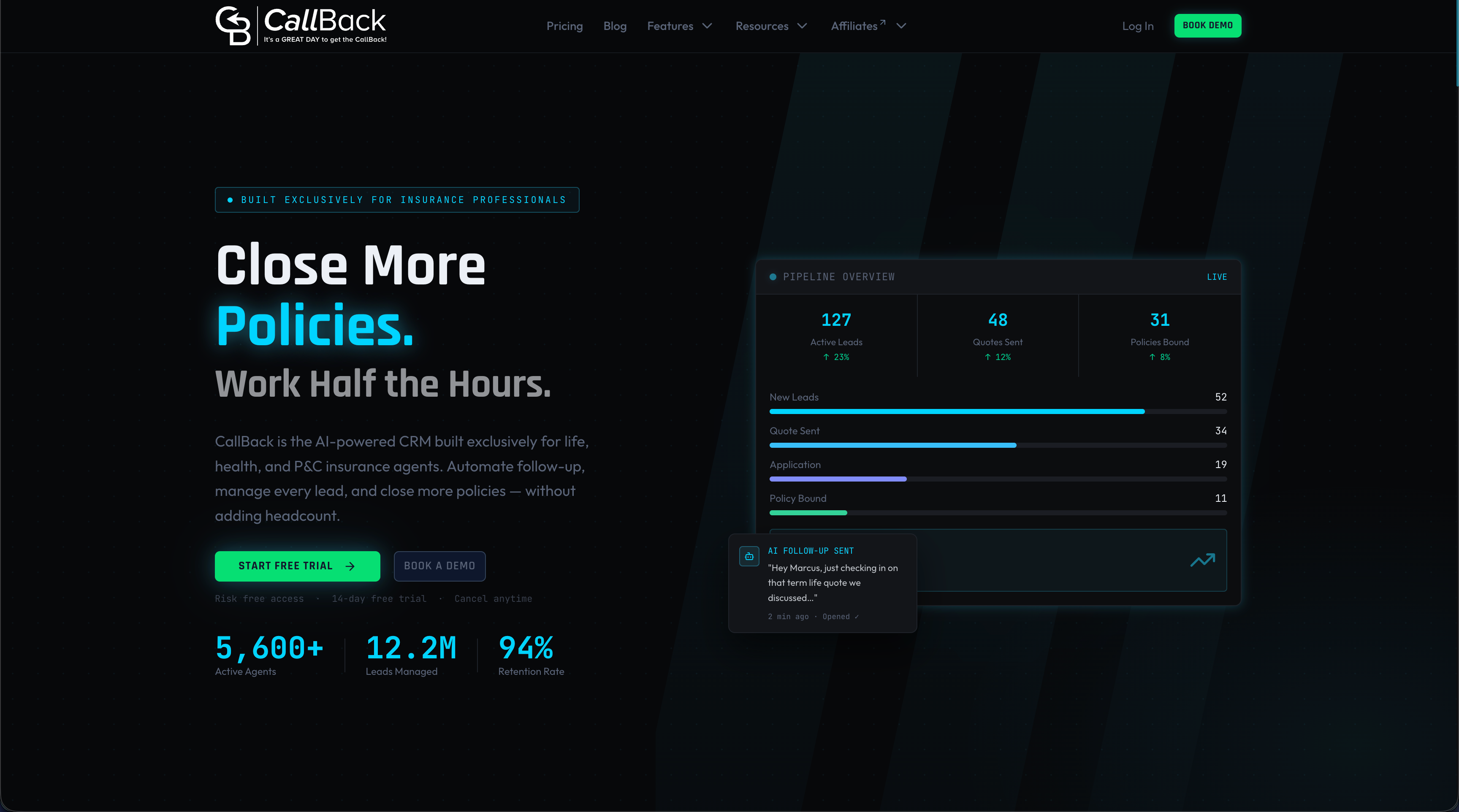
The platform combines CRM management with SMS marketing features, automated voicemail drops, task assignments, and internal messaging so your team coordinates customer outreach without leaving the system. Automated workflows trigger at key handoff points, so context moves with the customer from lead to close to service. If your team is ready to replace scattered email threads and manual follow-ups with a coordinated, centralized approach, Callbackcrm gives you the tools to make that shift. You can also explore automated voicemail drops as part of a coordinated outreach strategy that keeps your whole team aligned.
FAQ
What is collaborative CRM?
Collaborative CRM is a system design where sales, marketing, and support teams share a single, real-time customer record to coordinate actions and eliminate information silos. It differs from operational and analytical CRM by focusing on cross-department communication and workflow coordination.
How does team collaboration in CRM improve customer experience?
When all teams update and access the same customer record, every interaction builds on the last. Customers never repeat themselves, and response times improve because context is always available.
What CRM features support team collaboration most effectively?
Shared timelines, role-based permissions, internal messaging tools like @mentions and private notes, and automated handoff workflows are the four features that most directly enable team collaboration in CRM.
Why does CRM collaboration fail even with good software?
Collaborative CRM software alone does not guarantee collaboration. Organizational culture, shared accountability, and leadership commitment are the factors that determine whether teams actually use the platform’s collaborative features.
How can team leaders improve CRM collaboration quickly?
Start by assigning clear ownership of the customer record at each stage of the customer lifecycle. Then set explicit norms for using internal messaging features and run monthly audits to identify records with incomplete histories.