

The “Delivered” label under a blue iMessage bubble means Apple’s service handed the message to the recipient’s account. It does not mean the person saw it, read it or acted on it. For an insurance agent texting leads, clients and policyholders, that difference decides how to follow up. Delivery status is a useful signal. It is not proof of contact, and a missing label is rarely a sign of a block.
This guide explains what each status means, why “Delivered” sometimes does not appear, how to fix a message that shows “Not Delivered”, and how agencies keep business texts reaching phones at volume.
TL;DR
- “Delivered” means the message reached the recipient’s Apple account. “Read” appears only if the recipient has read receipts on.
- A missing “Delivered” label usually points to connectivity, a powered-off phone, iMessage being off or a recent SIM change, not a block.
- iMessage works only between Apple devices. Everything else goes out as SMS, MMS or RCS, with no iMessage-style delivery receipts.
- For a red “Not Delivered” alert: check the connection, tap Try Again, then send as a text message.
- For business outreach, track replies, not receipts. Deliverability practices such as unique message hashing and carrier-approved wording protect reach.
Table of Contents
- What “Delivered” and “Read” mean in iMessage
- Why “Delivered” does not show up
- Can “Delivered” tell you whether someone blocked you?
- How to fix an iMessage that will not deliver
- What this means for insurance outreach
- A worked example: reading statuses in a final expense follow-up
- How CallBack handles outbound texting
- FAQ
- Sources
What “Delivered” and “Read” mean in iMessage
iMessage is Apple’s messaging service. It sends texts, photos and videos between iPhone, iPad, iPod touch and Mac over Wi-Fi or cellular data, and the bubbles are blue, while SMS, MMS and RCS messages appear in green bubbles. SMS is the standard carrier text. MMS carries media over the carrier network. RCS is the newer carrier standard that adds richer features to the green-bubble channel.
Two statuses sit under a blue bubble:
- Delivered. The message reached the recipient’s account on Apple’s side.
- Read. The recipient opened it, and read receipts are on. Apple states that the sender sees “Read” once the message is read, and “Delivered” if it has not been.
Read receipts are a setting. Apple lets a user turn them on for everyone or for individual contacts. With them off, the sender sees only “Delivered”. Apple also notes that read receipts are not supported with SMS or group texts.
A practical result for agents: a lead who never shows “Read” may have read the message. The absence of “Read” proves nothing. A “Read” label is a floor on engagement, never a full count.
Delivered does not mean the phone saw it
The label confirms delivery to an account. A message sent to a phone number or email address through iMessage is received on all Apple devices set up for that address. A client’s Mac or iPad can accept the message while the iPhone is off or in a drawer. The label also does not show that notifications are on, that a Focus mode is silencing alerts, or that the person opened the right thread.
For time-sensitive items, such as a policy deadline, a signature request or an appointment tomorrow morning, a text status is not enough. Pair the text with a call or an email.
Why “Delivered” does not show up
Most missing labels have an ordinary cause. Common ones:
- No connection. The recipient’s device is offline, or in an area with poor coverage. Apple’s guidance for stuck messages starts with checking the network connection.
- The phone is off. Apple’s security documentation says iMessages are queued for offline devices and stored on Apple’s servers for up to 30 days. The label appears when a device comes back online, sometimes long after sending.
- iMessage is switched off or not yet active. When iMessage is off, messages go out as SMS or MMS instead, and features such as read receipts are not available. Engadget notes that after someone switches iPhones, turning iMessage off and on again can refresh the server connection.
- The contact is not an iMessage user. An Android phone, or an iPhone that has iMessage off, receives a green-bubble text. No iMessage-style “Delivered” label applies.
- Rapid-fire messages. Status appears under the most recent message in a thread, so earlier messages may show nothing.
Agents sending to large lists meet the first four constantly. A quiet thread is the normal result of a mixed audience, not a malfunction.
Three different delays
When a lead says “I never got your text,” the first step is working out which kind of delay occurred:
- Delayed sending. The message still says “Sending” on the agent’s phone, or shows a red exclamation point. The problem is on the sender’s side.
- Delayed delivery. The message left the sender but the recipient’s device could not receive it yet: no coverage, phone off, or a carrier routing problem.
- Delayed notification. The message arrived, but Do Not Disturb, a Focus mode or a muted thread hid the alert.
Only the first is fixable from the agent’s phone. The second usually clears on its own. The third needs a second channel, such as a call.
Can “Delivered” tell you whether someone blocked you?
No. iPhone Life reports that since iOS 16.5, a message to someone who blocked you can still be marked as delivered. Android Police describes the missing label as the easiest but least accurate sign of a block, because poor reception or iMessage being turned off can also keep it from appearing.
For an agent, the lesson is simple. Do not read a block or a lost lead into a missing label. If a prospect stops responding, move to another channel and a longer follow-up sequence. If a contact asks to stop, honor the request on every channel.
How to fix an iMessage that will not deliver
Start with the steps from Apple’s own support page, then add the extras.
- Check the connection. Confirm Wi-Fi or cellular data works. Open a web page to test.
- Tap the red exclamation point and choose Try Again. Apple’s steps for this are on its page for messages that will not send or receive.
- Send as a text message. If Try Again fails, choose Send as Text Message. Apple notes that messaging rates may apply.
- Turn on the automatic fallback. Engadget describes enabling Retry as Text Message under Settings > Apps > Messages, so failed iMessages resend as SMS on their own.
- Restart the device and check the contact details. Apple advises restarting, then confirming the recipient’s phone number or email address is correct, and checking that the carrier supports the service.
- On a Mac, check Apple’s System Status page. Apple’s Mac guidance also covers confirming connectivity, installing updates and checking date and time settings. If Messages says the person is not registered with iMessage, or SMS conversations do not continue, make sure the iPhone is on and Text Message Forwarding is set up.
Engadget points out that the Messages app handles three services: iMessage, RCS and SMS/MMS. The same “Not Delivered” error can therefore need different fixes depending on which one the message used. Check the bubble color first.
What this means for insurance outreach
An individual agent texting a handful of clients from a personal phone can follow the steps above. An agency or IMO sending thousands of messages cannot. At volume, delivery depends on more than the recipient’s phone: carrier filtering, repeated identical wording, number reputation and message content all play a part.
Three habits protect reach:
- Vary the message. Identical text sent to many numbers is a pattern that filters notice. Personalizing each message is the simplest way to avoid it.
- Use wording carriers accept. Carriers regulate business texting, and wording that fits their rules is less likely to be blocked.
- Measure replies. Because read receipts exist only when a recipient enables them, reply rate is the number that tells an agency whether outreach works. Delivered and read counts are an incomplete floor.
Those are the areas CallBack builds into its deliverability approach. The platform uses unique message hashing, iMessage deliverability and carrier-approved verbiage in the texts agents send. More on the SMS side is in the CallBack guides on how business texts reach phones and deliverability best practices for email and SMS.
Unique message hashing, in plain terms
A hash is a short code generated from a message’s contents. Apple uses hashing inside iMessage itself: its documentation says the encrypted message text and key are hashed and signed with the sender’s private key. That protects the message in transit and is a separate matter from what an agency does when sending campaigns. In CallBack’s deliverability practices, unique message hashing is one of the measures used so that outbound texts are not identical copies. Agents do not need to configure anything to benefit from it.
Pair texting with a second channel
Because a text can sit undelivered, unread or silenced, strong follow-up does not rest on one message. A common pattern is a text first, an email later the same day, and a voicemail or call after that. For agents comparing channels, CallBack’s article on SMS versus email for insurance agents covers opt-outs and compliance. Setup for sequences is covered in the guide to SMS drip campaigns for insurance agents.

Agents who handle inbound leads face a related gap: a call that goes unanswered. An immediate text to the missed caller keeps the conversation open. CallBack explains how this works in its post on missed call text back. Agents who want to see how automated text follow-ups work outside insurance can look at this example of automated SMS event coordination, which uses reminders and replies in a similar way.
A worked example: reading statuses in a final expense follow-up
An agent texts a new final expense lead at 9 a.m. and sees nothing under the bubble by noon. Here is how to read it:
- Blue bubble, no label. The phone may be off or offline. The message is queued, and the label can appear later.
- Blue bubble, “Delivered”, no “Read”. The message arrived. The lead may have read receipts off. Wait for a reply, then send a second, differently worded message the next day.
- Green bubble. The lead is not on iMessage. No iMessage status applies. Treat a reply as the only confirmation.
- Red exclamation point. The send failed. Use Try Again, then send as text.
In none of these cases does the status justify concluding the lead is uninterested. A reply, a call-back or an appointment booked are the real indicators.
How CallBack handles outbound texting

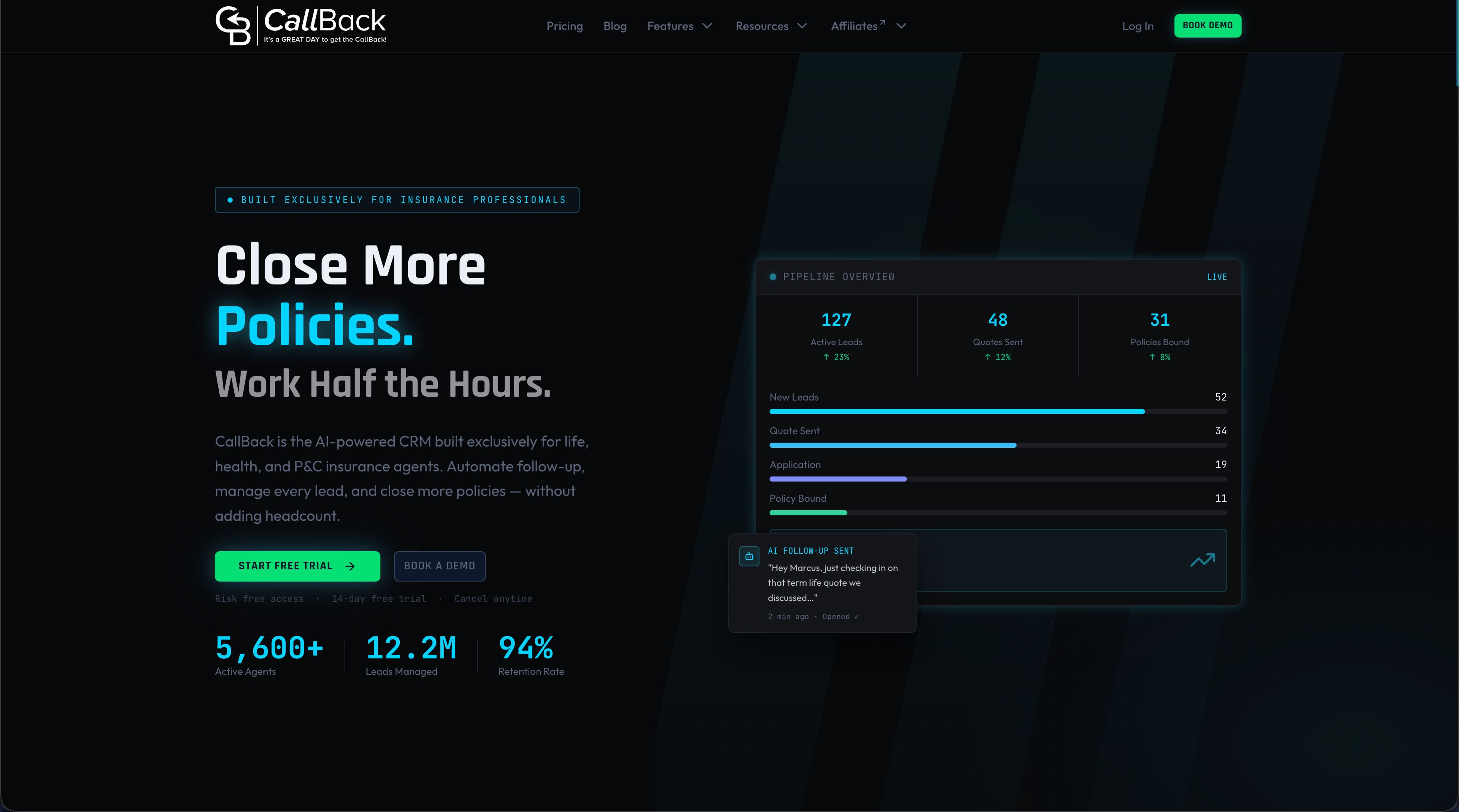
CallBack is an AI-powered CRM and sales automation platform built for insurance agents, agencies and IMOs. It automates follow-up by SMS, email and voicemail, keeps pipelines in one place and covers workflows for final expense, mortgage protection, Medicare, annuities, IUL, term and whole life, and property and casualty.
Pricing is published. The Professional plan is $97 per month. Enterprise plans are $297 per month for 10 full CRM accounts, $397 per month for 25 and $497 per month for 60, on the Enterprise page. Phone numbers cost $2.30 per month per number, and SMS, email and AI usage are billed at wholesale rates, listed on the fees page. Agencies that want to start can open the Professional plan.
Agents who want to widen their reach beyond texting can read about mobile marketing as one more channel to combine with CRM follow-up.
Our view on iMessage delivery
We see “Delivered” misread more than any other status in agent texting. It is a handoff confirmation. It says nothing about attention, and for an agency running hundreds of conversations the useful question is not whether a label appeared, but whether the lead replied.
That is why we build around deliverability and follow-up rather than receipts. CallBack uses unique message hashing, iMessage deliverability and carrier-approved verbiage so that agents’ messages are built to reach phones. Automated follow-up across SMS, email and voicemail then keeps a lead in a sequence when a single text goes quiet.
Agents should spend their time on conversations with people who answer. A platform made for insurance workflows lets the routine follow-up run by itself.
Kyle
FAQ
Does “Delivered” mean the person read my iMessage?
No. “Delivered” means the message reached the recipient’s Apple account. “Read” appears only when the recipient has read receipts turned on, and Apple notes that they are not supported for SMS or group texts. Treat a reply as the real confirmation.
Why does my iMessage take a while to deliver?
The recipient’s devices may be offline, out of coverage or powered off. Apple queues iMessages for offline devices and holds them on its servers for up to 30 days, so the label appears once a device reconnects. A sending delay on your own phone, shown as “Sending” or a red exclamation point, points to your connection instead.
What should I do when a message shows “Not Delivered”?
Check your connection, tap the red exclamation point and choose Try Again. If that fails, choose Send as Text Message. You can also enable Retry as Text Message in Messages settings so failed iMessages resend as SMS automatically.
Do iMessages count against a texting plan?
Apple states that iMessage texts do not count against SMS, MMS or RCS allowances in a cellular messaging plan, though cellular data rates may apply. A blue send button means iMessage, and a green one means SMS, MMS or RCS.
Can I rely on delivery status for time-sensitive client messages?
No. The status confirms delivery to an account, and another Apple device may have accepted the message while the iPhone was off. For deadlines, signatures or appointments, follow the text with a call or an email.
Sources
- Turn read receipts on or off in Messages on iPhone, Apple Support
- Manage safety settings in Messages, Apple Support
- How iMessage sends and receives messages securely, Apple Support
- iMessage overview, Apple Support
- If you can’t send or receive messages on your iPhone or iPad, Apple Support
- If you can’t send or receive messages using Messages on Mac, Apple Support
- Do Messages Deliver When Phone Is Dead or Off?, iPhone Life
- How to know if someone blocked your number on iPhone, Android Police
- How To Fix iMessage “Not Delivered” Error On iPhones, Engadget