

Missed call text back automatically sends a text message to anyone whose call you didn’t answer, usually within seconds. For a small business, the recommended move is simple: turn it on, keep the message short and human, and route anything urgent straight to a live line instead of leaving it to a text.
TL;DR:
- Using a fast, trigger-based system that sends automated texts within 30 to 60 seconds significantly improves lead recovery rates, especially for appointment-based and home-service businesses.
- Sending personalized, concise messages that acknowledge the missed call, ask an easy question, and include a booking link increases reply and booking rates over generic templates.
- Testing trigger timing and reply routing ensures messages arrive promptly and are directed into a CRM, maximizing response visibility and follow-up effectiveness.
- Compliance requires avoiding promotional content in the initial auto-text and registering the sending number under A2P/10DLC guidelines to prevent filtering or blocking by carriers.
- An integrated platform like Callbackcrm automates lead capture, reply qualification, and follow-up workflows, making the entire missed call recovery process more efficient and trackable.
Table of Contents
- How Missed Call Text Back Works and Why It Recovers Leads
- When Does Missed Call Text Back Matter Most?
- Setting Up Missed Call Text Back: A Working Checklist
- Text-Back Templates You Can Use Today
- Timing, Deliverability, and Staying Compliant
- Testing Missed Call Text Back and Measuring What It Recovers
- How an Integrated Platform Extends Text-Back Automation
- Why Speed Beats Sophistication Here
- Get Missed Call Text Back Running With Callbackcrm
- Keep Reading on Setup and Compliance
- Sources
How Missed Call Text Back Works and Why It Recovers Leads
Missed call text back is a trigger-based system. A call goes unanswered, and within seconds a preset SMS fires to that caller’s number. Most platforms let you set the trigger to fire on every missed call, after a set number of rings, or only during closed hours. Setup guides recommend testing delivery to confirm the message actually lands within that window, since delays defeat the purpose.
You have two main number setups: porting your existing business line into the system, or using a separate virtual number just for texting. Porting keeps everything under one number, which callers recognize. A virtual number is faster to launch but means your caller ID for texts differs from your voice line.
The benefit is straightforward. A text acknowledges the caller instantly, gives them a way to reply without picking up the phone again, and tends to outperform voicemail for actually getting a response.
- Instant acknowledgment reduces the chance a caller tries a competitor next
- A text reply path is lower friction than calling back or leaving a message
- Engagement rates on text generally beat voicemail, since most people read a text faster than they check messages
One caveat: text back is a follow-up tool, not a replacement for live coverage. Genuinely urgent calls still need a person or an AI receptionist picking up.
When Does Missed Call Text Back Matter Most?
Some businesses lose more from missed calls than others. Here’s where the tactic earns its keep fastest:
- Appointment-based businesses. Salons, dental offices, and medical practices field a steady stream of scheduling calls that come in while staff are with a client. A text back that offers to schedule keeps that caller in the funnel instead of dialing the next name on their list.
- Home-service contractors. Plumbers, electricians, and HVAC techs are often on a ladder or under a sink when the phone rings. A missed call during a job is the norm, not the exception, and a fast text buys time to call back properly.
- After-hours and peak-time gaps for solo owners. A one-person shop can’t answer every call during a rush. Text back covers the gap between 9 a.m. and lunch, or after the doors close at 6 p.m.
- Emergency situations are the exception. A burst pipe or a medical concern needs a live voice, not a text thread. Route those calls to an answering service or an AI receptionist that can triage immediately.
Setting Up Missed Call Text Back: A Working Checklist
Getting this running takes less time than most owners expect, usually under an hour once you’ve picked a platform.
Start by deciding your platform path. A native feature inside your phone system or CRM is the simplest route. If your current setup lacks one, a combination like Zapier connected to Twilio, or a VoIP provider’s add-on, gets you there without switching your whole phone system.
From there, work through this sequence:
- Pick your trigger rule: every missed call, after a set number of rings, or only after hours
- Draft two message variants, one for business hours and one for after hours, since the promised response time differs
- Write the actual text: business name, a brief apology for missing the call, one easy question, a timeline for follow-up, and an opt-out line
- Choose your number approach (ported or virtual) and set reply routing so incoming texts land in your CRM or a shared team inbox instead of one person’s phone
- Test it by calling your own business line from a different phone and timing how long the reply takes
Pro Tip: Testing checklists commonly flag a 60-second threshold. If your text takes longer than that to arrive, check your carrier setup before you launch, not after.
Once replies are routed correctly, tag them distinctly in your CRM so your team can follow up on text-back leads as a distinct category rather than mixing them into general inquiries.
Text-Back Templates You Can Use Today
The best missed-call texts share a formula: name the business, acknowledge the call, ask one easy question, and stay under 160 characters. Template libraries built by industry consistently show that shorter, more human-sounding messages get better reply rates than anything that reads like a form letter.
A general-purpose template: “Hi, this is [Business Name]. Sorry we missed your call! What can we help with? Reply here or call us back at [number]. Reply STOP to opt out.”
A booking-focused version: “Hi, thanks for calling [Business Name]. We’re with another customer right now. Want us to text you a link to book a time that works? Reply STOP to opt out.”
Trade-specific tweaks matter more than people expect:
- Contractors: “Hi, this is [Name] with [Business Name]. Missed your call, sorry! Is this urgent, or can we call back within the hour?”
- Salons: “Hi! This is [Salon Name]. We missed you, sorry! Would you like to book an appointment? Reply with a day that works.”
- Medical offices: “Thanks for calling [Practice Name]. We’ll call you back shortly. If this is urgent, please call 911 or go to the nearest ER.”
- Home services: “Hi, this is [Business Name]. We missed your call. Reply with your issue and we’ll follow up within 30 minutes.”
Keep any booking link to one, and personalize the business name field every time. A generic, unbranded text reads as spam even when it isn’t.
Timing, Deliverability, and Staying Compliant
Speed is the whole game here. Fire the text while the caller still has the phone in hand, ideally within the 30 to 60 second window that most missed-call text-back systems target. Wait five minutes and the caller has probably already dialed your competitor.
Treat the first automated message as transactional, not promotional. That distinction affects both deliverability and your exposure under TCPA rules. Guides on compliance recommend keeping that first text limited to acknowledging the call and offering a next step, with a clear “Reply STOP” opt-out included every time.
A few operational rules worth following:
- Register your sending number under A2P/10DLC guidelines if you’re texting through a standard business line at volume; carriers filter unregistered traffic more aggressively
- Never stack a promotional offer into the automated first reply. Save that for a follow-up once the caller has opted in through conversation
- Avoid sending more than one auto-text to the same number in a short window, since repeat messages read as spam to both carriers and callers
Statistic to know: some published guides cite a 20 to 35 percent range for recovered leads after enabling text back, though results vary by trade, message quality, and how fast the text actually sends.
Testing Missed Call Text Back and Measuring What It Recovers
Four numbers tell you whether the tactic is working: reply rate, recovered lead rate, bookings that trace back to a text-back conversation, and average reply time from the caller.
- Run a simple A/B test. Compare an immediate send against a one-minute delay, or compare business hours against after-hours variants, using matched days or separate phone lines so the comparison is fair.
- Capture every reply inside your CRM, tagging text-back leads separately from other inbound so you can track them through to a booked appointment.
- Use a short booking link with UTM parameters rather than a long URL. It reduces friction for the caller and gives you a clean conversion trail to measure against.
Building this measurement into your existing follow-up workflow makes the difference between a nice feature and a tracked, provable source of recovered revenue.
How an Integrated Platform Extends Text-Back Automation
A standalone text-back tool sends a message. An integrated platform turns that message into a tracked lead. Callbackcrm connects the missed-call trigger directly to SMS delivery and then creates a CRM record automatically, so the reply doesn’t sit in a phone’s inbox waiting for someone to notice it.
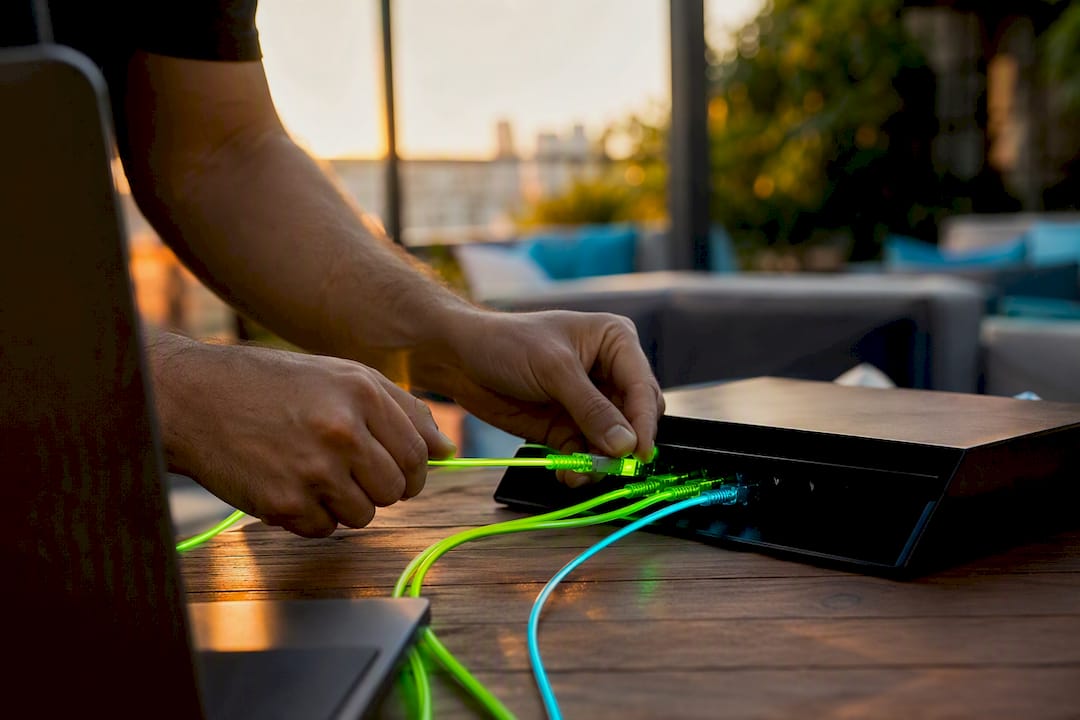
The AI assistant layer routes and qualifies replies without a manual handoff, tagging conversations by intent so your team works the leads worth calling first. Booking links, follow-up workflows, and reply tracking all live inside the same system, which means the lead capture and conversion sequence that starts with a missed call ends with reporting you can actually act on, not a scattered pile of texts across different phones.
Why Speed Beats Sophistication Here
The research on this topic keeps pointing to one uncomfortable truth: the message content matters less than most owners assume, and the send speed matters more. A perfectly written text that arrives four minutes late loses to a plain, slightly clumsy text that arrives in twenty seconds.
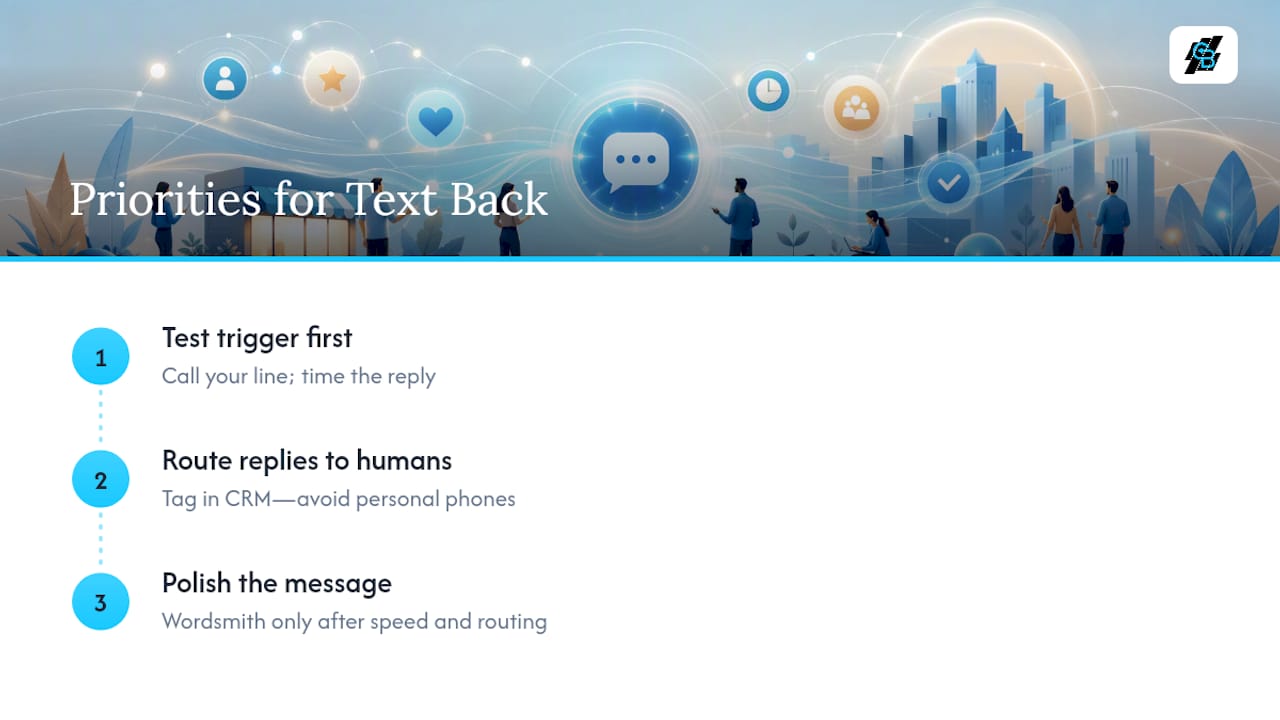
Conventional advice tends to over-invest in wording and under-invest in the trigger configuration and number setup that actually determine whether the text goes out fast. Owners spend an hour wordsmithing a template and five minutes checking whether the system fires within the recommended window. That ratio should flip.
If you’re prioritizing one thing first, prioritize testing the trigger. Call your own business line, time the reply, and only then worry about polishing the message. Once that foundation works, the second priority is routing: replies need to land somewhere a human will actually see and act on them, ideally tagged inside a CRM rather than buried in a personal phone. Text back without that routing step is just a slightly better voicemail.
— Kyle
Get Missed Call Text Back Running With Callbackcrm
Callbackcrm sets up missed-call text back as part of a connected SMS and email automation system, not a bolt-on feature you have to stitch together with three separate tools. Every reply lands directly in your CRM, tagged and routed, so your team works recovered leads instead of hunting for them across a phone inbox.

A trial account includes SMS automation, workflow triggers, and the AI assistant that qualifies replies before a human ever touches them. If you’re currently relying on voicemail or a single-purpose texting app, moving to a platform built around email and SMS automation is the more direct path to recovering leads you’re currently losing. Set up your trigger, connect your number, and start tracking replies from your first missed call today.
Keep Reading on Setup and Compliance
For deeper template libraries and setup walkthroughs, WorkflowStack AI’s guide covers trigger configuration in more detail. For broader automation planning beyond text back alone, this marketing automation checklist is worth a read. Test your setup, then come back and measure it against the benchmarks above.
Sources
- Missed Call Text Back: Setup Guide & Templates (2026) | NextPhone
- The Complete Guide to Missed-Call Text Back | WorkflowStack AI
- 15 Missed Call Text Message Examples by Industry