

Run a phased, validation-led CRM migration that starts with a full data audit and closes with a parallel run before cutover. That sequence protects active renewals and commission accuracy, which is the whole point of any insurance CRM migration. The immediate next step is simple: inventory your data and pick a test window that avoids peak renewal traffic.
TL;DR:
- Proper planning involves a full data audit, identifying duplicate rates, missing fields, and confirming integration access before migration begins.
- Running multiple dry runs and validation checks ensures data integrity, commission parity, and active renewal accuracy before final cutover.
- Selecting the right integration method depends on AMS access, with API being fastest, scheduled exports as a fallback, and inbox parsing for locked systems.
- Validation should include reconciliation scripts, parallel commission processing, and comprehensive logging to prevent unnoticed errors post-migration.
- Migration timelines vary from days for small agencies to several months for complex enterprises, with timing avoiding peak renewal periods being crucial.
Table of Contents
- What Should You Verify Before Starting a CRM Migration?
- The Phased 7-Step Migration Framework
- How Do You Map Insurance Data Into an AMS-Connected CRM?
- How Do You Prove You Haven’t Broken Anything?
- When Should You Not Migrate Yet?
- What CallBack CRM Brings to an Insurance Migration
- Ready to Move Your Book of Business?
- Sources
- FAQ
What Should You Verify Before Starting a CRM Migration?
Before you touch a single record, confirm five things. Skipping any of them is how agencies end up with duplicate policies, broken renewal tasks, or commission statements that don’t match legacy totals.
- Record counts and data-quality score: know your baseline duplicate rate and missing-field rate before cleaning starts.
- Field mapping progress: insurance-specific fields (carrier, policy number, effective date, premium, commission rate, licensing state) flagged and assigned a system of record.
- Integration access confirmed: AMS API credentials, scheduled export access, or partner program enrollment secured.
- Test sample size and UAT owners assigned: who signs off on the dry run matters as much as the sample itself.
- Cutover window and parallel-run plan: a date on the calendar, not a vague intention.
Pro Tip: Pull your duplicate-contact count before you write a single mapping rule. A large broker migration that ran three dry runs before going live moved 8,400 active accounts with zero records lost and zero renewal disruptions — the dry runs, not the tooling, made that possible.
The Phased 7-Step Migration Framework
Insurance CRM transitions fail for one of two reasons: the data was dirty going in, or nobody validated the output before flipping the switch. This framework addresses both.
-
Discovery and audit. Inventory every data source: AMS exports, spreadsheets, legacy CRM tables, email lists. Profile the data for completeness and flag personally identifiable information and licensing fields that carry compliance weight. This phase should take longer than most teams budget for it.
-
Field mapping. Build a mapping spreadsheet with columns for source field, target field, data type, transformation rule, and system-of-record decision. Insurance-specific fields, carrier name, policy number, effective date, premium amount, commission rate, and licensing state, need their own mapping rows because generic CRM templates rarely account for them.
-
Data cleaning and deduplication. Apply normalization rules (standardize state abbreviations, phone formats, carrier names) and dedup logic before any record moves. Pre-migration data quality work is not a side task. Guidance from Phenom’s migration playbook treats it as the primary program, with the actual migration happening at the end, not the beginning.
-
Test migration. Run a sandbox dry run with 50 to 100 records for a small agency, or a proportionally larger sample for enterprise books. Write reconciliation scripts that compare source and target field-by-field before you trust the results.
-
Execution. Choose your ETL pattern (secure transfer, staging tables, controlled writes) based on data volume. A CSV export plus mapped import is often practical for smaller books and can complete in hours, while API-based routes scale better once you cross roughly 1,000 contacts.
-
Parallel run. Operate the new CRM in shadow mode alongside the legacy system. Reconcile commission calculations line-by-line and confirm active renewals and workflow triggers fire correctly before any outbound communication goes live.
-
Cutover and rollback. Go live in soft mode, monitor closely for the first two weeks, and only deprecate the legacy system once monitoring confirms parity. Keep a documented rollback path ready even if you never need it.
Pro Tip: Phased delivery in three-week sprints, with parallel user acceptance testing on the commission engine, is the pattern enterprise migrations lean on when financial parity is non-negotiable, according to a national life insurance distributor’s Salesforce transformation.
How Do You Map Insurance Data Into an AMS-Connected CRM?
The integration route you choose depends on what your agency management system will actually give you access to. Three patterns dominate the field, and picking the wrong one wastes weeks.
- API access: fastest and most reliable, but only available if the AMS vendor grants partner program access.
- Scheduled exports: a practical fallback that gets producers live while API access is finalized.
- Inbox parsing or RPA: used when neither API nor export access is available, common with older or heavily locked-down systems.
Mapping the actual insurance objects takes some judgment. Policies typically become a custom object linked to the contact record, commissions map to either a custom object or a dedicated finance feed, and renewal windows should generate tasks rather than sit as static dates.
| Insurance Field | Typical CRM Target | Notes |
|---|---|---|
| Policy number | Custom object, linked to contact | Use as part of the composite dedupe key |
| Commission rate | Finance feed or custom object | Run in parallel batches for parity checks |
| Renewal date | Task trigger, not static field | Common offsets: 7 days |
| Licensing state | Contact attribute, gating field | Must clear before outbound enrollment |
Bridging patterns for Applied Epic, AMS360, and similar systems commonly rely on composite dedupe keys built from customer number, policy number, and term start date. That combination keeps re-imports idempotent, meaning you can rerun a sync without creating duplicate policy records. Suppress any contact from outbound sequences until licensing and PII checks clear. This is not optional. Insurance producers can’t legally contact a lead outside their licensed states, and a rushed migration is exactly how that rule gets violated by accident.
How Do You Prove You Haven’t Broken Anything?
Validation is the part most teams underinvest in, and it’s the part that determines whether your migration is trusted or quietly distrusted by the producers who have to use the new system every day.
- Run reconciliation scripts comparing source and target record counts, then drill into field-by-field comparisons for a sample set.
- Process commission batches in both systems in parallel, then audit for mathematical parity. Running full prior-period commission calculations through the new engine and comparing line-by-line output against legacy figures is the standard test before cutover, per Rex Automaton’s integration guidance.
- Build idempotency into every sync using composite keys (customer number plus policy number plus term start) paired with a state ledger tracking external IDs and last-known hash values.
- Log everything. Use dead-letter queues for failed records and replayable queues so a failed batch can rerun without corrupting what already succeeded.
Pro Tip: Launch new integrations in shadow mode, no outbound sends, until every reconciliation script passes clean. It costs a few extra days and saves you from an angry client who got three renewal texts from two different systems.
When Should You Not Migrate Yet?
Timing mistakes are more common than technical ones, and they’re easier to avoid.
- Never start a migration during Annual Enrollment Period or your agency’s other peak renewal season. Producer bandwidth for testing and validation disappears exactly when you need it most.
- Consider a partial or selective migration (active book only, not full historical backfill) when the legacy data quality is poor or the historical records add compliance risk without operational value.
- Timeline benchmarks vary by scale: small agencies typically need days to two weeks, midsize agencies run two to six weeks, and enterprise books with complex commission structures often take three to six months or longer.
- Cost drivers cluster around four areas: integration complexity, historical data backfill, commission automation build-out, and compliance review. Budget conversations should start with those four, not with software licensing.
What CallBack CRM Brings to an Insurance Migration
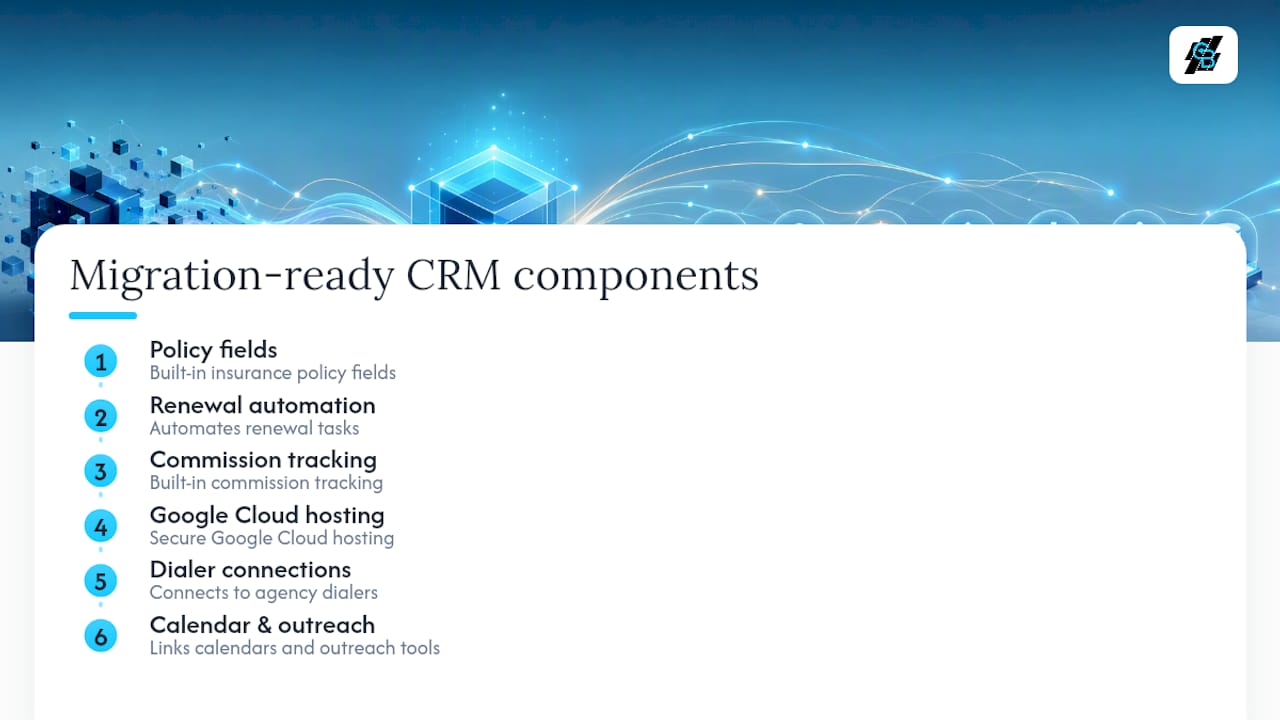
CallBack CRM builds its pipelines around insurance sales workflows from the start, not as a retrofit. That means policy fields, renewal task automation, and commission tracking already have a home instead of requiring custom object work on day one. The platform runs on secure Google Cloud hosting and connects to the dialers, calendars, and outreach tools agencies already depend on.
Ready to Move Your Book of Business?
CallBack CRM gives agencies a migration path built specifically for insurance data, not a generic CRM template stretched to fit policies and commissions. That distinction matters when your renewal tasks and commission math have to survive the move intact.

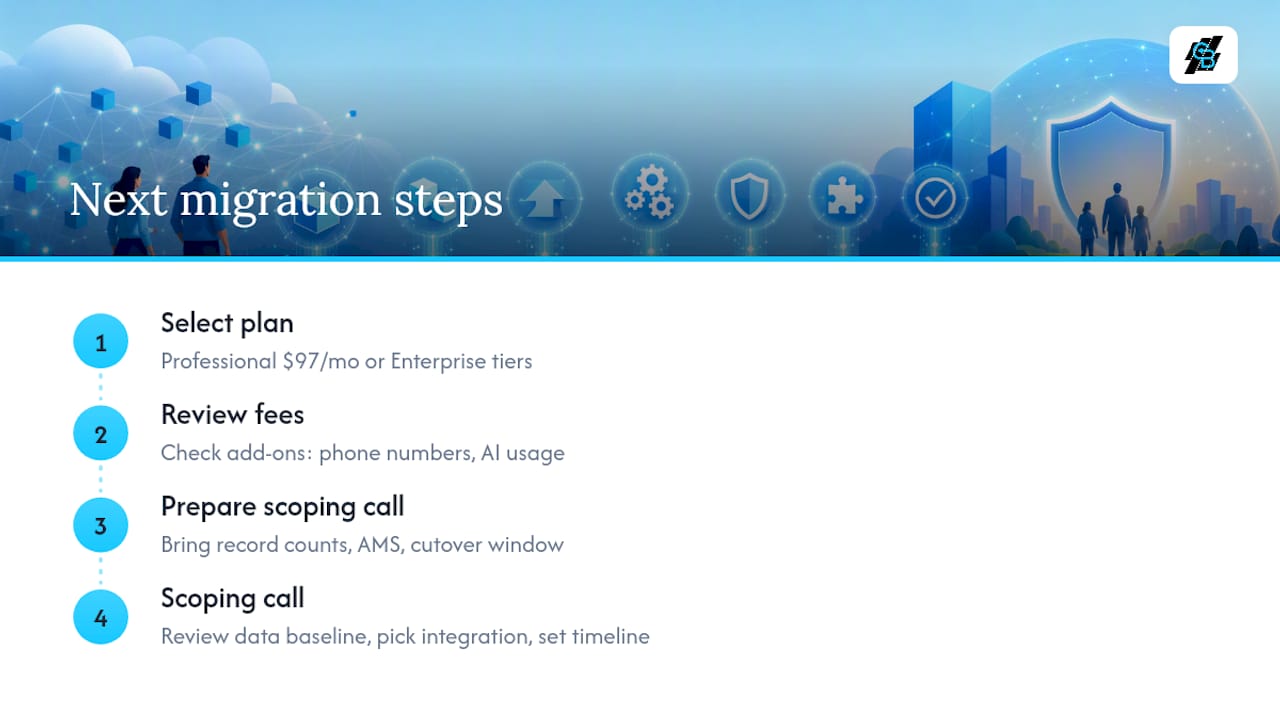
Agencies running smaller books often start with the Professional plan at $97 per month, which includes the CRM foundation and automation tools needed to rebuild renewal sequences after migration. Larger agencies and IMOs managing multiple producers typically need the Enterprise plans, which scale across multiple tiers depending on team size. Before committing, review the fees page for add-on costs like phone numbers and AI usage, since those affect total migration budgeting. If you’re still deciding how to sequence your outreach after cutover, the email marketing automation tools show what post-migration follow-up can look like once your data is clean.
The next step is a scoping call. Bring your record counts, your current AMS platform, and your target cutover window. That call reviews your data-quality baseline, confirms which integration pattern fits your AMS, and helps establish a realistic timeline before you sign anything.
Sources
This playbook draws on published case studies and migration guides, including Celumai’s broker migration case study, Vantage Point’s life insurance distributor transformation, Phenom’s CRM migration guide, Rex Automaton’s AMS integration guide, and Onyx CRM’s data migration guide. For readiness planning beyond the CRM itself, the marketing automation checklist from BabyLoveGrowth covers adjacent groundwork worth reviewing.
- CRM Migration for a Global Insurance Broker – Zero Pipeline Loss Across 8,400 Active Accounts
- How a National Life Insurance Distributor Replaced Its Legacy CRM…
- Phenom CRM migration guide
- How to Connect Applied Epic, AMS360, EZLynx to HubSpot | Rex Automaton
FAQ
What Does CRM Mean for an Insurance Agency?
For an insurance agency, a CRM is the system that tracks policies, renewal dates, commission rates, and client communication history in one place instead of scattered spreadsheets and AMS notes. It typically connects to the agency management system to pull policy and premium data automatically.
What Is CRM Migration?
CRM migration is the process of moving contact, policy, and commission data from one CRM (or from an AMS) into a new platform without losing accuracy or history. For insurance agencies, it also means preserving licensing flags, suppression rules, and renewal task logic during the move.
How Long Does an Insurance CRM Migration Take?
Small agencies often complete a migration in days to two weeks, midsize agencies typically need two to six weeks, and enterprise books with complex commission structures can take three to six months or longer. Timelines depend heavily on integration complexity and how much historical data needs backfilling.
Will AI Replace CRM Systems for Insurance Agents?
AI is not replacing the CRM itself. It’s automating tasks inside it, like renewal task generation, lead scoring, and outreach personalization, which is the direction platforms like CallBack CRM are built around. Clean, well-migrated data is a prerequisite for that automation to work well.