

Every insurance agent knows the feeling: a promising lead slips through the cracks because follow-up was manual, a renewal reminder never went out, or client data was scattered across three spreadsheets. Poor CRM management doesn’t just cost you time. It costs you revenue. CRM implementation for insurance agents involves assessing business needs, choosing a platform, configuring it, training your team, integrating systems, and optimizing continuously. This guide walks you through each phase with practical actions you can apply immediately, whether you’re building your first CRM setup or fixing a broken one.
Table of Contents
- What you need before implementing a CRM
- Step 1: Assess your agency’s needs and CRM requirements
- Step 2: Choose the right CRM platform
- Step 3: Set up, configure, and import your data
- Step 4: Train your team for CRM adoption
- Step 5: Integrate and automate with other systems
- Step 6: Monitor adoption and optimize your CRM
- Take your CRM management further with CallBack CRM
- Frequently asked questions
Key Takeaways
| Point | Details |
|---|---|
| Clarify goals first | Assess your agency’s needs and priorities before starting CRM selection. |
| Choose fit-for-purpose CRM | Select a platform that supports insurance workflows, automation, and integrations. |
| Train and support your team | Solid onboarding and help resources drive successful adoption. |
| Integrate for efficiency | Link the CRM to claims, policy, and marketing systems for seamless processes. |
| Maintain continuous improvement | Regularly review usage and optimize workflows for lasting ROI. |
What you need before implementing a CRM
Before you touch a single platform, you need clarity. Jumping into a CRM without preparation is one of the fastest ways to waste money and frustrate your team. Business needs assessment is the essential first step in any CRM management project, and skipping it creates problems that compound over time.
Start by defining your core goals. Are you focused on automating lead generation, improving renewal rates, or integrating CRM and marketing into one system? Your goals will shape every decision that follows. Pair that with structured marketing planning to align your CRM rollout with broader agency growth targets.
Here’s what you need to gather before day one:
- Client and prospect data: Names, contact details, policy types, renewal dates
- Current tech stack: Email tools, dialers, quoting software, agency management systems
- Compliance requirements: State licensing data, E&O documentation, data privacy rules
- Team structure: Who handles leads, who manages renewals, who does reporting
- Integration needs: Which third-party tools must connect to the CRM on day one
| Readiness area | Questions to answer |
|---|---|
| Data quality | Is your contact list clean and deduplicated? |
| Tech compatibility | Does your current software have open APIs? |
| Team buy-in | Have producers and CSRs been consulted? |
| Compliance | Are data handling policies documented? |
| Budget | Is there a realistic budget for setup and training? |
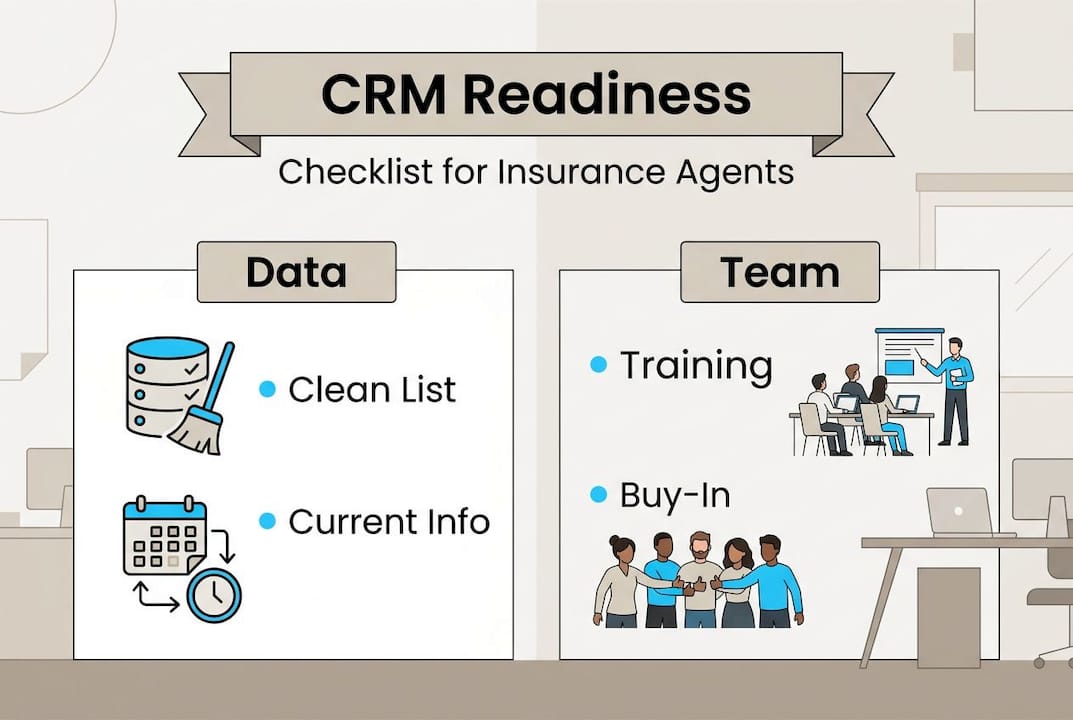
Pro Tip: Get stakeholder buy-in before you select a platform. When producers and customer service reps (CSRs) feel heard in the process, adoption rates climb significantly after launch.
Step 1: Assess your agency’s needs and CRM requirements
With your prerequisites sorted, begin CRM management by getting clear on your agency’s real needs. This isn’t a one-person job. Pull in producers, CSRs, and agency leadership to map out how work actually flows today.
CRM implementation starts with a thorough business needs assessment, and that means documenting your workflows before you try to automate them. Use a CRM for your business that fits your actual processes, not the other way around.
Follow these steps to complete your needs assessment:
- Map core workflows: Document lead intake, policy quoting, renewals, claims handling, and client communication touchpoints.
- Rank your priorities: Decide whether automation, reporting, compliance tracking, or third-party integrations matter most right now.
- Identify pain points: Ask your team where time gets wasted. Manual data entry and missed follow-ups are the most common answers.
- Define success metrics: Set measurable targets like lead response time under two hours or renewal retention above 85%.
- Review your lead generation workflow: Understand how leads currently enter your pipeline and where they drop off.
Pro Tip: Don’t overlook mobile accessibility. Field agents and remote producers need a CRM that works just as well on a phone as it does on a desktop. If the mobile experience is clunky, adoption will suffer.
Step 2: Choose the right CRM platform
Once you know your requirements, you’re ready to confidently pick your ideal CRM platform. The market has options built specifically for insurance, and selecting a CRM means comparing platforms on lead tracking, automation depth, integration options, ease of use, and total cost.

Review CRM comparisons to see how platforms stack up on features that matter specifically to insurance agencies. A marketing expert perspective can also help you evaluate platforms through a growth lens, not just a tech lens.
| Platform | Lead tracking | Automation | Insurance-specific features | Ease of use |
|---|---|---|---|---|
| Salesforce | Advanced | High | Moderate (requires customization) | Moderate |
| Vymo | Strong | High | Strong (field sales focus) | Good |
| AgencyBloc | Moderate | Moderate | Strong (life and health focus) | Very good |
| CallBack CRM | Strong | Very high | Strong (AI-powered, all-in-one) | Excellent |
Beyond the table, use these selection criteria before signing any contract:
- Data migration tools: Can the platform import your existing contacts and policy data cleanly?
- Policy and claims integration: Does it connect natively with your agency management system?
- Vendor support quality: Is there 24/7 support, onboarding assistance, and a knowledge base?
- Demo and trial access: Always run a live demo with your actual workflows, not a scripted sales presentation.
- Scalability: Will the platform grow with you as your agency adds producers or expands to new lines?
Step 3: Set up, configure, and import your data
Having chosen a CRM, now it’s time to roll up your sleeves and set up the platform. CRM implementation includes system setup, data import, and workflow configuration as core launch activities. Rushing this phase creates data problems that are painful to fix later.
Follow this setup sequence:
- Create user roles and permissions: Define what producers, CSRs, and managers can see and edit. Limit access to sensitive client data based on role.
- Import your data: Clean your spreadsheets first. Remove duplicates, standardize field formats, and map legacy fields to new CRM fields before importing.
- Configure lead capture forms: Set up web forms, landing pages, and intake sources so new leads flow directly into the CRM without manual entry.
- Build assignment rules: Automate lead routing so new inquiries go to the right producer instantly based on territory, product line, or availability.
- Set up your sales automation workflow: Create follow-up sequences, renewal reminders, and task triggers before you go live.
“Data quality is not a setup task. It’s an ongoing commitment. A CRM is only as useful as the information inside it. Garbage in, garbage out applies to insurance agencies just as much as it does to any data-driven business.”
Map every field from your old system to the new one before you import. Missing or mismatched fields are the number one cause of post-launch confusion.
Step 4: Train your team for CRM adoption
Now that your system is configured, robust training ensures everyone leverages the CRM optimally. Staff training is a critical phase in CRM implementation, and skipping it or rushing it is the fastest way to end up with a platform nobody uses.
Focus training on the areas your team will use every day. That means dashboards, pipeline management, logging client interactions, running reports, and triggering automation routines. Keep sessions short, role-specific, and hands-on. Explore AI automation insights to show your team how automation reduces their manual workload rather than adding to it.
Onboarding best practices that actually work:
- Role-based sessions: Train producers on lead management and pipeline. Train CSRs on client records and service workflows. Train managers on reporting.
- Cheat sheets: Create one-page quick reference guides for the five most common tasks each role performs.
- Video walkthroughs: Record short screen-capture tutorials for recurring tasks so staff can revisit them anytime.
- FAQ document: Collect the questions that come up in training and publish answers in a shared folder.
- Feedback loop: Schedule a check-in two weeks after launch to collect real issues and fix them fast.
Pro Tip: Assign two or three internal power users before launch. These are your go-to people when colleagues get stuck. They reduce support tickets and build peer confidence in the system faster than any vendor training can.
Step 5: Integrate and automate with other systems
Once users are trained, the next step is connecting supporting systems for true automation benefits. Integrating CRM with policy and claims systems streamlines operations and eliminates the manual data re-entry that slows agencies down every single day.
Must-have integrations for insurance CRM management:
- eSignature tools: Connect DocuSign or similar platforms so proposals and contracts close without paper.
- Policy administration systems: Sync policy data so agents see current coverage details inside the CRM without switching tabs.
- Claims portals: Pull claim status into client records so CSRs can answer questions without leaving the platform.
- Email and SMS marketing: Connect your CRM and marketing integration so campaigns trigger automatically based on client behavior.
- Lead funnel tools: Use lead funnel automation to move prospects through stages without manual intervention.
Integration priorities to keep in mind:
- Minimize data re-entry by ensuring real-time sync between systems
- Prioritize integrations that affect client-facing speed first
- Test every integration in a sandbox environment before going live
Agencies that automate data transfer between systems report significant reductions in administrative time, freeing producers to focus on selling rather than updating records.
Step 6: Monitor adoption and optimize your CRM
After integration, ongoing monitoring and refinement are crucial for long-term CRM management success. Monitoring adoption and ongoing optimization are the final steps in the CRM management cycle, but they’re also the ones most agencies neglect after the excitement of launch fades.
Use this troubleshooting and optimization sequence:
- Track adoption rates weekly: Check login frequency, records updated, and tasks completed per user. Low activity signals a training gap or usability issue.
- Collect user feedback monthly: Ask your team what’s slowing them down. Small friction points compound into big adoption problems.
- Fix workflow errors fast: When automation triggers fail or data doesn’t sync, resolve it within 24 hours. Unresolved bugs erode trust in the system.
- Analyze data flow quarterly: Review a CRM workflow troubleshooting checklist to catch broken sequences before they affect clients.
- Set and review KPIs: Measure lead response time, pipeline conversion rate, renewal retention, and task completion rate every quarter.
A CRM optimization case study shows how structured reviews and iterative improvements drive measurable results over time.
Pro Tip: Schedule a quarterly CRM review session with your team. Review workflow performance, check for unused features, and apply any platform updates. Thirty minutes every quarter prevents months of drift.
Take your CRM management further with CallBack CRM
Every step in this guide becomes faster and more effective when your platform is built specifically for insurance. CallBack CRM combines AI-powered automation, lead management, email and SMS marketing, and full CRM functionality in one place, so you’re not stitching together five different tools.
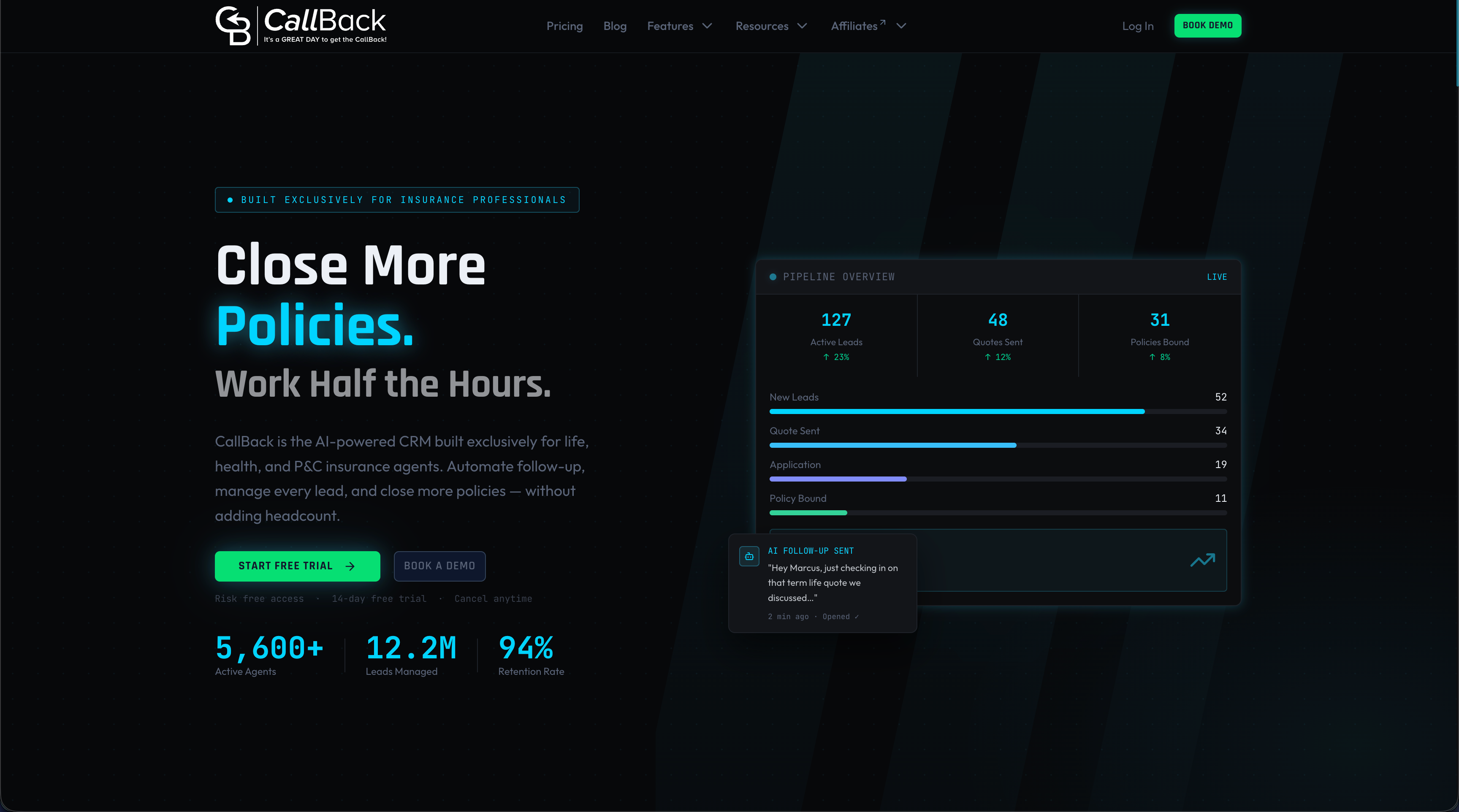
From configuring your first sales automation workflow to running advanced lead funnel automation, CallBack CRM gives insurance agents and agencies the infrastructure to grow without adding headcount. The platform runs on Google Cloud, includes 24/7 support, and is designed from the ground up for the way insurance businesses actually operate. If you’re ready to stop managing leads manually and start scaling with automation, CallBack CRM is built for exactly that.
Frequently asked questions
What are the key benefits of CRM management for insurance agencies?
CRM implementation streamlines lead generation, automates sales follow-ups, and improves client retention by keeping every interaction organized and trackable in one system.
How long does it take to fully implement a CRM in an insurance agency?
Most agencies can launch core CRM functionality in two to eight weeks, depending on agency size, data volume, and how many integrations are required from day one.
Which CRM features are most important for insurance agencies?
Selecting a CRM for insurance means prioritizing lead management, policy integration, workflow automation, compliance tracking, and mobile access above all other features.
How do you encourage staff to actually use the new CRM?
Training and buy-in are essential for adoption. Provide hands-on role-based training, assign internal champions, and consistently show agents how the CRM saves them time on tasks they already do every day.
What’s a common mistake agencies make with CRM management?
The most frequent mistake is configuring the CRM around a generic template rather than the agency’s actual workflows, then never revisiting the setup as the business grows and processes change.
Recommended
- Master Sales Automation Workflow for Insurance Agents
- Lead Generation Workflow Tutorial for Insurance Success | CallBack CRM Blog
- Sales automation checklist for insurance agents 2026 | CallBack CRM Blog
- What is funnel management? Guide for insurance agents | CallBack CRM Blog
- Beyond Greatness | CRM for your business