

TL;DR:
- Ad campaign tracking involves collecting data from paid ads to measure return on investment and improve marketing decisions. It uses URL tags, pixels, server-side events, and CRM data to track user interactions and conversions accurately. Regular auditing and proper setup of tracking methods are essential to avoid data loss and misattribution.
Ad campaign tracking is the systematic process of collecting, tagging, and analyzing user interaction data from paid ads to measure ROI and channel performance. The industry term for this practice is campaign attribution, and it sits at the center of every budget decision a marketer makes. Without it, you are spending money in the dark. With it, you know exactly which ad, platform, and message turned a stranger into a paying customer.
What is ad campaign tracking and how does it work?
Ad campaign tracking works by tagging ad URLs with identifiers, then collecting interaction data as users click, browse, and convert. Every time someone clicks a paid ad, that click carries data points back to your analytics platform. Those data points tell you where the user came from, what ad they saw, and whether they completed a goal.
The core components of any tracking setup include:
- UTM parameters: Tags appended to ad URLs (utm_source, utm_medium, utm_campaign) that identify traffic origin in Google Analytics or any CRM.
- Tracking pixels: Small code snippets placed on web pages that fire when a user loads the page, sending conversion data back to platforms like Meta Ads Manager or Google Ads.
- Server-side tracking: A method where your server sends event data directly to ad platforms via APIs, bypassing browser restrictions entirely.
- CRM integration: Connecting ad data to your CRM closes the loop between a click and actual revenue, not just a form submission.
Each layer adds accuracy. UTM parameters tell you the source. Pixels confirm on-site behavior. Server-side events capture what pixels miss. CRM data confirms whether that lead became money.
Pro Tip: Set up your UTM parameters before a campaign launches, not after. Retroactive tagging is impossible, and untagged traffic gets lumped into “direct,” which destroys attribution.

What are the most important ad campaign performance metrics?
Ad campaign performance metrics are the numbers that tell you whether your spending is working. Tracking the wrong metrics wastes time. Tracking the right ones tells you where to cut, where to scale, and why.
The five metrics every marketer must monitor are:
- Impressions: The total number of times your ad was displayed. High impressions with low clicks signal a creative or targeting problem.
- Click-through rate (CTR): Clicks divided by impressions, expressed as a percentage. A low CTR means your ad copy or creative is not compelling enough to earn the click.
- Conversion rate: The percentage of clicks that complete a desired action, such as a form fill, phone call, or purchase. This is the clearest signal of landing page and offer quality.
- Cost per acquisition (CPA): Total ad spend divided by the number of conversions. CPA tells you the real cost of each new customer or lead, making it the most direct measure of campaign efficiency.
- Return on ad spend (ROAS): Revenue generated divided by ad spend. ROAS is the executive-level number, but it requires CRM integration to be accurate.
Measuring ad campaign success means reading these metrics together, not in isolation. A low CPA looks great until you realize those leads never close. That is why connecting ad data to CRM revenue records is the only way to measure true performance.
Pixel-based, cookie-based, and server-side tracking compared
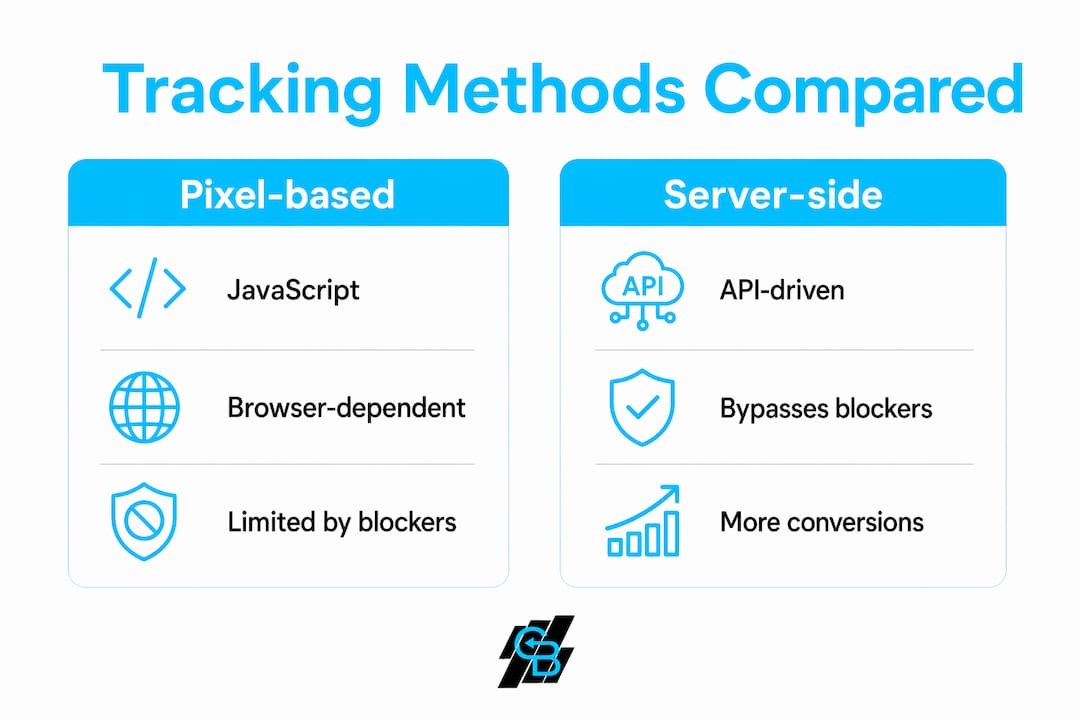
The three main tracking technologies each handle data collection differently. Choosing the right one depends on your audience, your compliance requirements, and how much accuracy you need.
| Method | How it works | Key limitation | Best use case |
|---|---|---|---|
| Pixel-based | JavaScript fires in the browser on page load | Blocked by ad blockers and privacy extensions | Standard conversion tracking on owned landing pages |
| Cookie-based | Browser stores a small file to track sessions and return visits | Third-party cookies are being phased out by Chrome and Safari | Retargeting and session continuity on familiar audiences |
| Server-side | Your server sends events directly to platform APIs | Requires developer setup and ongoing maintenance | High-accuracy tracking for paid campaigns with compliance needs |
Server-side tracking captures 20–30% more conversions than browser pixels by bypassing privacy blockers and tracking restrictions. That gap represents real leads and real revenue that pixel-only setups miss entirely.
Cookie-based tracking faces the most pressure right now. Safari already blocks third-party cookies by default, and Chrome has been rolling out similar restrictions. Marketers who still rely entirely on cookie-based retargeting are working with shrinking data sets.
Pro Tip: Run pixel-based and server-side tracking in parallel during your first 30 days. Compare the conversion counts. The gap between the two numbers is the revenue your pixel alone was hiding from you.
How to implement effective ad campaign tracking
Reliable tracking does not happen by accident. It requires a deliberate setup, consistent naming rules, and regular maintenance. Inconsistent UTM naming conventions create reporting chaos, making data aggregation impossible without strict governance.
Follow these steps to build a tracking setup that holds up:
- Standardize UTM naming conventions from day one. Decide on exact values for utm_source (e.g., “google”, “meta”), utm_medium (e.g., “cpc”, “paid-social”), and utm_campaign (e.g., “q1-insurance-leads”). Write them down and enforce them across every team member and agency.
- Use dynamic URL parameters to reduce human error. Platforms like Google Ads and Meta Ads can auto-populate parameters like {keyword} or {placement} at click time. Dynamic URL parameters reduce errors by 100% by auto-populating platform data at click time.
- Implement dynamic number insertion (DNI) for phone call tracking. DNI swaps the phone number on your website based on the traffic source. DNI lets you view CPA for calls inside Google Ads or Meta Ads Manager, giving you a complete picture that includes offline conversions.
- Audit your tracking data on a regular schedule. Continuous auditing of UTM parameters is necessary to avoid silent failures caused by platform updates or consent changes. Set a monthly calendar reminder to check for broken pixels, missing UTMs, and conversion discrepancies.
- Adopt multi-touch attribution instead of last-click. Multi-touch attribution models prevent undervaluing upper-funnel campaigns and improve ROI decision-making. Last-click gives all credit to the final touchpoint and ignores every ad that built awareness before the conversion.
The combination of these steps creates what analytics professionals call a reliable single source of truth for budget decisions. Without that foundation, you are optimizing based on incomplete data.
Key Takeaways
Ad campaign tracking is only as valuable as the accuracy of the data it collects, which requires consistent UTM governance, server-side events, and CRM-connected attribution.
| Point | Details |
|---|---|
| Define tracking before launch | Set UTM parameters and pixel events before any campaign goes live to avoid untagged traffic. |
| Server-side beats pixels alone | Server-side tracking captures 20–30% more conversions than browser pixels by bypassing blockers. |
| CPA and ROAS need CRM data | Platform-reported ROAS inflates results; connect ad data to CRM revenue for accurate numbers. |
| DNI closes the offline gap | Dynamic number insertion attributes phone call conversions back to specific digital campaigns. |
| Audit tracking every month | Silent failures from platform updates or consent changes corrupt data without regular checks. |
Why most marketers are still flying blind
The uncomfortable truth I have seen across dozens of marketing audits is this: most teams trust their platform dashboards more than they should. Google Ads and Meta Ads both have a structural incentive to show you favorable numbers. Relying solely on platform dashboards leads to data discrepancies due to structural bias. Unified, audited tracking provides the only reliable picture.
The second mistake I see constantly is treating tracking as a one-time setup. Platforms update their APIs. Consent banners break pixel fires. UTM tags get stripped by redirects. A tracking setup that worked perfectly in january can be silently broken by march. The marketers who catch these failures early are the ones who audit monthly, not annually.
The third issue is last-click attribution. It is still the default in most platforms, and it is still wrong for almost every business. A prospect might see your Facebook ad three times, click a Google search ad, and then convert through a retargeting banner. Last-click gives 100% of the credit to that final banner. Moving to multi-touch attribution is the single biggest step you can take to stop cutting campaigns that are actually working. Pair that with personalized marketing strategies and you have a system that compounds results over time.
— Kyle
How Callbackcrm supports complete campaign tracking
Callbackcrm is built for marketers who need more than a dashboard. It connects ad tracking, CRM data, and automation into one platform so you can see which campaigns generate real revenue, not just clicks.
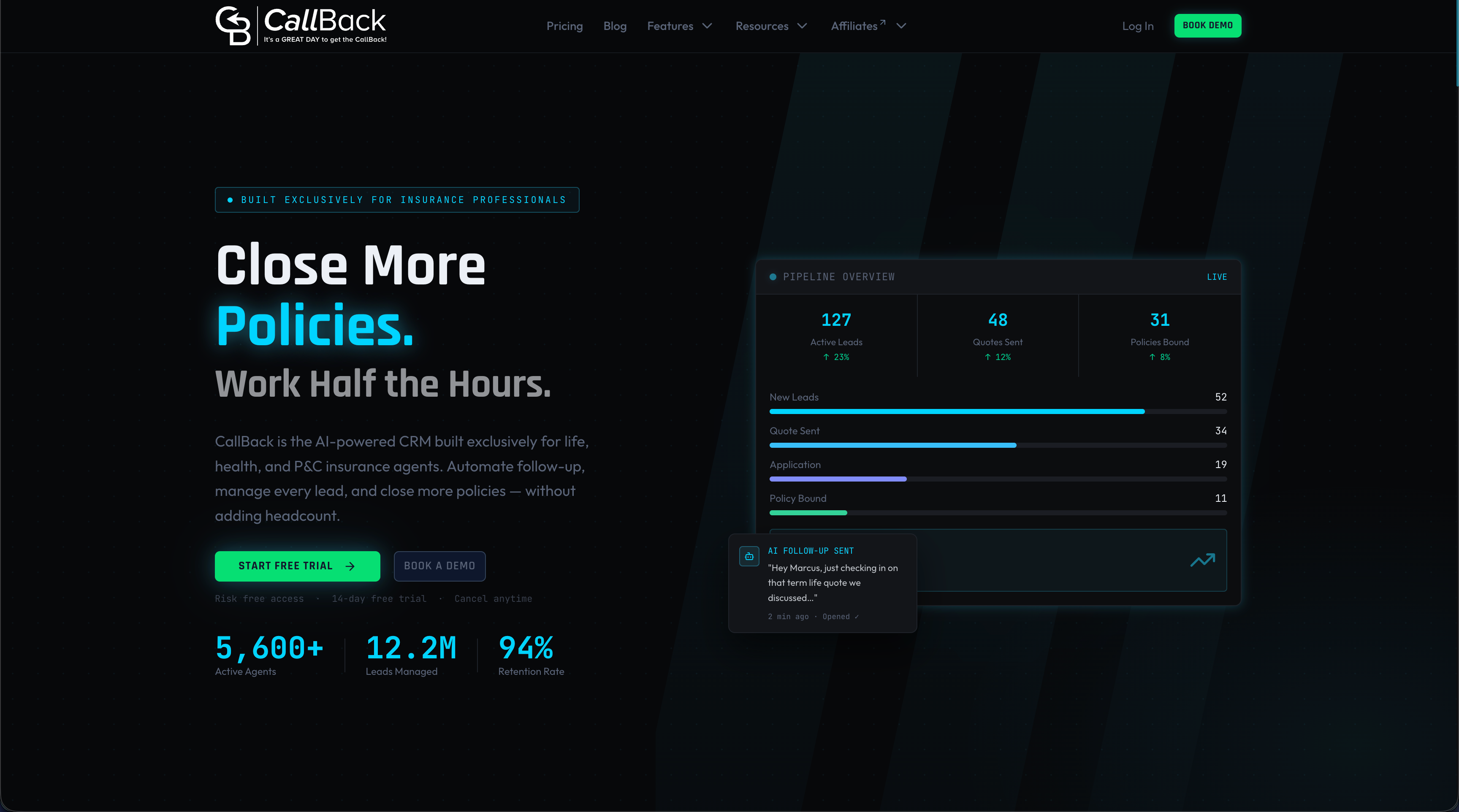
The platform includes built-in tracking features covering CRM integration, automation workflows, and ad management support, all designed to give insurance agents and marketing teams a unified view of campaign performance. When your ad data, lead records, and conversion events live in the same system, budget decisions become straightforward. Callbackcrm also supports dynamic number insertion and call tracking, so phone leads from paid campaigns get attributed correctly. If you want to see how your current tracking setup compares, a free marketing audit is a practical first step.
FAQ
What is ad campaign tracking in simple terms?
Ad campaign tracking is the process of measuring how users interact with your paid ads to determine which campaigns drive conversions and revenue. It uses tools like UTM parameters, tracking pixels, and CRM data to connect ad spend to results.
How do UTM parameters work for ad tracking?
UTM parameters are tags added to the end of ad URLs that identify the traffic source, medium, and campaign name inside analytics platforms. They are the foundation of cross-platform attribution and must follow consistent naming conventions to produce usable data.
What is campaign tracking software?
Campaign tracking software is any platform that collects, organizes, and reports on ad performance data across channels. Examples include Google Analytics for web behavior, CRM platforms like Callbackcrm for revenue attribution, and server-side tracking tools that capture events bypassing browser restrictions.
Why is server-side tracking better than pixel tracking?
Server-side tracking sends conversion data directly from your server to ad platforms via APIs, bypassing ad blockers and browser privacy restrictions. It captures 20–30% more conversions than pixel-only setups, making it the more accurate method for paid campaign measurement.
What is the difference between last-click and multi-touch attribution?
Last-click attribution gives 100% of conversion credit to the final ad a user clicked before converting. Multi-touch attribution distributes credit across every ad touchpoint in the customer journey, giving a more accurate picture of which campaigns actually drive results.