

TL;DR:
- Mobile CRM provides sales and insurance professionals with real-time access to customer data from native apps on smartphones and tablets. Its features, including offline mode, native device integration, and customizable dashboards, significantly boost sales performance and client interaction efficiency. Successful adoption depends on intuitive design, security configuration, and treating mobile CRM as a core sales tool rather than a backup, ultimately transforming field productivity.
Mobile CRM access is defined as software that lets sales professionals and insurance agents interact with customer data, manage pipelines, and log activity directly from a smartphone or tablet in real time. The industry term for this category is “mobile CRM,” and it covers everything from native iOS and Android apps to cloud-synced platforms like Salesforce, Microsoft Dynamics 365, and Callbackcrm. The mobile CRM market is projected to reach $24.98 billion in 2026, driven by over 8 billion smartphone users who need full productivity outside the office. That number reflects a fundamental shift: the field is now the primary sales environment, and your CRM must travel with you.
What is mobile CRM access and why does it matter for sales?
Mobile CRM access refers to apps designed for smartphones and tablets that enable real-time updates and remote customer management in the field. For insurance agents and sales reps, this means pulling up a client’s full policy history before walking into a meeting, logging a call note the moment it ends, or updating a deal stage from a parking lot. The difference between mobile CRM and simply viewing a desktop site on your phone is significant. A true mobile CRM app is built for touch interfaces, small screens, and interrupted connectivity. It is not a shrunken version of a desktop dashboard.
The performance gap this creates is measurable. Mobile sales reps using mobile CRM achieve sales quotas at a 65% rate versus 22% without it. That is a three-to-one advantage that comes directly from faster data access, quicker follow-up, and fewer dropped leads. For insurance agents managing dozens of active prospects across multiple carriers, that gap translates directly into revenue. Explaining mobile CRM access to your team is not a technology conversation. It is a performance conversation.
What are the core mobile CRM features that improve sales workflows?
The features that separate a useful mobile CRM from a frustrating one fall into a few clear categories. Understanding them helps you evaluate platforms and configure them for your actual workflow.

Real-time data sync and offline mode
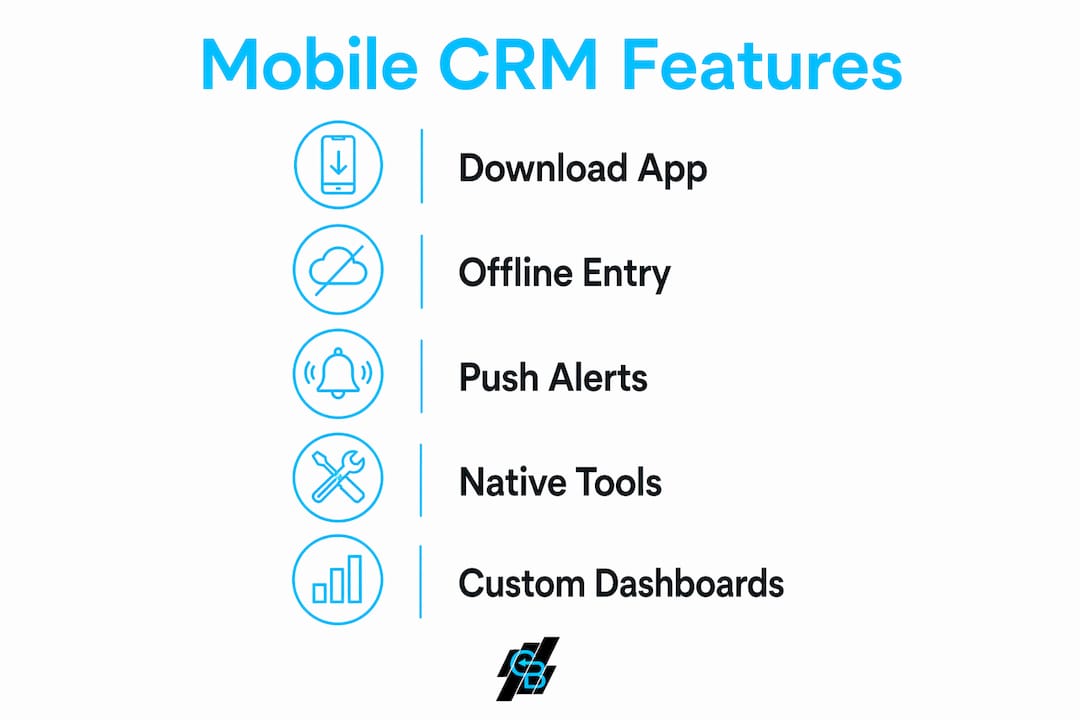
True mobile CRM apps enable offline data entry with local caching and automatic syncing when connectivity returns. This is critical for insurance agents visiting rural clients or sales reps in buildings with poor signal. You enter notes, update contact records, and log calls without interruption. The moment your phone reconnects, everything pushes to the cloud.
Native device integration
Effective mobile CRM leverages native device features like voice-to-text for note-taking, camera scanning for business cards, and GPS for routing between client visits. These are not gimmicks. Voice-to-text alone cuts post-meeting data entry time by more than half for most field reps. Camera scanning eliminates manual contact creation entirely.
Push notifications and calendar sync
Push notifications alert you when a lead opens an email, a renewal date approaches, or a follow-up task is due. Calendar and email integration, common in platforms like Salesforce and Callbackcrm, means your CRM activity and your schedule stay aligned without manual cross-referencing.
Customizable dashboards
Customizable dashboards showing key KPIs improve user engagement significantly. For an insurance agent, the right dashboard surfaces renewal pipeline value, open claims, and pending applications. For a sales rep, it shows quota attainment, open opportunities, and today’s call list. The default view almost never matches your workflow, so customization is not optional.
Pro Tip: Set your mobile CRM home screen to show only the three metrics you check every morning. Fewer data points on the first screen means faster decisions and less time staring at your phone between client conversations.
How does mobile CRM access improve client interactions and sales performance?
The practical impact of accessing CRM on mobile shows up in four specific areas that matter most to sales and insurance professionals.
-
Faster lead response. Mobile CRM reduces data latency by enabling immediate entry of interaction details, improving data accuracy and speed of follow-up. When a prospect calls and you log the conversation within two minutes, your next touchpoint is informed and personal. When you wait until you’re back at a desk, details fade and follow-up feels generic.
-
Better in-meeting preparation. GPS and location features in platforms like Callbackcrm let you pull up a client’s full record, including past interactions, open quotes, and policy details, before you reach the front door. Insurance agents who walk in knowing a client’s renewal date and last service issue close at a higher rate than those who rely on memory.
-
Improved team visibility. When every rep logs activity in real time from mobile, managers see an accurate pipeline without chasing updates. Sales directors at agencies using mobile CRM report fewer “I thought that deal was closed” surprises because the data reflects what actually happened, not what someone remembered to enter on Friday afternoon.
-
Faster renewals and cross-sells. Insurance agents using mobile CRM can set automated renewal reminders that trigger SMS or email sequences. When a client’s auto policy is 60 days from renewal, the system flags it and the agent gets a push notification. That proactive contact, driven by mobile CRM benefits like automated alerts, is what separates agents who grow books of business from those who just maintain them.
“The reps who win are the ones who treat their phone as a sales tool, not just a communication device. Mobile CRM is what makes that possible.” — Field sales director at a regional insurance agency
What are common challenges when adopting mobile CRM access?
Adoption failure is the most common outcome of mobile CRM rollouts, and it almost always traces back to the same root causes.
- Poor interface design. The biggest adoption challenge is poor UI/UX. If logging a call requires seven taps, reps stop logging calls. The best mobile CRM implementations reduce every common action to two or three steps maximum.
- Excessive data entry. Mobile CRM should reduce the time spent on administrative tasks, not add to it. Platforms that require the same fields as the desktop version on a 6-inch screen will be abandoned within weeks.
- Security concerns. Mobile CRM access is a secure extension of corporate systems with remote wipe and controlled permissions ensuring client data safety. For insurance agencies handling protected health information or financial records, this is non-negotiable. Verify that your platform supports remote wipe, role-based access, and encrypted data transmission before deployment.
- Native app vs. mobile website confusion. A responsive website is not a mobile CRM app. Native apps built for iOS and Android perform faster, work offline, and access device hardware. Always confirm you are deploying a native app, not a browser-based workaround.
- Insufficient training. Most teams receive a login and a PDF. Effective onboarding requires live walkthroughs of the specific workflows reps use daily, not a general product tour.
Pro Tip: During rollout, identify two or three high-performing reps who are willing to champion the tool. Their peer endorsement drives adoption faster than any top-down mandate from management.
For insurance agencies specifically, CRM data privacy compliance requirements add another layer to the adoption checklist. Confirm your mobile CRM vendor meets state-level data handling standards before granting field access to sensitive client records.
How to set up and use mobile CRM access effectively
Getting mobile CRM working correctly takes less time than most teams expect. The setup process follows a consistent pattern across major platforms.
- Download the native app. Find your CRM vendor’s app on the Apple App Store or Google Play Store. Platforms like Salesforce, Dynamics 365, and Callbackcrm all publish dedicated mobile apps. Avoid third-party wrappers.
- Log in with your credentials. Users set up mobile CRM access by downloading vendor apps and logging in with credentials, with access controlled via security roles. Your administrator assigns what data you can view and edit based on your role.
- Enable biometric login. Security roles and biometrics restrict mobile CRM data access by role and entity, reducing friction with single sign-on and protecting sensitive information. Set up Face ID or fingerprint login immediately. It removes the password barrier without compromising security.
- Customize your dashboard. Replace the default view with the three to five KPIs most relevant to your role. Insurance agents should prioritize renewal pipeline, open leads, and pending tasks. Sales reps should see quota progress, today’s appointments, and overdue follow-ups.
- Sync notifications with your calendar. Connect your CRM to Google Calendar or Outlook so that client meetings appear alongside CRM tasks. This single step eliminates the most common scheduling conflict in field sales.
- Test offline mode before you need it. Turn on airplane mode and try logging a contact note. If it saves locally and syncs when you reconnect, your offline setup is working. If it throws an error, contact your administrator before your next field day.
| Setup step | What it accomplishes |
|---|---|
| Download native app | Ensures full feature access and offline capability |
| Configure security roles | Protects client data and limits access by job function |
| Enable biometric login | Speeds up access without reducing security |
| Customize dashboard | Surfaces the metrics that drive your daily decisions |
| Test offline sync | Confirms data integrity in low-connectivity environments |
For a deeper look at how to use mobile CRM within an automated sales workflow, the sales automation workflow guide from Callbackcrm covers dashboard configuration and task automation in detail.
Key takeaways
Mobile CRM access delivers a measurable performance advantage only when the app is native, the interface is simplified, and security controls are configured before field deployment.
| Point | Details |
|---|---|
| Performance gap is real | Reps with mobile CRM hit quotas at 65% versus 22% without it. |
| Offline mode is non-negotiable | Local caching lets agents log data in any location, syncing automatically on reconnect. |
| Native apps outperform mobile sites | Only native iOS and Android apps access device hardware and work offline reliably. |
| Security must be configured first | Role-based access, biometrics, and remote wipe protect sensitive client data in the field. |
| Customization drives adoption | Dashboards and simplified workflows reduce friction and keep reps logging data consistently. |
Why most mobile CRM rollouts fail before they start
I have watched sales teams at insurance agencies spend months selecting a CRM platform, negotiate a contract, and then see adoption collapse within 90 days. The platform was not the problem. The rollout was. The team received logins and a training video. Nobody configured the mobile dashboard to reflect how agents actually work. Nobody tested offline mode before the first field day. The default interface showed 40 fields on a contact record, and agents gave up after the third client visit.
The insight that changed how I think about this: mobile CRM is not a technology project. It is a behavior change project that happens to involve technology. The agents who get the most out of managing leads on mobile are the ones who treat the app as their primary work surface, not a backup to the desktop. That means logging every call within five minutes, using voice-to-text instead of typing, and setting push notifications for every renewal date.
The security conversation also gets skipped too often. Insurance agents handle protected health information, financial records, and Social Security numbers. A lost phone with an unlocked CRM app is a compliance incident. Biometric login and remote wipe are not advanced features. They are baseline requirements. If your current platform does not support them, that is a vendor problem worth solving before your next field season.
The agents I have seen build the largest books of business share one habit: they treat data entry as part of the client conversation, not a task they do afterward. That mindset, combined with a well-configured mobile CRM, is what actually moves the quota number.
— Kyle
See what Callbackcrm’s mobile tools can do for your agency
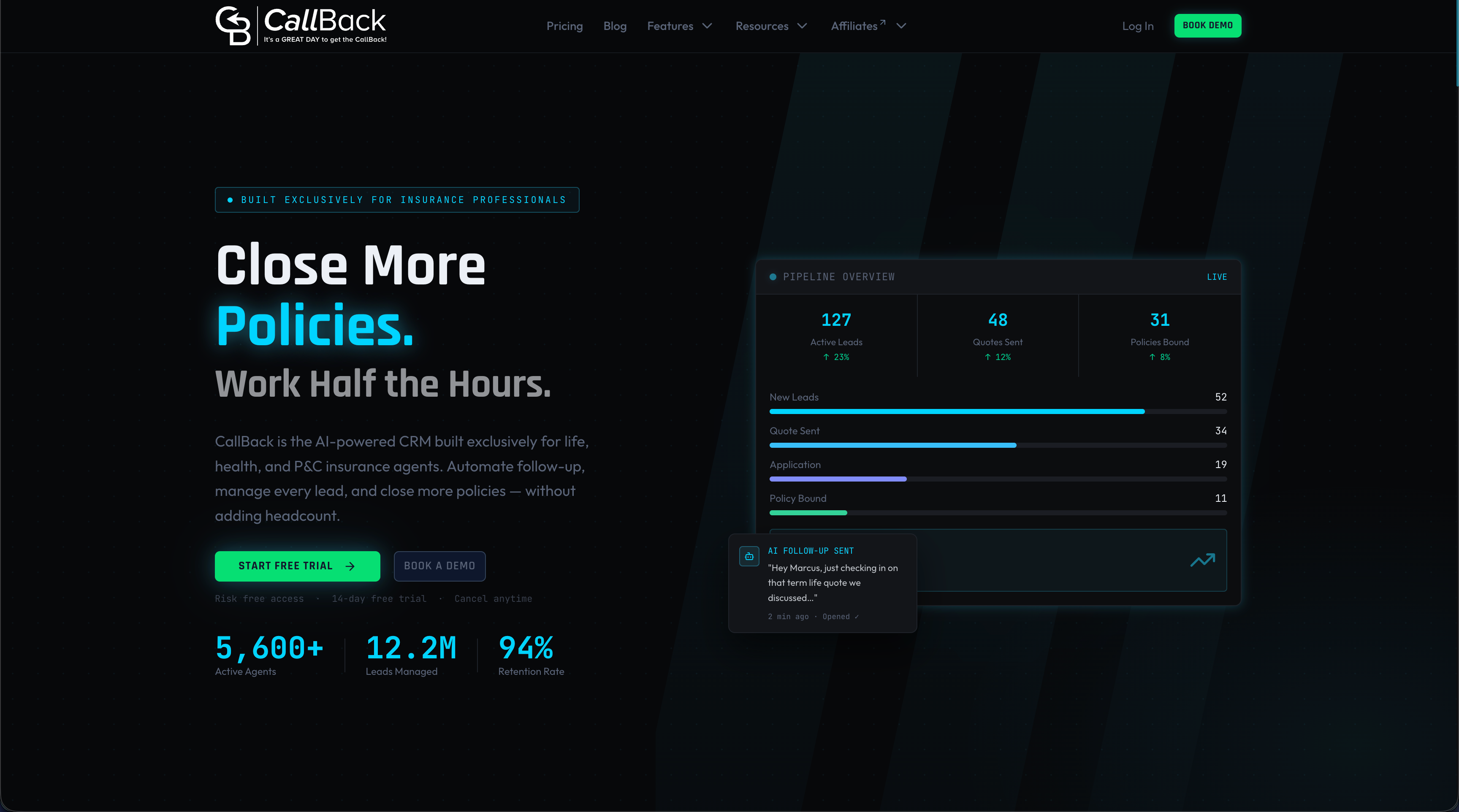
Callbackcrm is built specifically for insurance agents and sales professionals who need more than a contact database on their phone. The platform’s 50+ integrated features include mobile app access, AI-powered lead scoring, SMS marketing, automated follow-up sequences, and pipeline management, all accessible from a single app. Insurance agents use Callbackcrm to automate renewal outreach, score inbound leads before the first call, and manage their entire book of business from the field. If your current setup requires you to be at a desk to do your best work, it is time to see what a purpose-built mobile CRM platform can change. Explore Callbackcrm’s SMS marketing features to see how automated mobile outreach fits into your sales workflow.
FAQ
What is mobile CRM access?
Mobile CRM access is the ability to view, update, and manage customer relationship data from a smartphone or tablet using a dedicated native app. It gives sales reps and insurance agents full CRM functionality in the field, not just a limited mobile view.
How do I set up mobile CRM on my phone?
Download your CRM vendor’s native app from the App Store or Google Play, log in with your credentials, and configure security roles and biometric login before your first field use. Your CRM administrator controls what data each user can access based on their role.
What mobile CRM features matter most for insurance agents?
Offline data entry, push notifications for renewal dates, GPS routing, and calendar sync are the features that most directly improve an insurance agent’s daily workflow. Customizable dashboards that surface renewal pipeline and open leads reduce time spent searching for information.
Is mobile CRM data secure?
Mobile CRM platforms like Dynamics 365 and Callbackcrm support role-based access controls, biometric login, encrypted data transmission, and remote wipe capabilities. These features make mobile CRM a secure extension of your agency’s data environment, not a security liability.
Why do mobile CRM adoption rates fail in sales teams?
Poor interface design and excessive data entry requirements are the primary causes of mobile CRM abandonment. Simplifying common actions to two or three taps and customizing dashboards to match real workflows are the two changes that most reliably improve adoption rates.