

TL;DR:
- Sales pipeline automation uses software to execute repetitive tasks and decisions quickly, reducing manual bottlenecks. It improves speed to lead and conversion rates by automating routing, follow-ups, and stage progressions for more accurate and reliable sales forecasting. Successful implementation requires high-quality data, clear process criteria, incremental deployment, and appropriate tools tailored to the sales team’s complexity.
Sales pipeline automation is defined as the use of software to automatically execute repetitive tasks, routing decisions, and stage progressions within a sales pipeline, removing manual bottlenecks that slow down lead response and deal advancement. For sales professionals managing dozens of active opportunities, this is the difference between a rep spending their day on data entry versus closing. Tools like Salesforce Assignment Rules, HubSpot Workflows, and LeanData handle the operational logic so your team handles the conversations. The core value is speed and accuracy: leads contacted within 5 minutes are 21 times more likely to qualify than those reached later.
What is sales pipeline automation and how does it work?
Sales pipeline automation, sometimes called sales process automation in broader RevOps contexts, covers every software-driven action that moves a lead or deal through your pipeline without a human manually triggering it. Think of it as a set of conditional rules: when X happens, do Y. When a lead fills out a demo request form, the system scores it, assigns it to the right rep, creates a follow-up task, and sends a confirmation email. All of that happens in seconds.

The automation layer sits on top of your CRM and executes decisions based on data fields, stage conditions, and time-based triggers. This is distinct from simple CRM reminders or manual task lists. True pipeline automation responds to events in real time and enforces process rules without relying on a rep to remember the next step.
Core functions that drive pipeline automation
The five functions that make up a working automation setup are lead routing, stage progression, task scheduling, notifications, and escalation rules.
- Lead routing assigns incoming leads to the right rep based on territory, product interest, company size, or rep availability. Multi-criteria routing logic uses enrichment data, lead-to-account matching, and scoring before a lead ever reaches a rep’s queue.
- Stage progression advances a deal automatically when defined conditions are met. For example, a deal moves from “Proposal Sent” to “Negotiation” once a contract is opened by the prospect.
- Task scheduling creates rep activities based on stage changes. When a deal enters a new stage, the system auto-generates the next call or email task with a due date.
- Notifications alert reps across CRM dashboards, Slack, or mobile push when action is required, so nothing sits idle.
- Escalation rules enforce SLA compliance. If a lead is not contacted within a set window, the system reassigns it or alerts a manager automatically.
Pro Tip: Separate your lead scoring logic from your routing logic. Scoring and routing are two discrete steps that work best when designed independently. Mixing them into one rule set creates conflicts that are hard to debug.
How does automation improve speed to lead and conversion rates?
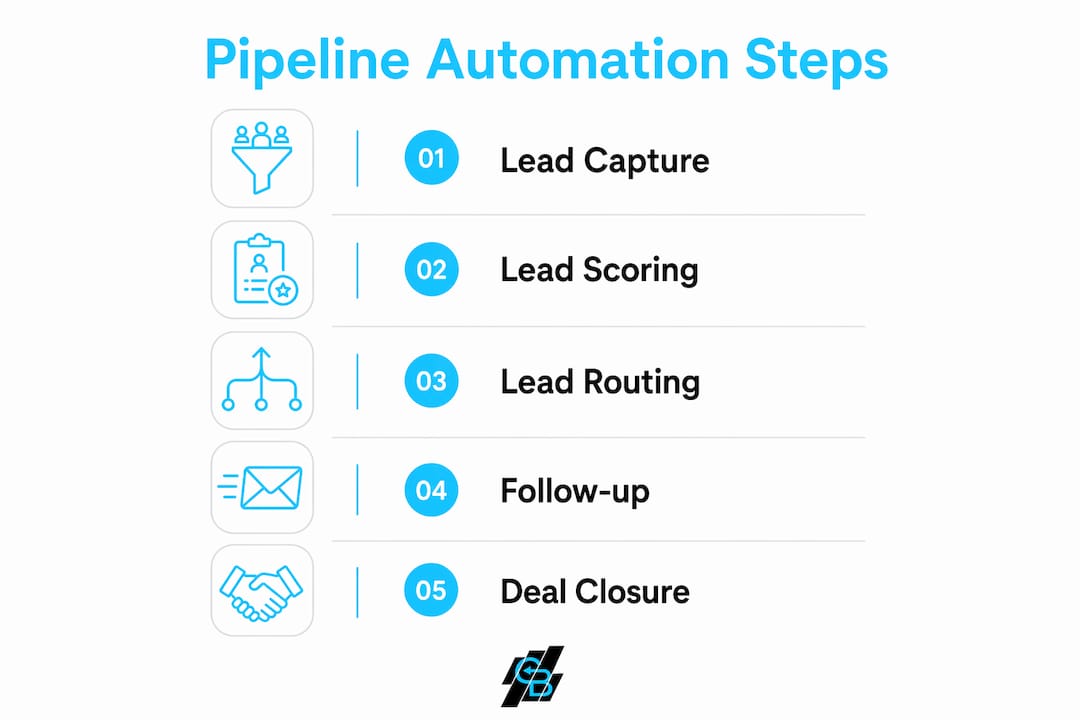
Speed to lead is the time between a prospect expressing interest and a sales rep making first contact. It is the single metric most directly tied to whether a lead qualifies or goes cold. The industry benchmark for high-intent leads is under 5 minutes for response. The average reality across most sales organizations is 42 hours. That gap is not a rep performance problem. It is a systems problem caused by manual lead assignment, poor notifications, and no SLA enforcement.
When a lead submits a form at 2 PM on a Tuesday, the manual process looks like this: the lead lands in a shared inbox, a manager reviews it, assigns it to a rep, the rep gets an email, the rep logs into the CRM, and then makes contact. That sequence routinely takes hours. Automation collapses it to seconds.
The data is unambiguous: Companies using routing automation responded in 3.5 hours on average versus over 13 hours without it. That is an 80% reduction in response time, with direct downstream impact on qualification rates and closed revenue.
The most aggressive version of speed-to-lead automation eliminates response time entirely. Embedding scheduling tools like Chili Piper or Calendly directly on lead capture forms lets qualified prospects book a demo at the moment of submission. The rep wakes up to a booked calendar, not a list of leads to chase. For high-intent inbound traffic, this approach consistently outperforms any follow-up sequence, no matter how fast.
Pipeline visibility also improves significantly with automation in place. When stage changes are triggered by real conditions rather than manual CRM updates, your pipeline data reflects reality. Sales pipeline visibility, meaning your ability to see where deals actually are and what is blocking them, becomes reliable enough to forecast from. Sales pipeline velocity, the rate at which deals move through each stage, becomes measurable and improvable rather than a guess.
What are the challenges and best practices for implementation?
The most common failure mode in sales pipeline automation is automating a broken process. If your lead assignment logic is inconsistent when done manually, automating it will produce inconsistent results at scale, just faster. Poorly defined entry and exit criteria for pipeline stages cause automation storms, where deals trigger multiple conflicting rules, or missed triggers, where nothing fires at all. Both outcomes erode rep trust in the system.
Here are the best practices that separate successful automation rollouts from expensive failures:
- Audit your data quality first. Automation rules depend on reliable, required data fields. If your CRM has incomplete company size fields, territory-based routing will misfire constantly. Fix the data before you build the rules.
- Define stage entry and exit criteria explicitly. Every pipeline stage needs a clear condition that moves a deal in and a clear condition that moves it out. Vague stages like “In Progress” cannot be automated reliably.
- Deploy incrementally, starting with lead routing. Running automation in parallel with manual routing before full cutover lets you catch misrouting caused by incomplete data or rule conflicts without disrupting live deals.
- Build fallback escalation into every routing rule. If the assigned rep is unavailable or does not respond within your SLA window, the system must have a defined next action. Without fallbacks, leads fall through gaps that no one notices until a deal is lost.
- Review automation metrics monthly. Rules that worked when you had 10 reps covering two territories may break when you expand to five regions. Automation is not a set-and-forget system.
Pro Tip: Start your automation build with one workflow: new inbound lead to first rep contact. Get that working cleanly before touching stage progression or multi-step nurture sequences. Complexity added too early is the primary reason automation projects stall.
How to automate your sales pipeline using the right tools
The right tool depends on your pipeline complexity and existing CRM investment. Here is a direct comparison of the most widely used options:
| Tool | Best for | Key automation features |
|---|---|---|
| Salesforce | Enterprise teams with complex routing | Assignment Rules, Flow Builder, Apex triggers |
| HubSpot | Mid-market teams on one platform | Workflows, deal stage triggers, sequence enrollment |
| Zoho CRM | Budget-conscious teams needing flexibility | Blueprint, workflow rules, stage-based task creation |
| Chili Piper | Inbound demo scheduling automation | Instant Booker, round-robin routing, calendar sync |
| LeanData | Revenue teams needing advanced routing | Lead-to-account matching, waterfall routing, attribution |
Native CRM tools like HubSpot Workflows and Salesforce Assignment Rules handle the majority of pipeline automation needs without third-party tools. Most organizations successfully automate lead assignment and stage triggers using built-in features before they ever need a dedicated routing platform.
For teams that do need more, the workflow setup follows a consistent pattern:
- Define the trigger: a stage change, a form submission, a field update, or a time delay.
- Set the conditions: deal size, lead score, territory, product line.
- Specify the action: assign to rep, create task, send notification, advance stage.
- Add the fallback: escalate to manager if no action taken within X hours.
Zoho CRM workflows demonstrate this well. A deal can auto-advance from “Qualified” to “Proposal Stage” when a decision maker contact is confirmed in the record, and simultaneously trigger a task for the rep to send a proposal within 24 hours. That single workflow removes two manual steps and enforces a process standard across the entire team.
For insurance agents and agencies specifically, connecting your lead generation workflow to your CRM automation is where the biggest efficiency gains appear. Leads from ad campaigns, referral forms, or web funnels can flow directly into a routing and nurture sequence without any manual intervention. You can also explore sales automation workflows built specifically for insurance sales cycles to see how stage-based triggers map to real policy sales processes.
Key takeaways
Sales pipeline automation works when clean data, clearly defined stage criteria, and incremental deployment combine with the right tool stack to eliminate manual bottlenecks at every stage of the pipeline.
| Point | Details |
|---|---|
| Speed to lead is the core metric | Leads contacted within 5 minutes are 21x more likely to qualify than those reached after delays. |
| Routing automation cuts response time by 80% | Automated routing reduces average response from 13+ hours to 3.5 hours, directly improving conversion. |
| Data quality determines automation reliability | Incomplete CRM fields cause misrouting and missed triggers. Fix data before building rules. |
| Start with lead routing, then expand | Incremental deployment reduces risk and lets you validate logic before automating every pipeline stage. |
| Scheduling tools eliminate response time entirely | Embedding Chili Piper or Calendly on forms turns speed to lead to zero for high-intent prospects. |
Why most teams automate the wrong things first
I have watched sales teams spend months building elaborate multi-step nurture sequences before they have solved the most basic problem: who gets the lead and how fast. The automation that moves revenue is unglamorous. It is routing logic, SLA enforcement, and escalation rules. It is not a 12-email drip campaign triggered by a webinar attendance.
The other pattern I see consistently is treating automation as a fix for a broken sales process. If your reps are not following up on leads, the problem is not that you lack automation. The problem is that you lack a defined process, accountability, or both. Automation scales what you already do. If what you already do is inconsistent, automation makes that inconsistency faster and more expensive.
The teams that get the most from pipeline automation share one trait: they designed their sales process on paper first, tested it manually, and then automated the steps that were working. They did not automate their way into a process. They automated a process that was already proven.
The other thing worth saying directly: over-automation in high-value deals is a real risk. When a $200,000 enterprise deal is moving through your pipeline, a rep needs to be making judgment calls, not following a script generated by a workflow. Automation should handle the operational layer. The human relationship layer stays with the rep.
— Kyle
See how Callbackcrm handles pipeline automation
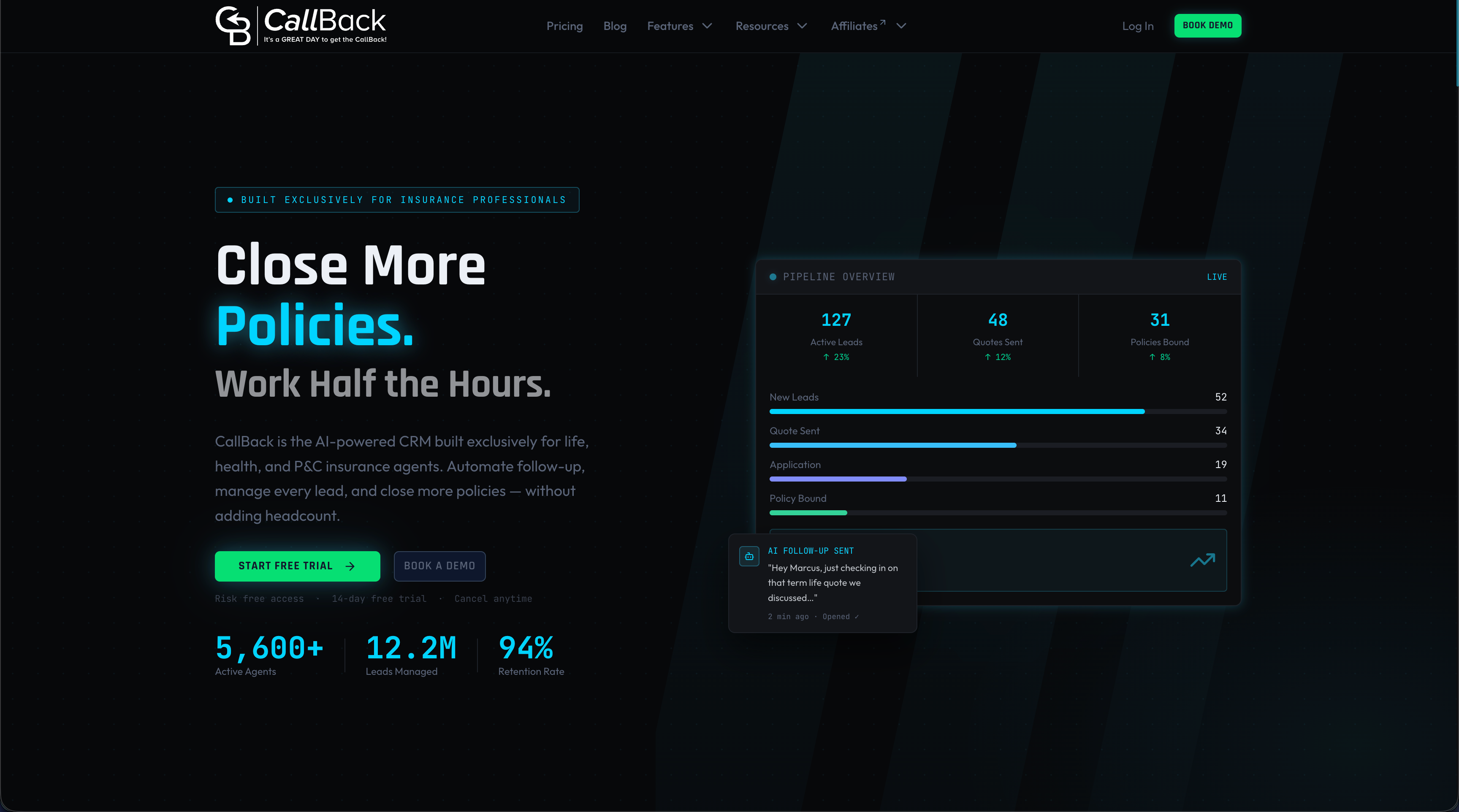
Callbackcrm is built for insurance agents and agencies that need automation to work from day one, not after a six-month implementation project. The platform combines automated lead routing, SMS follow-up sequences, scheduling integration, and AI-powered lead scoring in a single system. You are not stitching together five tools to replicate what Callbackcrm does natively. Explore the full feature set to see how lead capture, routing, and pipeline stage automation connect end to end. If your team is still manually assigning leads and chasing follow-ups, the platform’s SMS marketing tools alone can cut your response time dramatically.
FAQ
What is sales pipeline automation in simple terms?
Sales pipeline automation is software that automatically handles repetitive sales tasks like lead assignment, follow-up reminders, and stage advancement so reps spend time selling rather than managing data.
How does automation affect sales pipeline velocity?
Automation removes manual delays between pipeline stages, which directly increases sales pipeline velocity. Faster routing and automatic task creation mean deals move through the pipeline in less time.
What tools are used to automate a sales pipeline?
The most widely used tools include Salesforce, HubSpot Workflows, Zoho CRM, Chili Piper for scheduling, and LeanData for advanced routing. Most teams start with native CRM automation before adding specialized tools.
What is the biggest risk when implementing sales pipeline automation?
The biggest risk is automating a process that is not yet clearly defined. Poorly defined stage criteria cause automation errors that undermine rep trust and produce unreliable pipeline data.
How does sales pipeline visibility improve with automation?
Sales pipeline visibility improves because stage changes are triggered by real data conditions rather than manual CRM updates. This means your pipeline reflects actual deal status, making forecasting and coaching far more accurate.