

Time spent on repetitive admin work can leave insurance agents feeling stuck in the past. As the demands of modern clients increase, relying solely on old processes can hold your agency back. Embracing CRM automation lets you shift focus to building relationships and closing deals, while AI-driven systems handle the heavy lifting of data entry, lead tracking, and smart follow-ups. This article clarifies what CRM automation actually delivers, tackles stubborn myths, and shows how adopting new solutions multiplies your impact.
Table of Contents
- Defining CRM Automation And Common Misconceptions
- Key Types Of CRM Automation In Insurance
- How AI-Driven Automation Enhances Operations
- Real-World Use Cases For Insurance Agents
- Risks, Costs, And Pitfalls In CRM Automation
Key Takeaways
| Point | Details |
|---|---|
| Embrace CRM Automation | Use CRM automation to reduce administrative tasks and enhance client relationships, allowing agents to focus on closing deals. |
| Combat Misconceptions | Understand that CRM automation enhances rather than replaces personal interactions, and is crucial for improving agency efficiency. |
| Focus on Data Quality | Ensure data is clean and accurate before implementation to maximize the effectiveness of automation efforts. |
| Start Small | Begin automation with a single workflow, such as email follow-ups, to build confidence and demonstrate immediate returns on investment. |
Defining CRM Automation and Common Misconceptions
CRM automation uses technology to handle repetitive tasks within your customer relationship management system. Think of it as your digital assistant handling data entry, lead follow-ups, email campaigns, and customer tracking so you can focus on closing deals.
For insurance agents, this means less time on administrative work and more time building relationships with prospects and clients.
What CRM Automation Actually Does
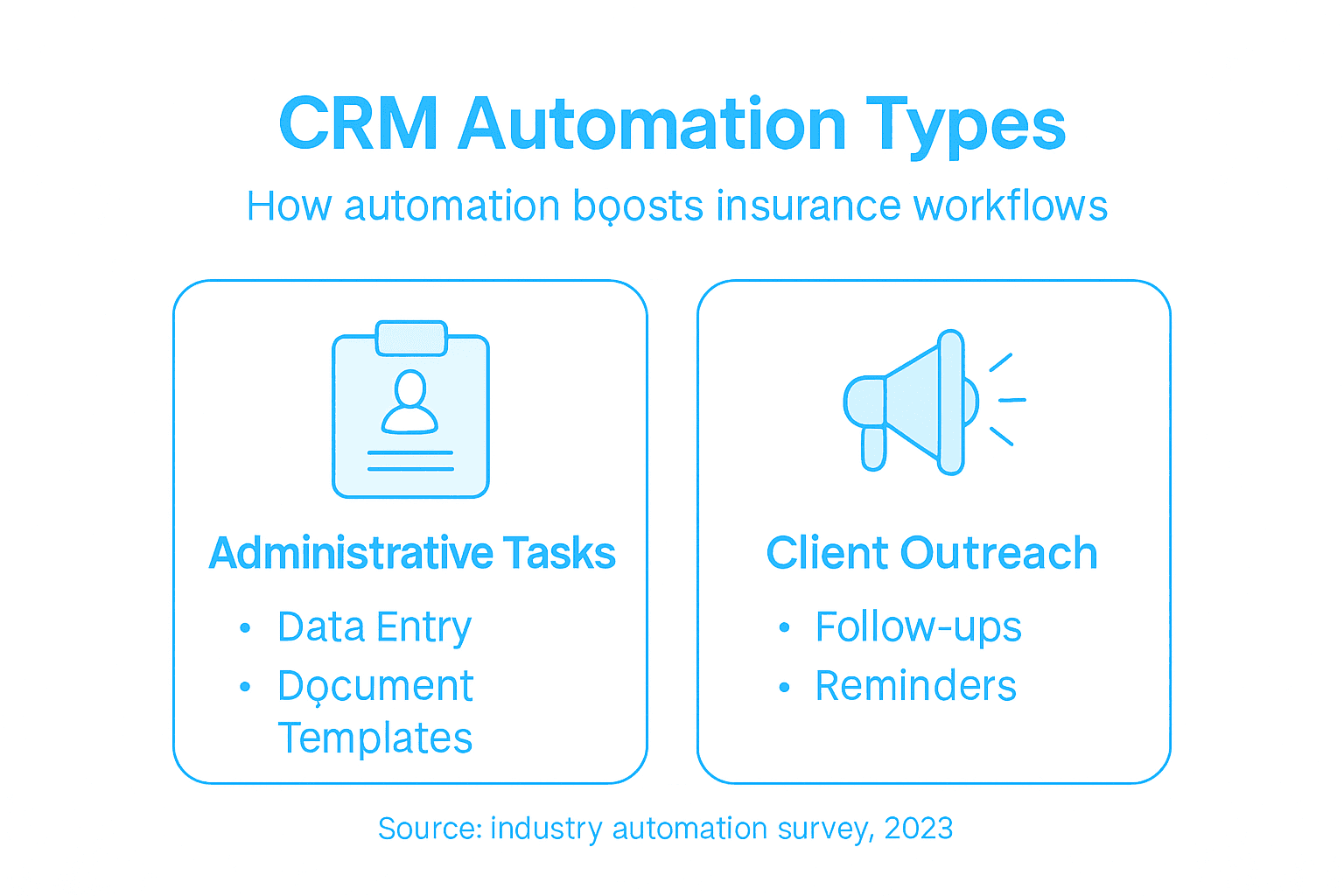
CRM automation handles the grinding, repetitive work that eats your day:
- Data entry and contact management
- Lead scoring and qualification
- Automated email and SMS follow-ups
- Birthday and anniversary reminders
- Appointment scheduling and confirmations
- Document generation and proposal creation
These tasks run on schedules you set, without requiring manual intervention each time.
The core truth: CRM automation removes friction from your workflow, letting you spend energy on high-value activities like client consultation and complex sales negotiations.
The Biggest Misconceptions Holding You Back
Many insurance agents avoid CRM automation due to false assumptions. Here are the ones costing you time and money:
Misconception #1: It replaces personal relationships.
Wrong. Automation handles routine tasks so you have more time for genuine client conversations. You’re not removing yourself from the equation, you’re just eliminating busywork that gets in the way.
Misconception #2: CRM is just software.
Understanding CRM automation strategy requires recognizing it involves far more than tools. Effective CRM automation combines technology, processes, and your team’s behavior changes. You’re not just buying software, you’re adopting a system that works alongside your sales approach.
Misconception #3: It’s too complex for small agencies.
Modern CRM platforms designed for insurance professionals simplify automation through templates and pre-built workflows. Setup takes days, not months.
Misconception #4: It eliminates human judgment.
Automation handles routine decisions (like sending a follow-up email on day three). Your team still makes critical decisions about strategy, pricing, and complex client situations.
Why These Misconceptions Matter
Agencies that skip automation because of these myths lose competitive ground. Agents who embrace it report spending 40% less time on administrative tasks while handling more clients.
The real benefit isn’t replacing your skills—it’s multiplying them.
Pro tip: Start with one automation workflow, like automatic follow-up emails for new leads, before expanding to more complex processes. This builds confidence and shows immediate ROI to your team.
Key Types of CRM Automation in Insurance
CRM automation isn’t one-size-fits-all. Different automation types handle different problems in your sales process. Understanding which ones matter most for your agency helps you prioritize implementation and see faster results.
Here are the automation types that directly impact insurance agents’ daily workflows.
Lead Management Automation
Lead capture and qualification happens automatically before you even talk to a prospect. Forms on your website feed directly into your CRM, scoring leads based on criteria you set.
Instead of manually reviewing every new lead, qualified prospects land at the top of your list:
- Web form submissions auto-populate into contact records
- Leads score based on interests and demographics
- High-value prospects get priority
- Low-scoring leads enter nurture sequences
This means you spend time on hot prospects instead of sorting through cold ones.
The difference: Lead scoring separates qualified prospects from tire-kickers automatically, giving you hours back each week.
Email and Communication Automation
Automated emails don’t mean generic spam. They’re triggered sequences based on prospect behavior and lifecycle stage. A prospect who downloads a homeowner’s insurance guide automatically receives follow-up emails about coverage options.
Benefits of sales automation for insurance agents include sending personalized messages at scale. Your team sets up templates once, then the system sends them at optimal times.
Common automated sequences:
- Welcome emails for new prospects
- Multi-step nurture campaigns
- Birthday and anniversary offers
- Policy renewal reminders
- Post-purchase follow-ups
Appointment and Task Automation
Your calendar stays synced without back-and-forth emails. Prospects book appointments directly in your system, and reminders go out automatically to both parties.
Tasks get assigned based on triggers you set. When a prospect marks themselves as “interested in homeowners quotes,” a task automatically assigns to the right agent.
Document and Proposal Automation
Instead of building proposals from scratch, templates merge client data automatically. Names, policy details, and custom recommendations populate in seconds.

What normally takes 30 minutes happens in 2 minutes.
Pro tip: Start with email automation first, since it delivers immediate results with minimal setup, then add lead scoring once you’re comfortable with the platform.
Here’s a quick look at the main types of CRM automation in insurance and the core benefit of each:
| Automation Type | Primary Function | Key Benefit |
|---|---|---|
| Lead Management | Automatically qualifies prospects | Improves conversion rates |
| Email & Communication | Sends targeted messages | Boosts engagement and loyalty |
| Appointment & Task Management | Schedules and assigns tasks | Reduces administrative time |
| Document & Proposal Generation | Auto-fills templates | Accelerates client servicing |
How AI-Driven Automation Enhances Operations
AI takes automation beyond simple task execution. Instead of just following rigid rules, AI systems learn from your data, predict outcomes, and make intelligent decisions that adapt to your business.
For insurance agents, this means your CRM becomes smarter the more you use it.
Predictive Analytics and Lead Scoring
AI-powered predictive analytics identifies which prospects are most likely to convert before you spend time on them. The system analyzes thousands of data points from your past deals to recognize patterns.
Instead of scoring leads manually, AI continuously refines its predictions:
- Analyzes prospect behavior patterns
- Identifies conversion signals
- Predicts customer lifetime value
- Ranks prospects by actual closing probability
You focus on the 20% of prospects generating 80% of your revenue.
Real impact: AI lead scoring reduces wasted prospecting time by up to 40%, letting agents focus on high-probability deals.
Personalized Marketing at Scale
AI generates personalized messaging without hiring a copywriter for each prospect. The system learns what messaging works for different demographic groups and automatically adjusts outreach.
A 45-year-old homeowner interested in umbrella coverage receives different content than a 35-year-old renter. Both get personalized recommendations based on their profile and behavior.
Real-Time Decision Making
AI-driven predictive analytics for customer behavior enables split-second policy recommendations and claims decisions. When a prospect visits your website, AI instantly determines which policy options fit their profile best.
This happens without human intervention:
- Policy quote calculations in seconds
- Claims processing recommendations
- Risk assessment automation
- Customized coverage suggestions
Reduced Operational Costs
Automation powered by AI eliminates manual data entry, duplicate record management, and repetitive administrative tasks. One agent can handle 2-3 times more clients with the same effort.
Your team shifts from data processing to client relationships.
Improved Customer Satisfaction
When prospects receive personalized outreach, timely follow-ups, and instant policy recommendations, their experience improves dramatically. Response times drop from hours to minutes.
Pro tip: Start by connecting your historical sales data to your CRM so AI has baseline patterns to learn from, then let the system run for 30 days before making adjustments.
Real-World Use Cases for Insurance Agents
Theory is one thing. Seeing how CRM automation actually works in your day-to-day operations is another. Here are scenarios insurance agents face regularly and how automation solves them.
Use Case 1: Managing Seasonal Lead Spikes
End-of-year insurance shopping creates a flood of inbound leads. Without automation, your team drowns in form submissions and phone calls.
With CRM automation, leads get captured, qualified, and distributed instantly:
- Web forms auto-populate contact records
- AI assigns leads to available agents
- Welcome emails send automatically
- Follow-up tasks queue based on lead quality
One agent can handle 50+ leads in a week instead of 10. Your team scales without hiring.
Real situation: An agency handling 200 quote requests in November used to spend 60 hours just entering data. Automation cut that to 8 hours.
Use Case 2: Nurturing Inactive Clients
Clients who bought a policy three years ago are forgotten until renewal time. But they need life changes, home upgrades, and new coverage options.
Automation identifies these clients and keeps you in front of them:
- Birthday and anniversary reminders trigger outreach
- Policy review requests auto-send at optimal times
- Cross-sell suggestions surface when relevant
- Inactive client reports highlight who needs contact
You’re growing revenue from existing relationships instead of always chasing new prospects.
Use Case 3: Personalized Follow-Up Sequences
A prospect downloads a homeowners guide. Effective lead generation workflows automatically send them targeted emails over two weeks.
Day one: Coverage overview. Day three: Cost comparison. Day seven: Client testimonials. Day fourteen: Limited-time offer.
No manual emails. No forgotten follow-ups. Just consistent, personalized outreach at scale.
Use Case 4: Multi-Property and Policy Management
A client owns three rental properties, a primary residence, and a business. Managing different coverage across multiple assets gets messy fast.
Your CRM maintains all policies, renewal dates, and coverage details linked to one contact. Renewal reminders go out automatically for each property.
One client dashboard replaces scattered spreadsheets and scattered emails.
Use Case 5: Real-Time Lead Assignment
Your agency has five agents. A lead comes in at 2 PM on Tuesday. Who handles it? Without automation, it gets lost in email.
With routing rules, the lead goes to whichever agent has the lightest workload or specializes in that line of insurance. They’re notified instantly with all lead details pre-populated.
No delay. No confusion. Just speed.
Pro tip: Pick one specific problem from your week (like managing renewal reminders) and automate just that first before expanding to other workflows.
Risks, Costs, and Pitfalls in CRM Automation
CRM automation isn’t a guaranteed win. Poorly implemented systems waste money, frustrate your team, and damage client relationships. Understanding the pitfalls prevents costly mistakes.
Here’s what can go wrong and how to avoid it.
Implementation Costs and Hidden Expenses
Initial software costs are just the beginning. Most agencies underestimate total cost of ownership. Setup, customization, data migration, and training add up fast.
Budget for these often-overlooked expenses:
- Platform setup and configuration
- Data cleaning and migration
- Staff training and onboarding
- Integration with existing systems
- Ongoing support and maintenance
- Customization for your workflows
Small agencies often spend $5,000 to $15,000 in year one before seeing ROI.
Reality check: Many agencies buy CRM software but never fully implement it because they underestimated training and customization costs.
Poor Data Quality Destroys Results
Automation is only as good as your data. If your contact records are incomplete, duplicated, or outdated, your automation creates bigger problems.
Common CRM automation mistakes include ignoring data integrity before implementation. Dirty data leads to:
- Duplicate contact records
- Incorrect lead scoring
- Misguided follow-up campaigns
- Wasted automation effort
Clean your data before automating. Garbage in, garbage out.
Over-Automation Kills Personal Touch
Automating everything backfires. Prospects expect personalization, not robotic sequences. Agents sending 20 automated emails without one phone call damage relationships.
The fix: Use automation for routine tasks (data entry, scheduling), not for all client communication. Your agent should still make real calls, send personal messages, and handle complex conversations.
User Resistance and Adoption Failure
Your team resists change if they don’t understand why automation matters. Agents fear job loss or see the system as extra work initially.
Data privacy concerns and change management challenges require thorough planning and stakeholder involvement. Without buy-in:
- Agents don’t use the system properly
- Workflows go incomplete
- ROI never materializes
- Your investment sits idle
Invest in proper training and explain how automation helps agents close more deals.
Misalignment with Business Goals
Automating the wrong things wastes resources. If your agency’s bottleneck is closing deals, automating email capture doesn’t help.
Identify your actual pain point first. Is it lead volume? Response time? Admin work? Close rate?
Pro tip: Before buying any CRM, map your current sales process and identify exactly which step causes the most wasted time or lost deals, then choose automation that directly fixes that problem.
The table below compares potential pitfalls in CRM automation with practical solutions:
| Risk or Pitfall | Common Cause | Preventive Action |
|---|---|---|
| High Implementation Cost | Underestimating project scope | Plan budget for all phases |
| Poor Data Quality | Untouched or unvetted records | Clean data before migration |
| Over-Automation | Replacing all human contact | Reserve personal touch |
| User Resistance | Lack of training or buy-in | Involve agents early, educate |
Transform Your Insurance Agency with Smarter CRM Automation
The article highlights common challenges faced by insurance agents such as spending excessive time on repetitive administrative tasks, poor lead qualification, and lost opportunities due to slow follow-ups. If you are looking to overcome these hurdles and multiply your sales effectiveness while maintaining a personal touch with clients, embracing intelligent CRM automation is the key. Concepts like AI-powered lead scoring, automated email follow-ups, and appointment scheduling can dramatically reduce your workload and amplify your agency’s growth.
CallBack CRM is purpose-built to solve these exact problems. Our platform combines powerful AI-driven automation tools with a user-friendly interface tailored specifically for insurance professionals. With features including smart lead management, personalized communication workflows, proposal automation, and real-time task assignment, you spend less time on busywork and more time closing deals. Discover how you can reduce manual data entry, increase lead conversion rates, and provide tailored outreach at scale by exploring CallBack CRM.
Drive your agency forward today with proven automation solutions that boost efficiency and keep the human connection alive.
Ready to unlock your agency’s potential? Visit CallBack CRM now to start your free trial or schedule a personalized demo and experience the future of insurance sales automation.
Frequently Asked Questions
What is CRM automation, and how does it benefit insurance agents?
CRM automation uses technology to streamline repetitive tasks within customer relationship management systems. It allows insurance agents to spend more time on building client relationships by handling administrative work such as data entry, lead follow-ups, and email campaigns.
What types of tasks can CRM automation handle for insurance agents?
CRM automation can manage various repetitive tasks, including data entry, lead qualification, automated follow-up emails, appointment scheduling, and document generation. This helps agents focus on high-value activities rather than administrative tasks.
How does CRM automation improve lead management for insurance agents?
CRM automation enhances lead management by automating lead capture, scoring, and nurturing processes. It allows agents to prioritize qualified leads, receive immediate notifications, and automate follow-up communications, increasing efficiency and conversion rates.
Are there any risks associated with implementing CRM automation?
Yes, risks include high implementation costs, poor data quality, and user resistance. It’s important to clean your data before automating, involve your team in the process, and ensure alignment with business goals to maximize the benefits of CRM automation.