

Managing client pipelines, follow-ups, and lead attribution with general-purpose CRM systems leads to missed opportunities and extra manual work for insurance professionals. Most solutions either force you to bolt on multiple marketing tools, charge extra for industry-specific automation, or lack practical integrations for quoting and telephony workflows. This side-by-side review weighs price, automation features, and integration depth across five insurance CRM alternatives so you can match a platform to your agency’s workflow without stitching together point tools.
Table of Contents
- CallBack CRM
- SalesPulse
- PhoneBurner
- Salesforce Sales Cloud
- HubSpot CRM
- Comparative Analysis: Alternatives to CallBack CRM
CallBack CRM
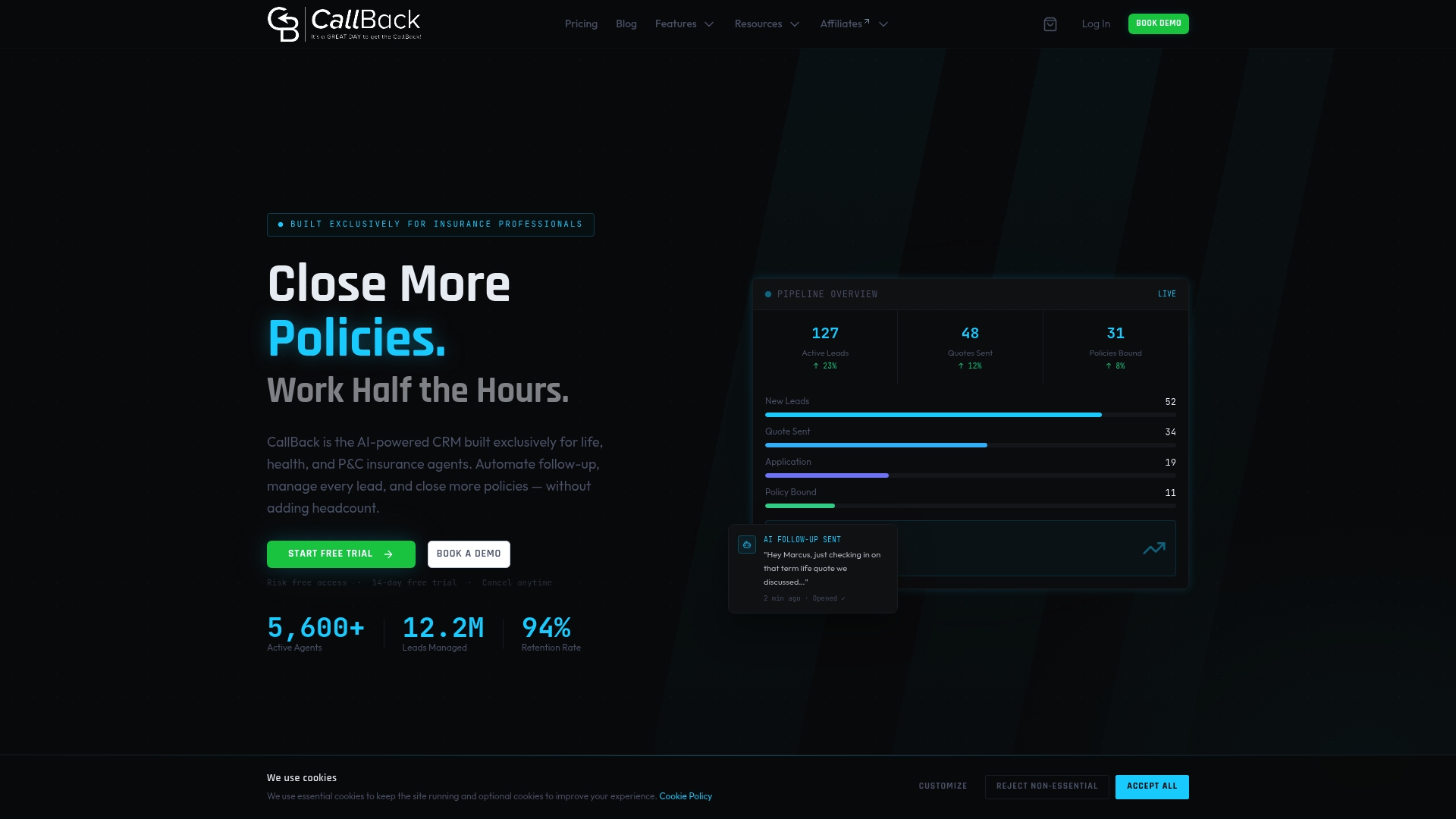
At a Glance
According to the company an independent life agent using CallBack CRM reported a 34.7% conversion rate after automating follow ups and review requests. The vendor lists the most popular plan at $97 per month with a 14-day free trial.
Core Features
CallBack CRM includes AI-driven follow-up sequences that send personalized SMS email and voicemail messages and qualify leads automatically. It groups prospects into visual pipelines by insurance product so you track stage and velocity at a glance.
The platform also covers reputation management with review requests and responses plus built in reporting to track lead sources conversions and revenue leaks across channels.
Key Differentiator
CallBack CRM is built exclusively for insurance professionals. It embeds product level pipelines and insurance specific automation so policy type workflows operate inside the CRM rather than in separate tools. That reduces the work of mapping general CRM fields to insurance use cases.
Pros
- Specialization for insurance agents lets you map pipelines by product and use templates tailored to life health Medicare and P&C sales.
- The platform can act as a single subscription replacing email SMS review tools and a separate pipeline manager which reduces app switching for small teams.
- AI automation handles follow up sequencing content drafting and lead qualification saving time on manual outreach.
- Mobile and desktop apps keep opportunities moving when you are out with a client or at an event.
- Transparent pricing means no long term contracts so you can test the product without a multi month commitment.
Cons
- Steep learning curve for users unfamiliar with CRMs or automation tools because the interface exposes many features that take time to configure and tune for each agent or agency.
Notable Integrations
CallBack CRM connects to Zapier for hundreds of downstream automations and exposes API and webhooks for custom workflows. It also integrates with Zoom and ad platforms including Meta Ads and Google Ads so you can link lead sources to campaigns and measure close rates.
Who It’s For
Independent agents and small to mid sized agencies that sell life health Medicare or property and casualty and want to replace multiple point tools with an industry focused CRM. Large organizations that need enterprise options can request custom plans.
Unique Value Proposition
The $97 per month plan combined with multi channel automation means you can consolidate email SMS pipelines reputation and ads reporting under one subscription. That arithmetic matters when you compare seat based fees and separate marketing tool charges to a single insurance centered stack.
Real World Use Case
An independent life agent sets up product specific pipelines configures AI follow up sequences and triggers review requests after policy issue. Using the conversion figure mentioned above the agent closed more leads without adding staff because follow up and review generation ran automatically.
Pricing
The vendor advertises the most popular plan at $97/month with a 14 day free trial. Enterprise level options and custom onboarding are available by contacting sales.
Website: https://callbackcrm.com
SalesPulse
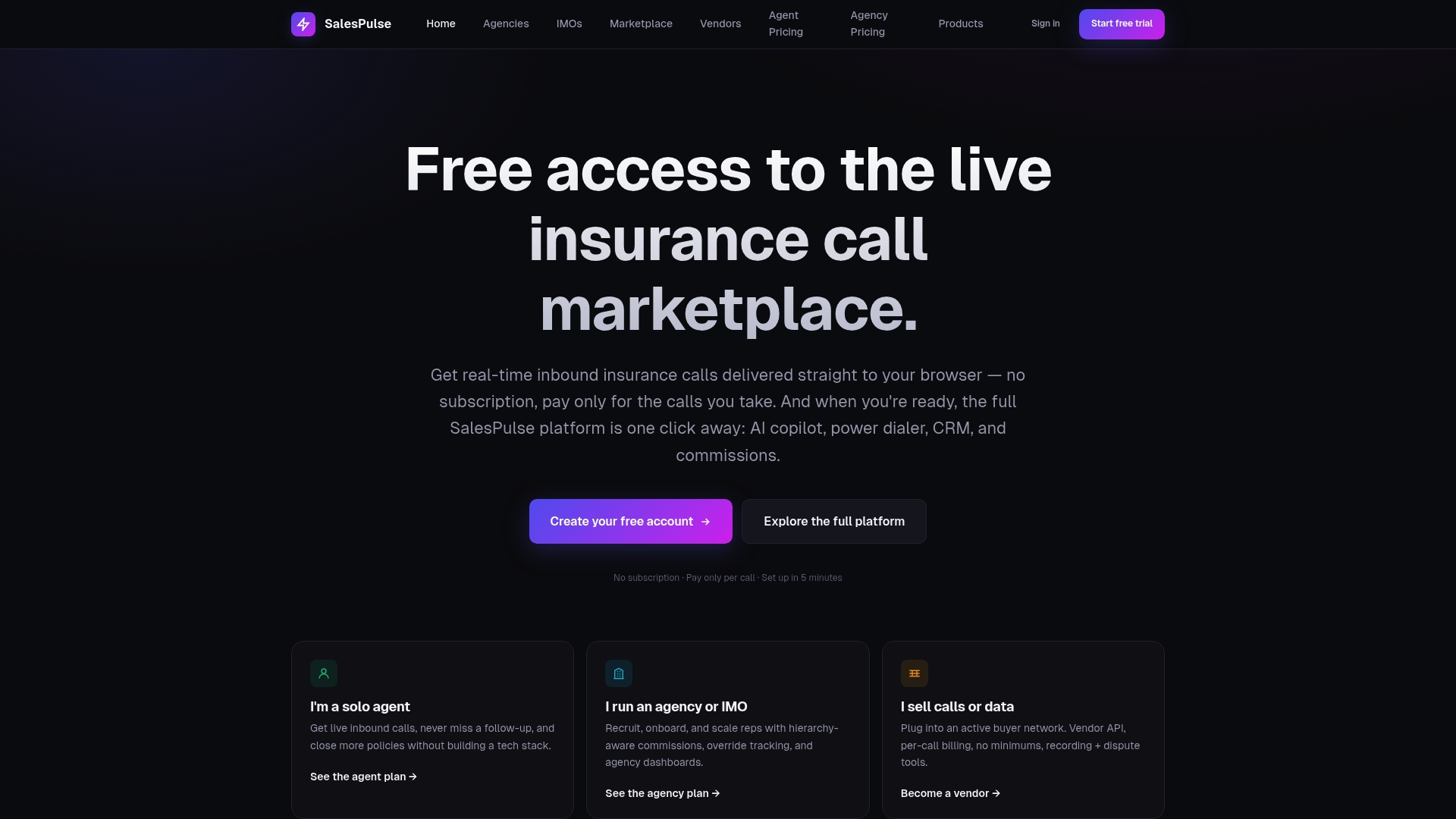
At a Glance
The platform runs a live inbound call marketplace that filters calls by license, location, and product — a rare approach that routes warm opportunities instead of cold lists. SalesPulse bundles telephony, quoting, and AI call coaching in a single insurance-focused stack.
Core Features
- Live inbound call marketplace with fine-grained filters for license, state, and product so agents see only relevant rings.
- AI Copilot offering real-time transcription, tone detection, rebuttal suggestions, and post-call scoring to sharpen seller performance.
- Smart Quoter for life, DI, Medicare, and annuity quotes, plus deep links into carrier applications for faster application flow.
- Power dialer with local presence and trust features such as SHAKEN/STIR.
- Built-in CRM and pipeline management tailored to insurance workflows, with activity tracking, follow-up automation, and commissions management.
Key Differentiator
SalesPulse combines native, carrier-grade telephony with an inbound call marketplace and AI coaching specifically for insurance operations. That focus makes it narrower than Callbackcrm, which aims at broader marketing and sales automation across agency tasks. SalesPulse trades breadth for tighter call routing and hierarchy-aware commission controls.
Pros
-
Consolidates calling, quoting, and CRM into one environment, reducing the number of vendors an agency must manage.
-
The marketplace model increases lead relevance by filtering for license and geography, which reduces dead-end leads during selling hours.
-
AI Copilot gives on-call prompts and post-call scoring, so coaching becomes part of everyday calls rather than a separate training session.
-
Hierarchy and override features let IMOs and agency owners manage splits and settlements without spreadsheets or manual overrides.
-
Responsive customer support helps with setup and ongoing questions, making adoption smoother for small teams.
Cons
-
The feature set is broad, and new users report a noticeable learning curve before workflows feel natural.
-
Integrating existing tools and legacy CRMs requires time and familiarity with the platform; setup is not entirely plug-and-play.
-
Smaller agencies without in-house ops support may need dedicated onboarding or training to unlock advanced features.
When It May Not Fit
If your operation prefers minimal configuration and a single, simple CRM without telephony, SalesPulse will feel heavy. Teams that already have carrier integrations and only need a lightweight quoting layer will find SalesPulse overfeatured.
Agencies with zero tolerance for initial setup work or no capacity for training should evaluate simpler per-feature tools instead.
Who It’s For
Insurance agents, agency owners, IMOs, and lead vendors who need tight call routing, built-in telephony, and hierarchy-aware commission tools. It suits teams that plan to consolidate multiple point solutions into a single platform and can invest in initial onboarding.
Real World Use Case
An agency replaces three legacy tools with SalesPulse: a dialer, a quoting tool, and a separate CRM. The team uses the marketplace to route licensed calls, the Copilot to reduce wasted talk time, and the Smart Quoter to shorten application handoffs. Managers track overrides and commissions in one place.
Pricing
Free access to the marketplace is available. Standard agent plans start at $79 per month. Agency plans start at $195 per month. IMO and FMO organizations should expect custom pricing tied to hierarchy and volume needs.
Website: https://salespulse.app
PhoneBurner
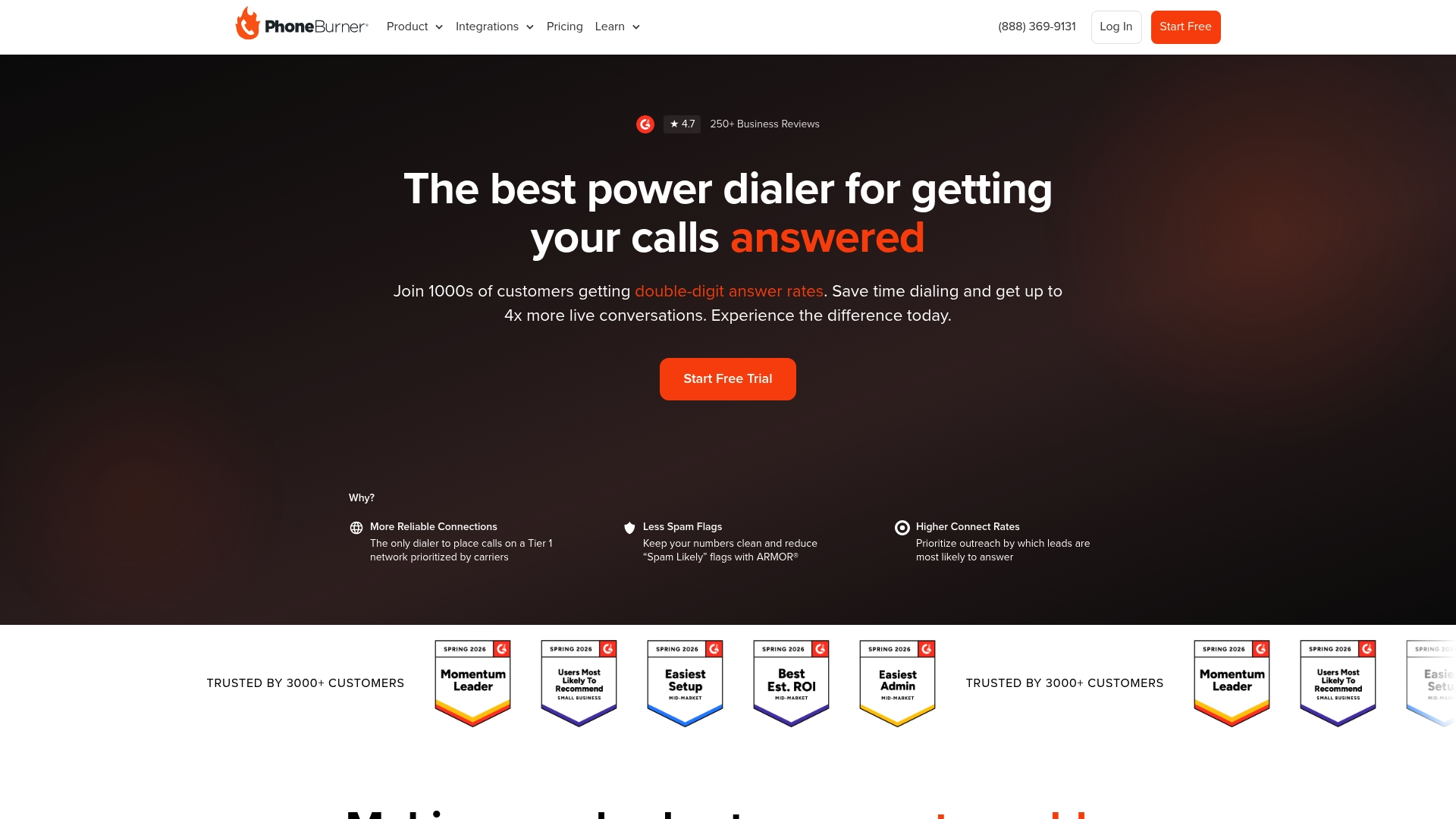
At a Glance
The vendor’s marketing materials claim outbound campaigns can increase daily calls by up to 80 contacts per hour. PhoneBurner combines a cloud power dialer, built-in CRM, and ARMOR® number reputation protection to favor live conversations and reduce dropped or blocked calls.
Core Features
- Power dialing that moves agents through lists with instant connects and configurable pacing.
- Call automation for voicemail drops, follow-up scheduling, and sequence management.
- Built-in CRM and lead management tools for call notes, dispositions, and callbacks.
- Advanced analytics and reporting to track answer rates, talk time, and campaign performance.
- ARMOR® spam flag and number reputation management to protect deliverability.
Key Differentiator
PhoneBurner aims to keep calls human and continuous rather than turning dialing into a background batch job. The emphasis on delay-free connections plus U.S.-based support pushes the product toward teams that value live conversations and quick issue resolution over complex contact center feature sets.
Pros
- Hands-on increase in live conversations reported by many users, driven by rapid dialing and voicemail automation. This is the vendor narrative most sales teams cite.
- A short learning curve and clean interface get reps productive within hours instead of days.
- Responsive U.S.-based customer support available for onboarding and troubleshooting; helpful for teams that prefer phone-first help.
- Analytics that focus on call quality and deliverability let managers spot list problems quickly and adjust cadence.
Cons
- Starting price can feel high for smaller teams compared with lightweight dialers or DIY solutions.
- Some users report occasional platform bugs that require support intervention.
- Removing bad or recycled numbers from lists can be cumbersome, which hurts efficiency on large campaigns.
- Support responsiveness can vary in certain cases, despite the U.S.-based support positioning.
When It May Not Fit
PhoneBurner currently has limited international dialing capabilities. If your team depends heavily on global outbound calling or requires advanced omnichannel contact center features, this product will likely be a poor match.
Notable Integrations
- Salesforce
- HubSpot
- Zoho CRM
- GoHighLevel
Who It’s For
Sales teams and managers focused on high-volume outbound calling who want CRM integration, call automation, and analytics. Best for inside sales, real estate, finance, and insurance teams that prioritize live connections and agent productivity.
Real World Use Case
A B2B sales organization automates outbound campaigns with PhoneBurner and uses scheduled voicemail drops and follow-up sequences. The vendor’s marketing claim cited above serves as the baseline example for how teams measure increased contact rates during peak campaign runs.
Pricing
Plans start at $140 per user per month for the Standard plan, with higher tiers at $165 and $183 per user per month. Pricing is shown on an annual billing basis in the vendor materials.
Website: https://phoneburner.com
Salesforce Sales Cloud
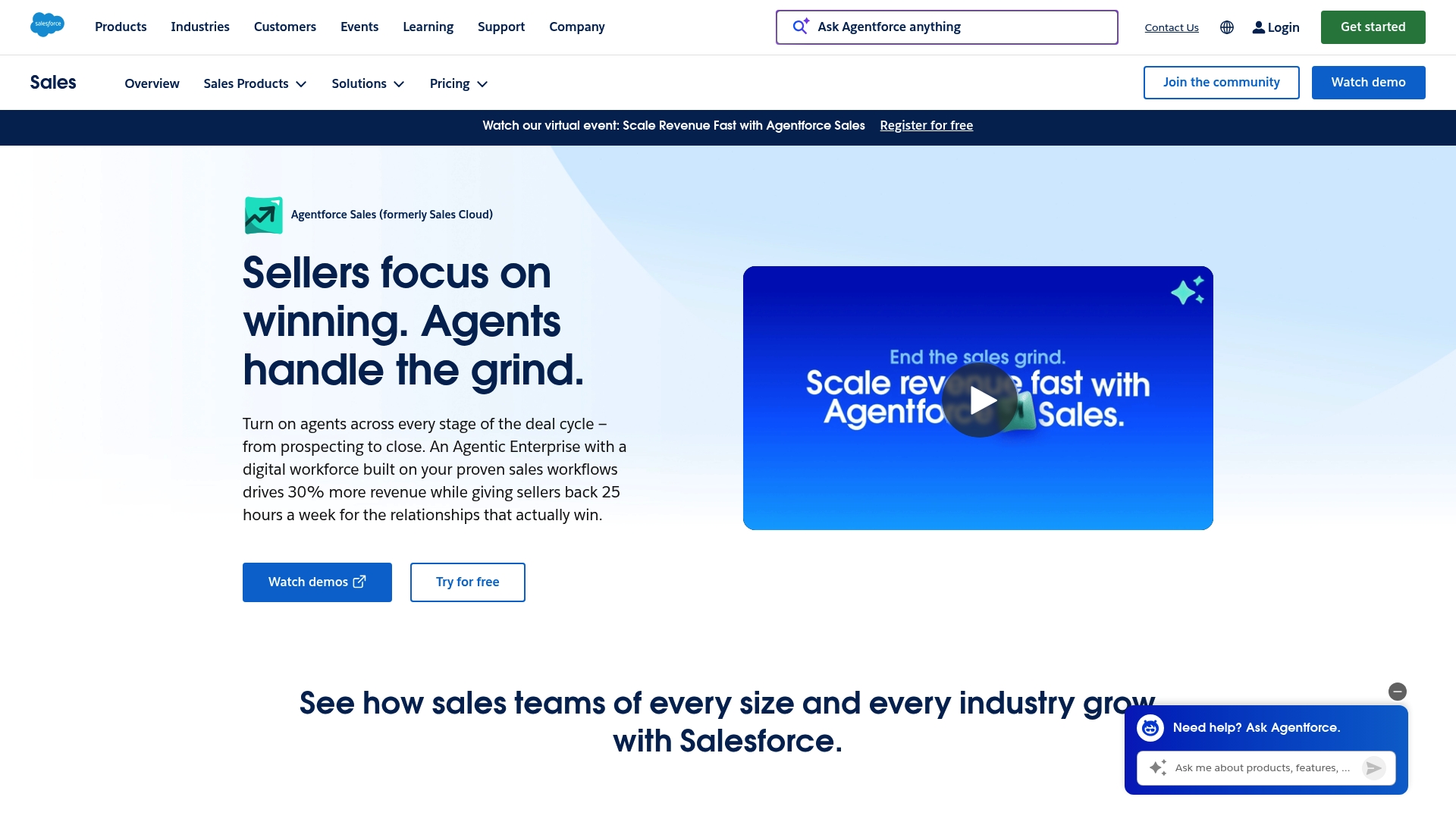
At a Glance
The vendor positions Sales Cloud around deep customization and advanced sales analytics as its primary strengths. That marketing claim explains why organizations with complex processes adopt it to centralize pipeline, reporting, and automation across multiple teams.
Core Features
Sales Cloud delivers flexible pipeline and lead management, configurable page layouts, and rules-driven automation for repetitive sales tasks. Reporting includes layered dashboards and configurable reports to slice performance by rep, team, product, or region.
The platform also layers AI-powered sales insights for lead scoring and next-step recommendations, plus a broad ecosystem of extensions for specialized needs.
Key Differentiator
What sets Sales Cloud apart is the sheer depth of customization and analytics paired with wide third-party extensibility. Admins can model complex objects and workflows that mirror enterprise sales operations, then expose those views in dashboards for regional or product leaders.
That customization claim above is why large implementations tend to be multi-month projects with dedicated admin resources.
Pros
-
Extensive customization lets you model multi-tier sales motions, territory rules, and custom objects without forcing workarounds.
-
Powerful pipeline and lead management supports complex sales cycles, multiple opportunity stages, and cross-sell motions across product lines.
-
Advanced reporting produces granular dashboards and scheduled reports that sales ops teams can distribute to field leaders.
-
The ecosystem of third-party connectors makes it possible to plug marketing automation, CPQ, and ERP systems into one source of truth.
-
Large community and documentation reduce discovery time for specific configuration patterns and troubleshooting.
Cons
-
The platform can feel overwhelming; administrators face a steep learning curve before they can safely change objects or automation.
-
Implementation and ongoing maintenance can be costly, often requiring vendor partners or in-house specialists for large deployments.
-
Support response for lower-severity tickets can be slower than teams expect given the platform scale.
When It May Not Fit
If you run a small agency or a two-person sales team, the overhead of configuration and the implementation cost will likely outweigh the benefits. The product is built for scale and complexity; lightweight teams will find simpler CRMs faster to adopt.
If you lack an admin or budget for a partner, rollout timelines will extend and feature adoption will lag.
Who It’s For
Mid to large-sized businesses and enterprises that need a scalable CRM capable of modelling complex sales processes. It suits organizations that have sales ops or an admin function and that plan multi-region reporting, advanced analytics, or bespoke workflow automation.
Real World Use Case
A multinational company deploys Sales Cloud to unify regional pipelines, automate routine follow-ups, and provide real-time dashboards for executives. Sales ops builds custom objects for channel partners and automates lead routing to local teams, reducing manual assignment errors.
Pricing
The supplied data lists pricing as “Not applicable — informational only.” Pricing typically varies by edition, add-on functionality, and implementation scope. The product data and limitations indicate setup and maintenance costs can be significant for larger deployments.
Website: https://salesforce.com/products/sales-cloud/overview
HubSpot CRM
At a Glance
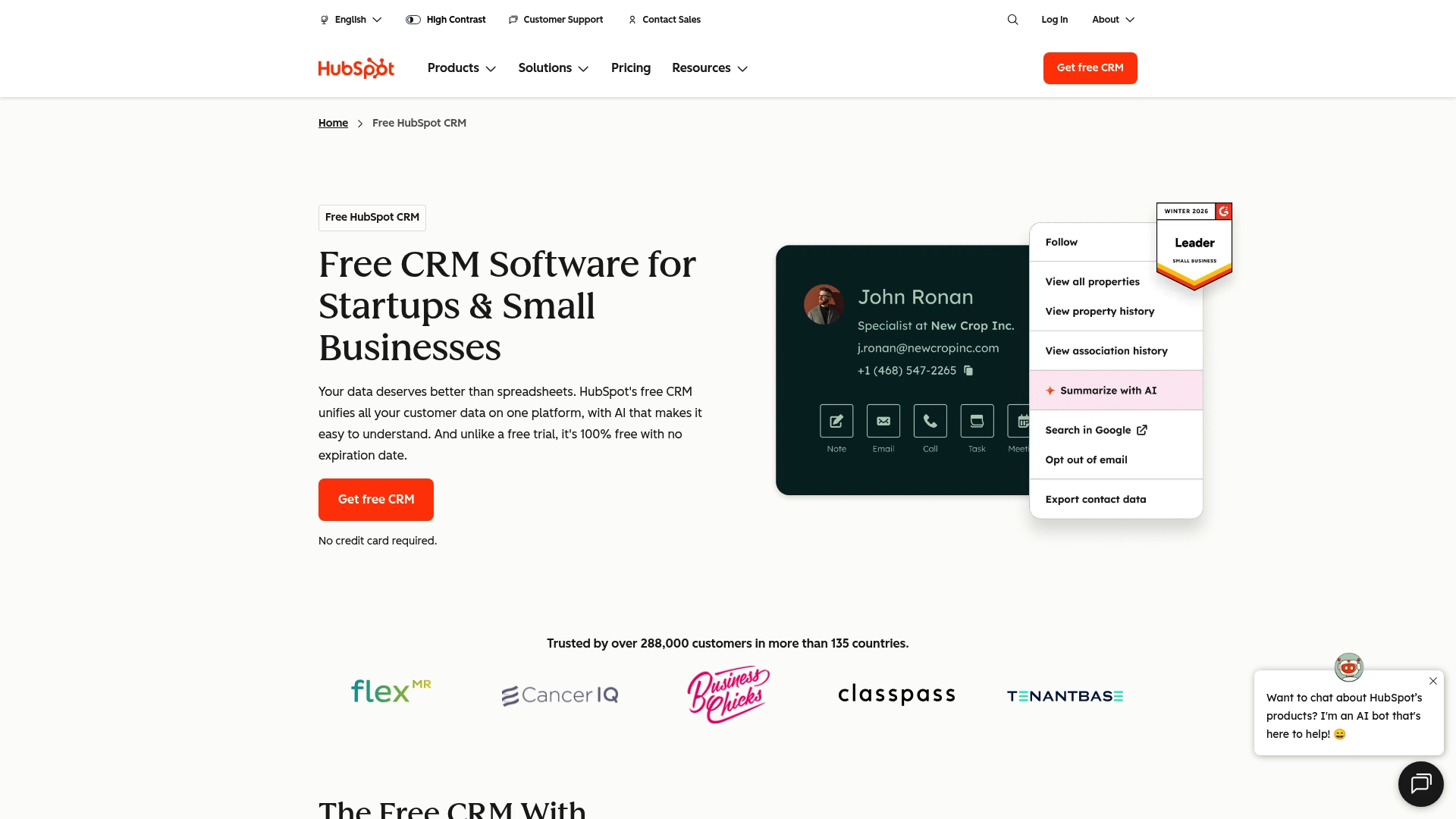
HubSpot CRM offers a usable free tier that covers core contact and pipeline management, with paid upgrades starting at $15 per user per month. Rapid onboarding and an interface that new hires pick up quickly make initial adoption fast.
Core Features
The platform centralizes customer records, activities, and deals in a single view so teams stop hunting for context.
- Unified customer data platform for contacts, companies, and interaction history.
- AI-powered insights and automation for lead scoring, task suggestions, and basic forecasting.
- Email tracking, templates, scheduling, plus visual deal and pipeline dashboards.
- Task and activity management that ties actions directly to records.
Key Differentiator
HubSpot ties marketing, sales, and service tools together while keeping the UI approachable and rollout quick. That mix makes it a practical choice for teams that want one vendor to handle CRM, marketing emails, and ticketing without long setup projects.
Compared with Callbackcrm, HubSpot focuses more on broad cross-team integration and an easy free entry point rather than on industry-specific AI automation tailored for insurance workflows.
Pros
- Intuitive interface speeds adoption. Teams get usable dashboards and contact views within hours rather than weeks.
- Fast onboarding reduces setup overhead for small teams that cannot dedicate an admin person.
- Strong integration between marketing, sales, and customer service tools removes many cross-tool handoffs and keeps data in one place.
- Effective lead nurturing features help convert inbound interest into qualified opportunities with automated sequences and email templates.
- Responsive support and a large knowledge base provide practical guidance during rollout and when expanding features.
Cons
- Pricing escalates as needs grow. Accessing advanced marketing or sales automation requires paid tiers and can become costly for larger teams.
- The product surfaces frequent upsell prompts inside the interface which some users find distracting.
- Several advanced capabilities appear only in higher-tier plans, which fragments functionality across price bands.
- Implementing complex automations or custom objects requires a learning curve or outside help.
When It May Not Fit
If your organization needs deep customization, a bespoke data model, or complex enterprise-grade controls, HubSpot may not match requirements without significant spend. Large enterprises with heavy integration and custom reporting needs will find the platform constrained unless they plan to budget for higher tiers.
Who It’s For
Small and medium businesses, startups, and teams moving from spreadsheets to a single CRM will find HubSpot appealing. It fits groups wanting quick wins from marketing automation and basic service ticketing without hiring a full-time CRM admin.
Real World Use Case
A growing SaaS startup uses HubSpot CRM to capture trial signups, automate nurture emails, and track conversion through a visual pipeline. Sales and marketing share the same contact record which shortens handoffs and increases conversion velocity.
Pricing
Free tier available for core CRM capabilities. Paid plans start at $15 per user per month for additional automation and reporting features. Expect higher tiers for advanced marketing automation and expanded service tools.
Website: https://hubspot.com/products/crm
Comparative Analysis: Alternatives to CallBack CRM
When selecting a customer relationship management software tailored to the insurance industry, users require informed comparisons to align their business needs with the capabilities of the solution. This analysis reviews various available options, highlighting key differences.
Specialization for Insurance-based Pipelines
CallBack CRM excels in offering industry-specific pipelines for insurance products. This capability is uniquely advantageous because it consolidates data management and workflow automation into a single solution optimized for life, health, Medicare, and property insurance sales. However, SalesPulse stands out in call management with its inbound call marketplace, making it a valuable choice for experienced agencies focusing on real-time lead acquisition.
Ease of Implementation and Adoption Speed
For user adoption speed, HubSpot CRM leads the comparisons with its intuitive interface and quick onboarding process. This feature is critical for smaller teams transitioning from less structured tools. In contrast, CallBack CRM and Salesforce Sales Cloud exhibit a steep learning curve, which might lead to longer adjustment times. These differences emphasize the importance of evaluating the match between operational requirements and a platform’s setup demands.
Scenarios Evaluation for Best Fit
-
Independent insurance agents prioritizing workflow automation across email, SMS, and pipeline management tools are best equipped with CallBack CRM.
-
Medium-to-large insurance brokerages requiring advanced dialing capabilities and hierarchical customization should consider SalesPulse.
-
Organizations new to customer relationship software and desiring an easy-to-adopt and scalable CRM might find HubSpot CRM suitable for their early growth needs.
Our Pick
CallBack CRM is the recommended choice for insurance professionals looking to integrate tailored pipeline management with communication automation capabilities. Its distinctive focus on multi-channel automation for lead and client engagement simplifies operations for policies of varying categories. However, users who prioritize ease of initial deployment, or advanced telephony capabilities, might explore other options depending on their specific objectives.
Insurance Customer Relationship Management Software Comparison
When selecting an insurance-focused CRM solution, it is essential to prioritize tailored features, automation capabilities, and pricing plans that align with your agency’s size and operational needs.
| Product Name | Core Feature | Key Differentiator | Best For | Pricing | Notable Limitation |
|---|---|---|---|---|---|
| CallBack CRM | AI-driven follow-up sequences | Insurance-specific pipelines and automation | Independent agents and small agencies | $97/month, 14-day trial | Steep learning curve for initial configuration |
| SalesPulse | Inbound call marketplace with filters | Real-time AI coaching during calls | Agencies with telephony and commission needs | $79/month and above | Not plug-and-play; requires dedicated onboarding effort |
| PhoneBurner | Power dialing with voicemail automation | Instant connections with ARMOR® reputation protection | Teams prioritizing high-volume outbound calls | $140/month per user | Limited international dialing capabilities |
| Salesforce Sales Cloud | Advanced pipeline and lead management | Extensive customization and enterprise reporting | Enterprises needing scalable CRM solutions | Not disclosed | High complexity and implementation cost |
| HubSpot CRM | Unified customer data management | Quick onboarding with strong marketing tool integration | Small and medium businesses | Free tier; $15+ paid tiers | Advanced features require higher-tier subscriptions |
Discover a Smarter Alternative to Convoboss.com for Insurance Sales
If you are searching for convoboss.com alternatives that truly speak to the unique needs of insurance professionals, Callbackcrm could be the solution you need. Focused exclusively on insurance agents, agencies, and IMOs, Callbackcrm combines AI-powered automation with tailored pipelines by policy type to save you time while increasing your conversion rates. Say goodbye to the hassle of juggling multiple tools with a platform designed to handle your CRM, marketing, reputation management, and lead qualification under one roof.

Don’t let complex workflows slow your sales down. Visit Callbackcrm and set up AI-driven follow-up sequences that nurture your leads smarter. Start your 14-day free trial and experience how easy it is to automate review requests and track your progress in one intuitive dashboard.
Frequently Asked Questions
What unique features does Callbackcrm offer for insurance professionals?
Callbackcrm includes AI-driven follow-up sequences that send personalized messages and automatically qualify leads. This feature boosts efficiency, allowing agents to track stages and velocity across product-specific pipelines, which is particularly valuable for insurance workflows. You can leverage this specialized capability to optimize your client engagement process effectively.
How does Callbackcrm compare to SalesPulse in terms of functionality?
SalesPulse excels in providing a live inbound call marketplace that filters calls by license, location, and product, enabling agents to connect with highly relevant leads. Callbackcrm, on the other hand, is tailored for automating follow-ups and managing insurance-specific workflows. If your agency seeks an industry-focused CRM, Callbackcrm remains the better choice for comprehensive automation tailored to insurance professionals.
Which platform is more user-friendly for new insurance agents: Callbackcrm or PhoneBurner?
PhoneBurner is designed for a short learning curve, allowing sales teams to adopt its interface quickly, while Callbackcrm may have a steeper learning curve due to its extensive feature set. New insurance agents might find PhoneBurner easier to navigate initially, but for tailored insurance CRM tasks, Callbackcrm’s specialized tools could ultimately provide more significant benefits as they gain familiarity.
Can I automate follow-ups with Callbackcrm if I have a small agency?
Yes, Callbackcrm is built for small to mid-sized agencies and automates follow-up sequences using AI to save time on manual outreach. The platform’s design allows even smaller teams to benefit from its automation features, so you can enhance productivity without the need for additional staff.
What pricing options does Callbackcrm offer compared to HubSpot CRM?
Callbackcrm’s most popular plan costs $97 per month with a 14-day free trial, while HubSpot CRM starts at $15 per user per month for its basic tier. While HubSpot offers a lower entry point, Callbackcrm is more suited for insurance workflows, combining multiple functionalities under one subscription, which could lead to better overall value for those in the insurance industry.