
The CallBack Help Center has step by step guides for every part of the CallBack CRM. Open it at callbackcrm.com/help, or click Help Center at the bottom of any page on callbackcrm.com.
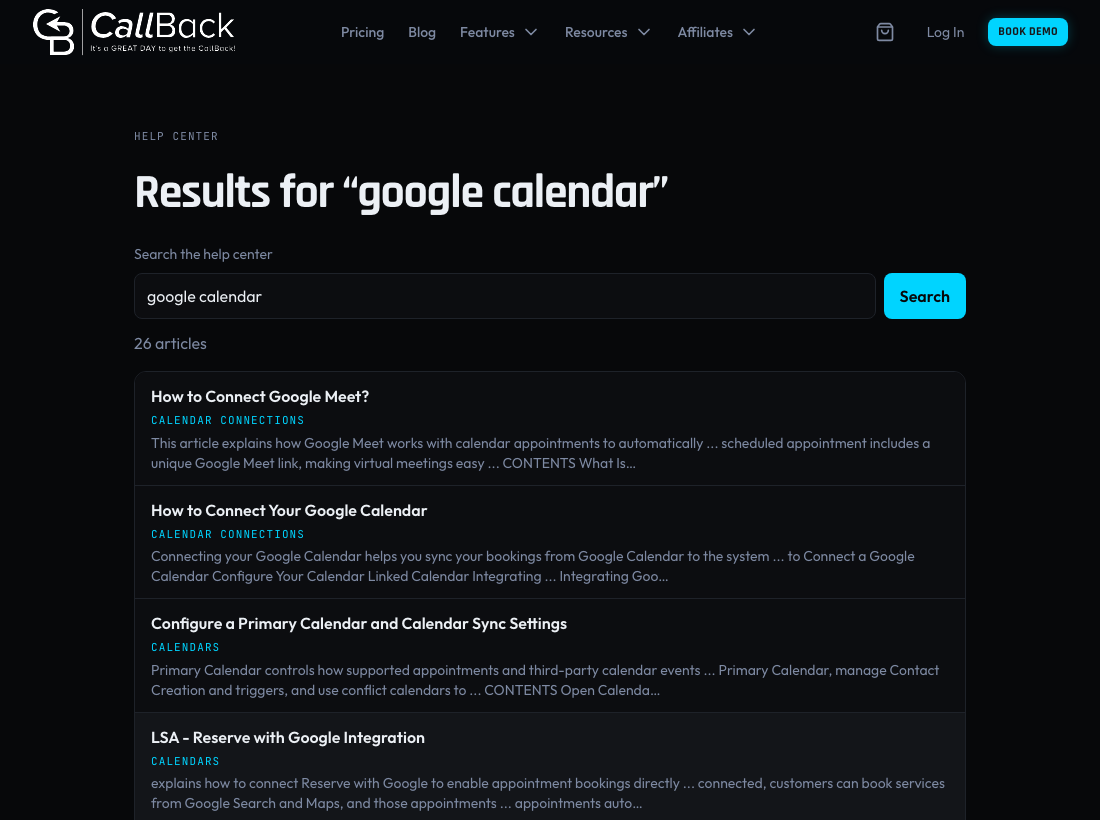
Search for a guide
- Type at least 2 characters in the Search the help center box, for example google calendar.
- Click Search or press Enter.
- Click a result to read the guide.
Guides written by the CallBack team cover setups that are specific to CallBack. When your words are in the title of one of those guides, it shows first.
Browse by topic
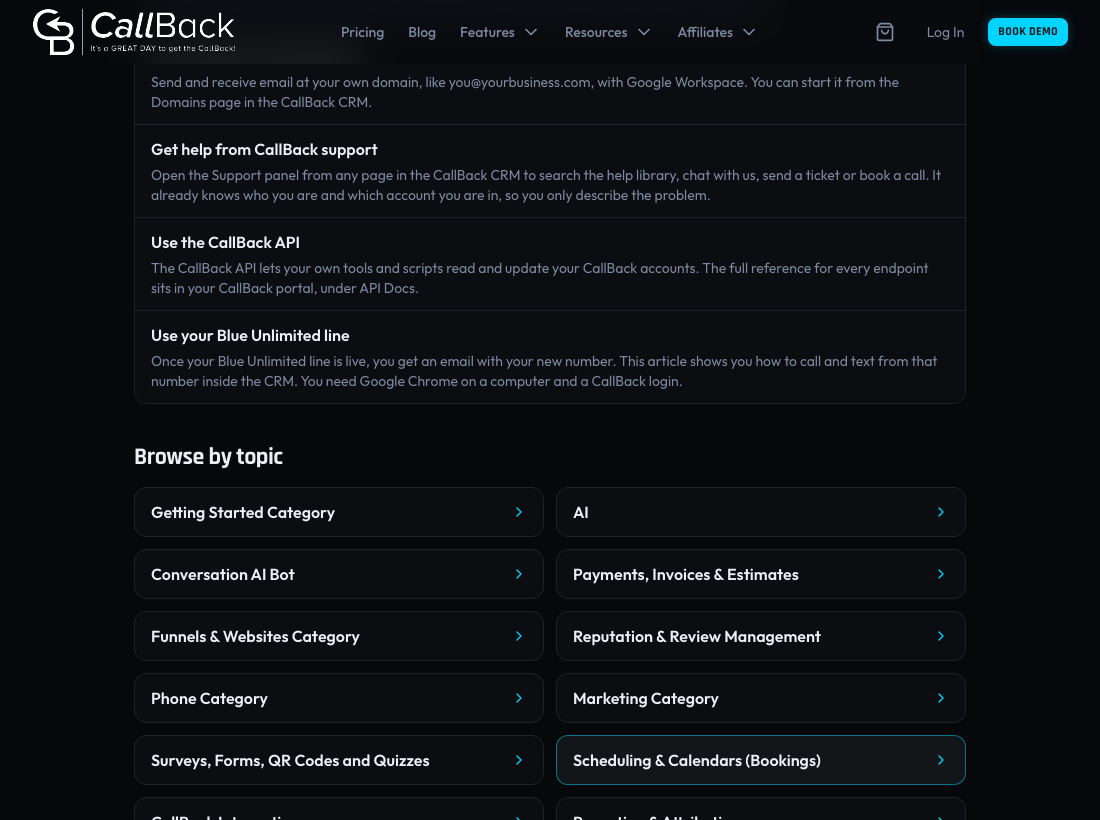
- On the Help Center home page, scroll to Browse by topic.
- Click a topic, for example Phone Category.
- Click a folder to see its guides, then click a guide to read it.
Use the links at the top of each page to go back to the Help Center home page. On a folder page, the links also lead back to its topic.
Get help inside the CRM
You can also search the same guides without leaving the CRM. See Get help from CallBack support.
Troubleshooting
- "The help library did not answer. Try again in a moment." The guides did not load. Wait a moment and reload the page.
- No articles match. Try fewer words or a different word for the same thing, for example text instead of SMS.
- A screenshot shows a different name or logo. Some screenshots in the guides show an older name or logo. The steps are the same in CallBack.