
The CallBack API lets your own tools and scripts read and update your CallBack accounts. The full reference for every endpoint sits in your CallBack portal, under API Docs.
Open the API reference
- Sign in to the CallBack portal.
- Click API Docs in the menu at the top of the portal.
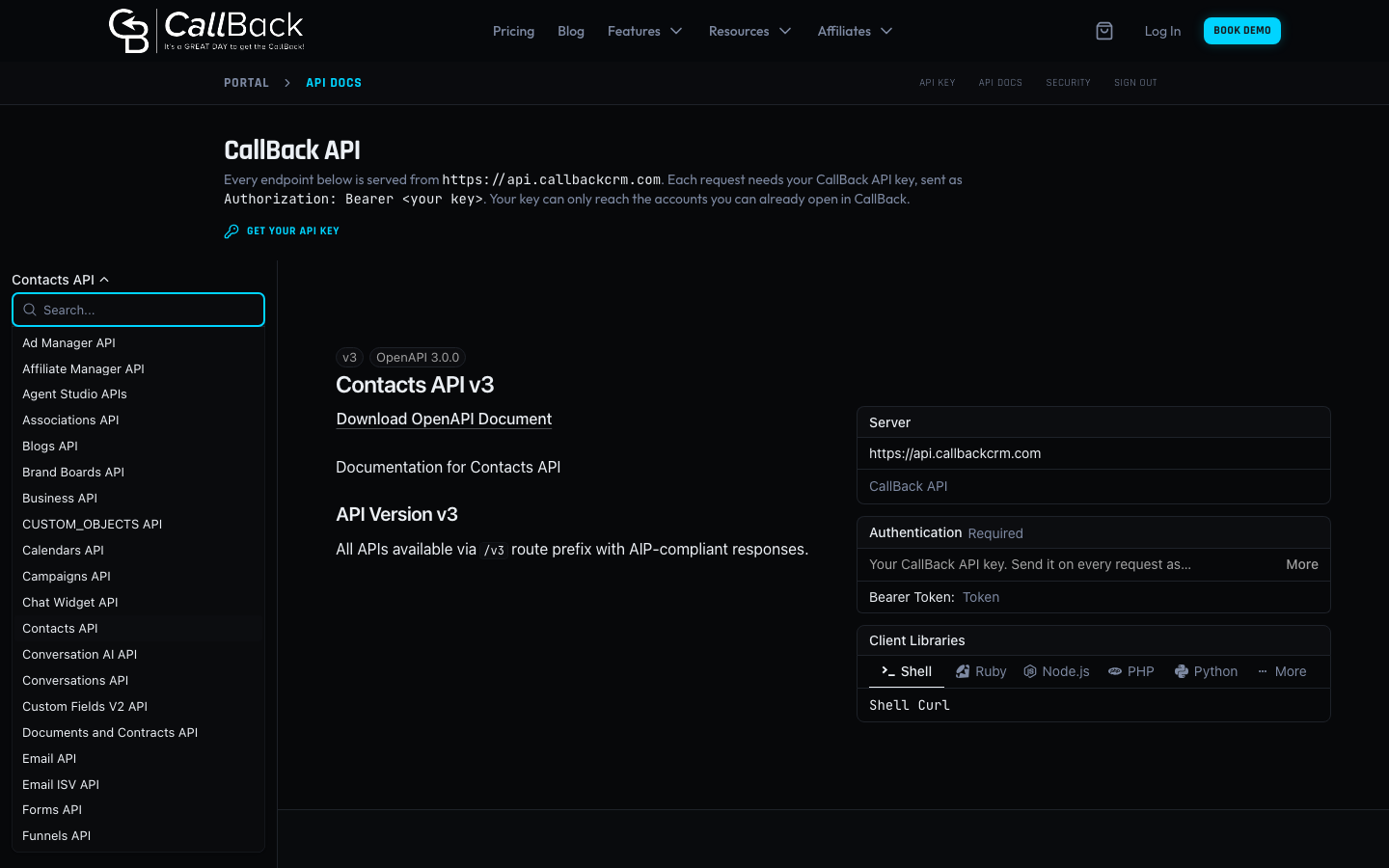
- Pick the part of CallBack you want to work with from the list at the top left, for example Contacts API or Calendars API.
- Click any endpoint in the menu on the left to see what it does, what it needs and what it sends back.
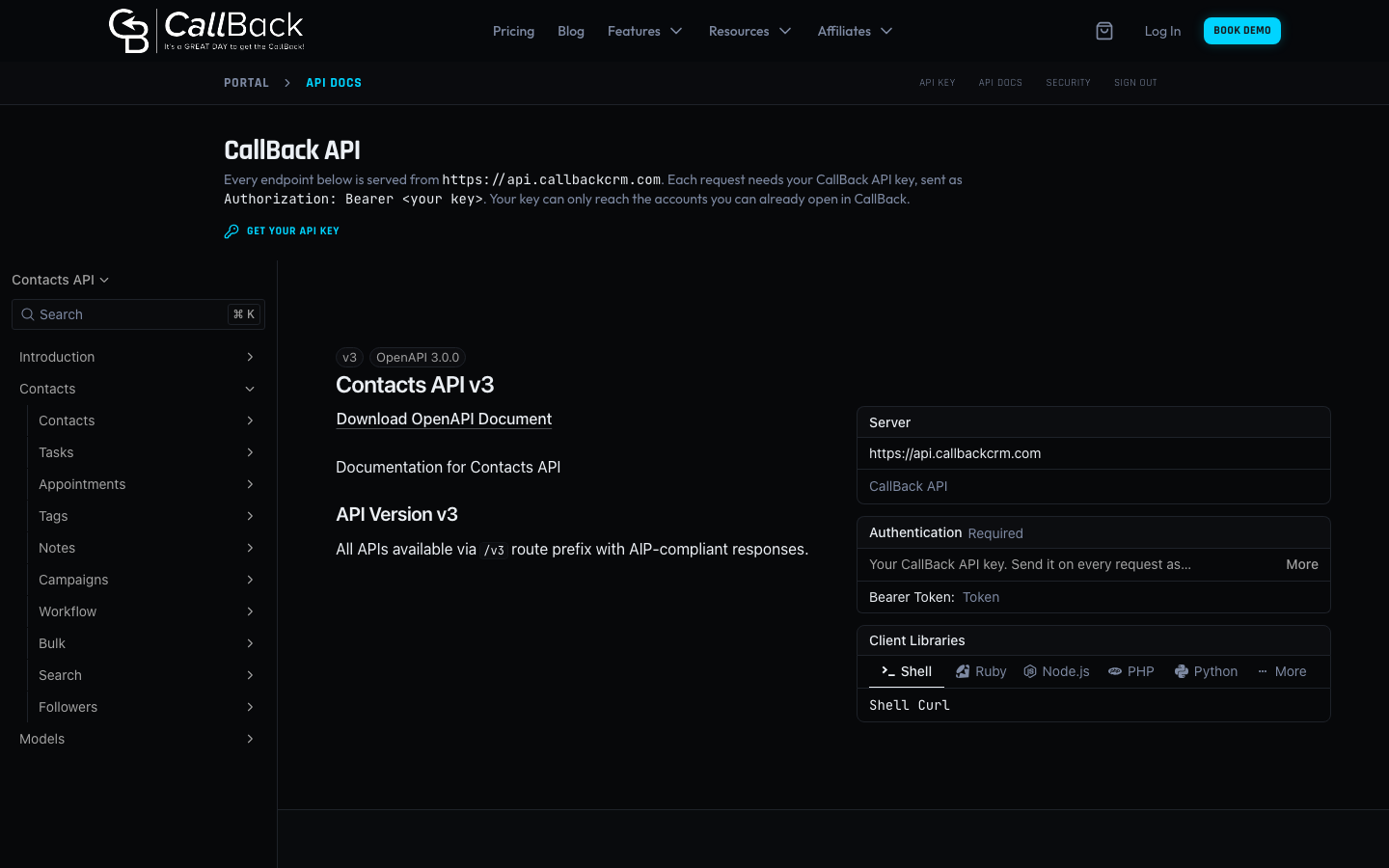
The list at the top left holds every part of the API your key can use. Type in its search box to find one fast. Agency billing, snapshots and app setup are handled by CallBack for you, so they are not in the list.
Send a request
Every request goes to https://api.callbackcrm.com, followed by the path shown in the reference.
Each request needs your CallBack API key in this header.
Authorization: Bearer <your CallBack API key>
Click Get your API key at the top of the API Docs page to create one. Your key only reaches the accounts you can already open in CallBack. Keep it private, the same as a password.
Try an endpoint from the page
Each endpoint has a Test Request button. Paste your API key into the authentication box, fill in the fields and send the request. It goes straight from your browser to the CallBack API, and the page does not save your key.
Download the reference
Click Download OpenAPI Document under the API name to save that part of the reference as a file. Most API tools and code generators can open it.